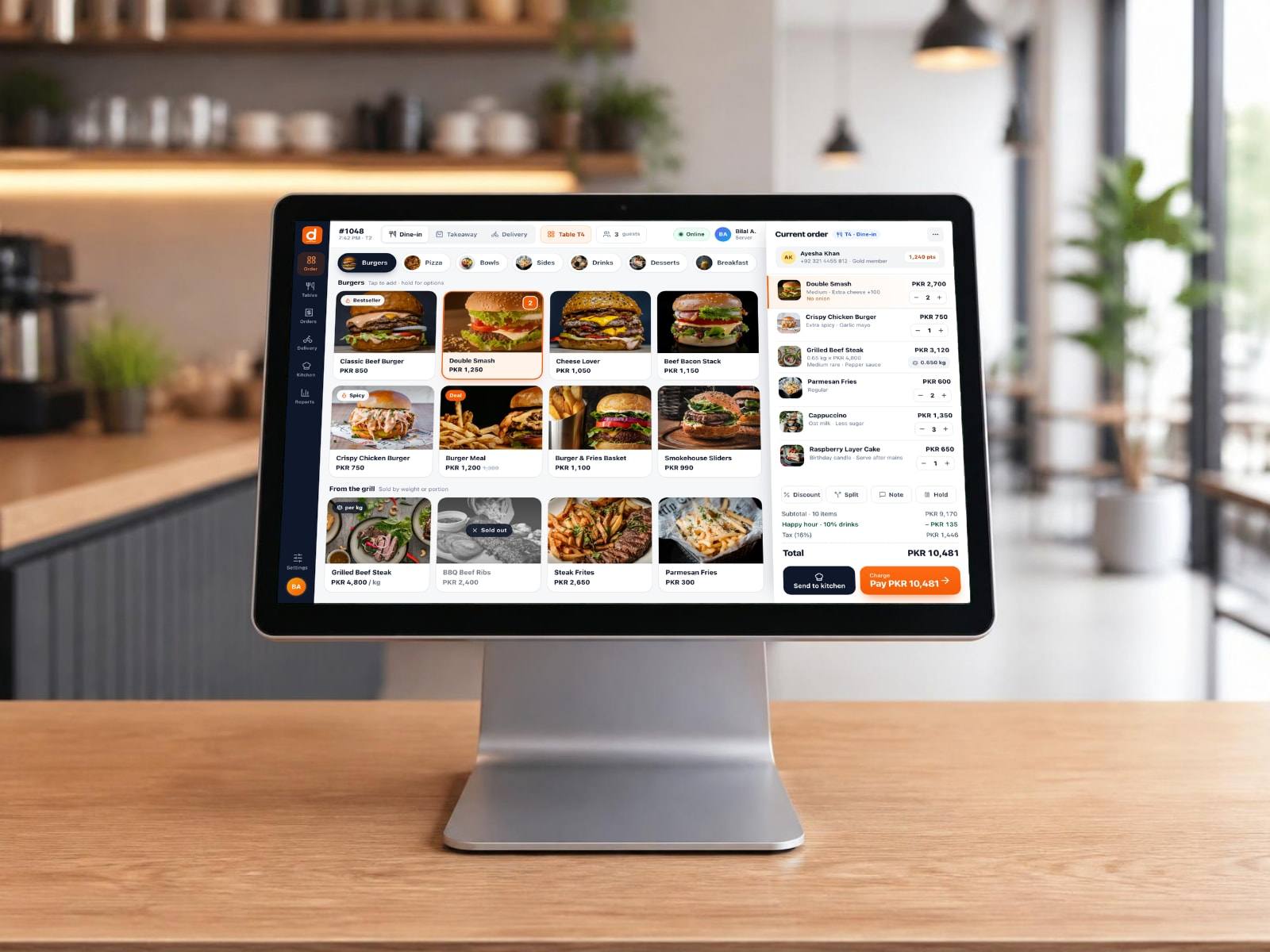
Point of Sale
Latest v0.1.32Take orders, send them to the kitchen and take payment at the counter or the table. Keeps working when the internet drops. Learn more
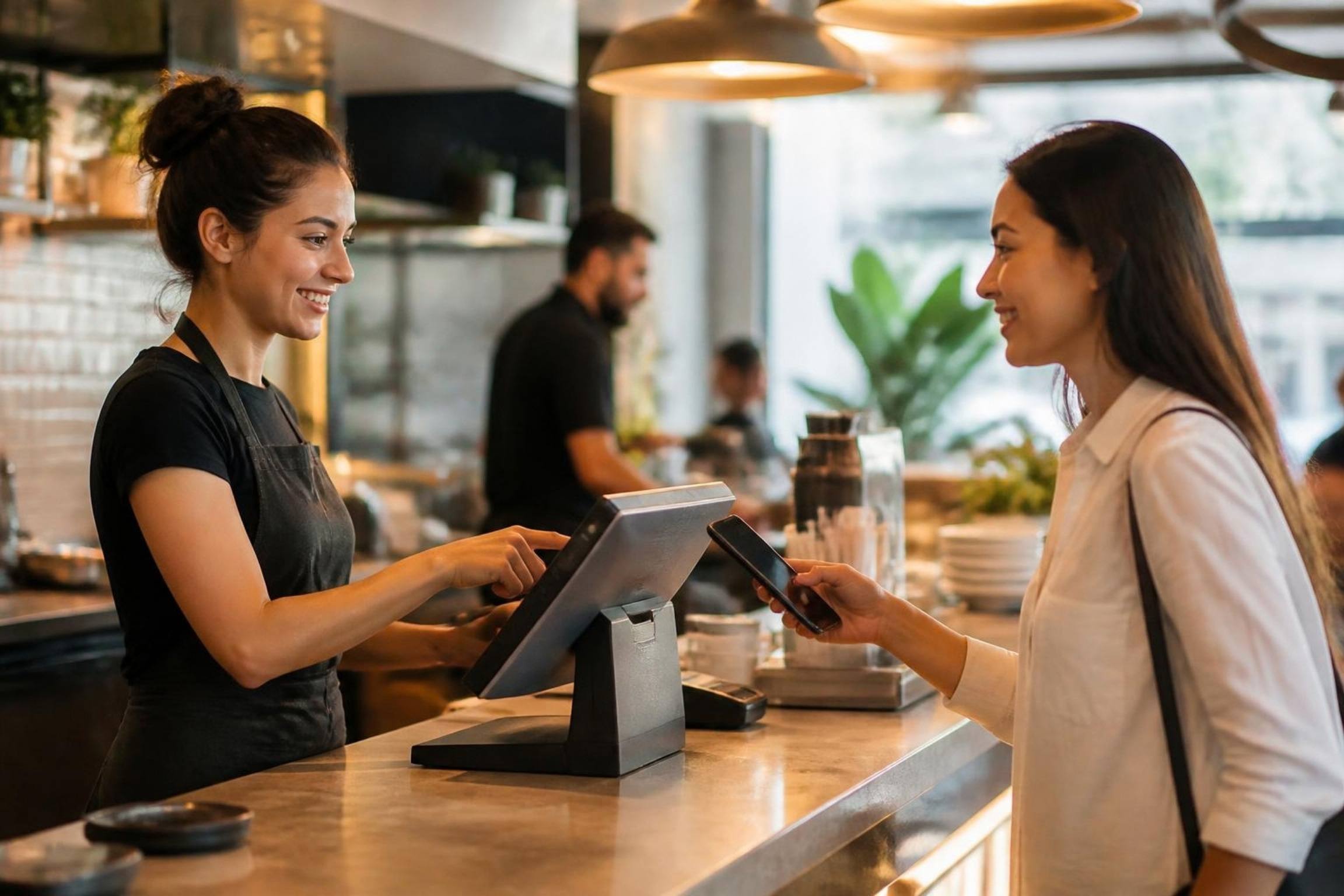
The DineBills POS, kitchen display and companion apps for Windows, Mac, Android and iOS. Every link here gives you the newest version.
Choose the app for each station and the system it runs on. Apps still in the works are shown as coming soon.
Take orders, send them to the kitchen and take payment at the counter or the table. Keeps working when the internet drops. Learn more
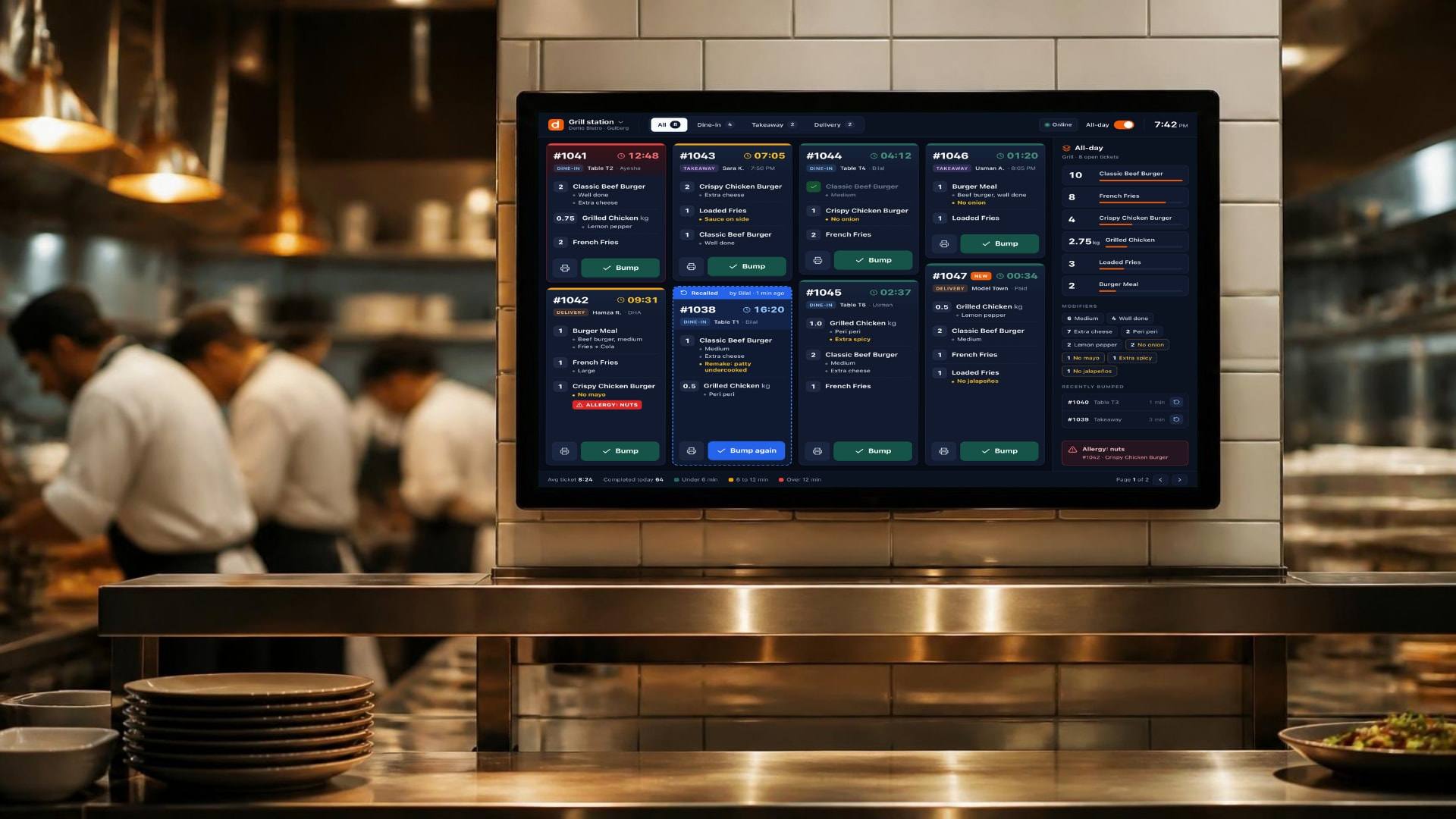
Tickets on a screen at every station, in the order they came in, bumped when ready. Learn more
A screen customers watch: orders being prepared and ready for pickup, live from the kitchen. Order numbers big enough to read from the queue. Learn more
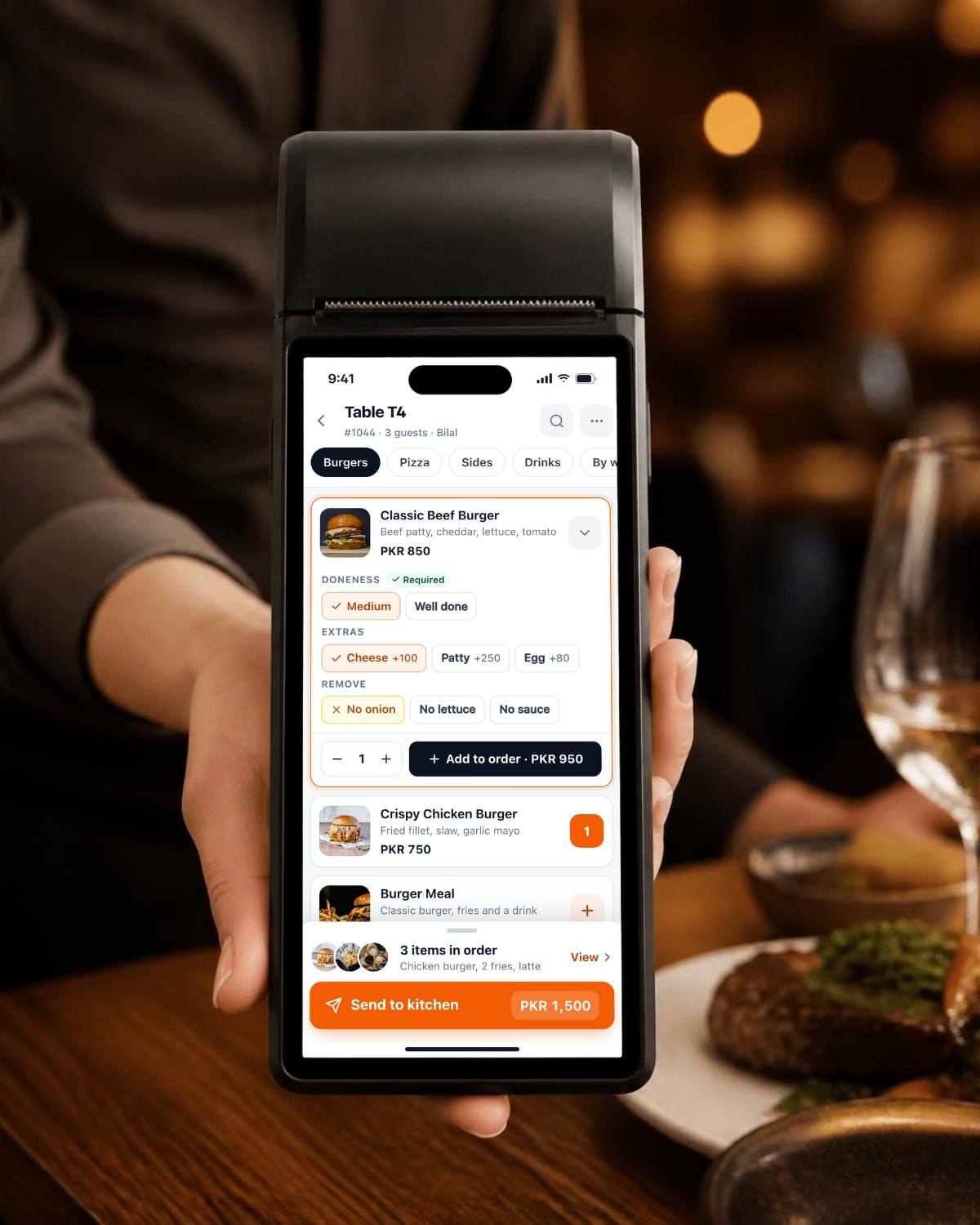
Take orders at the table and send them straight to the kitchen, with the bill on the same phone. Learn more
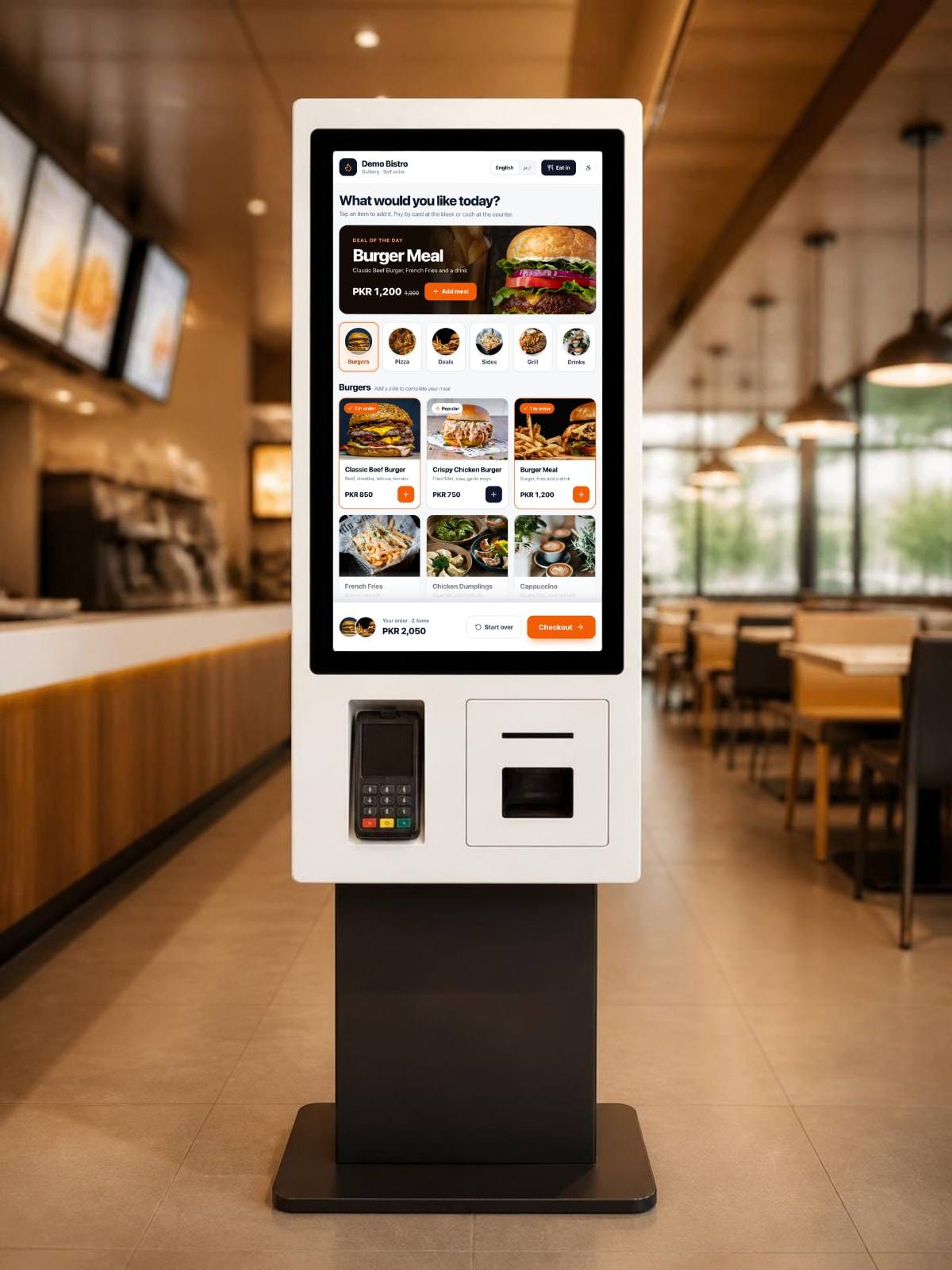
Guests browse the menu, choose their options and pay on a touchscreen. Learn more
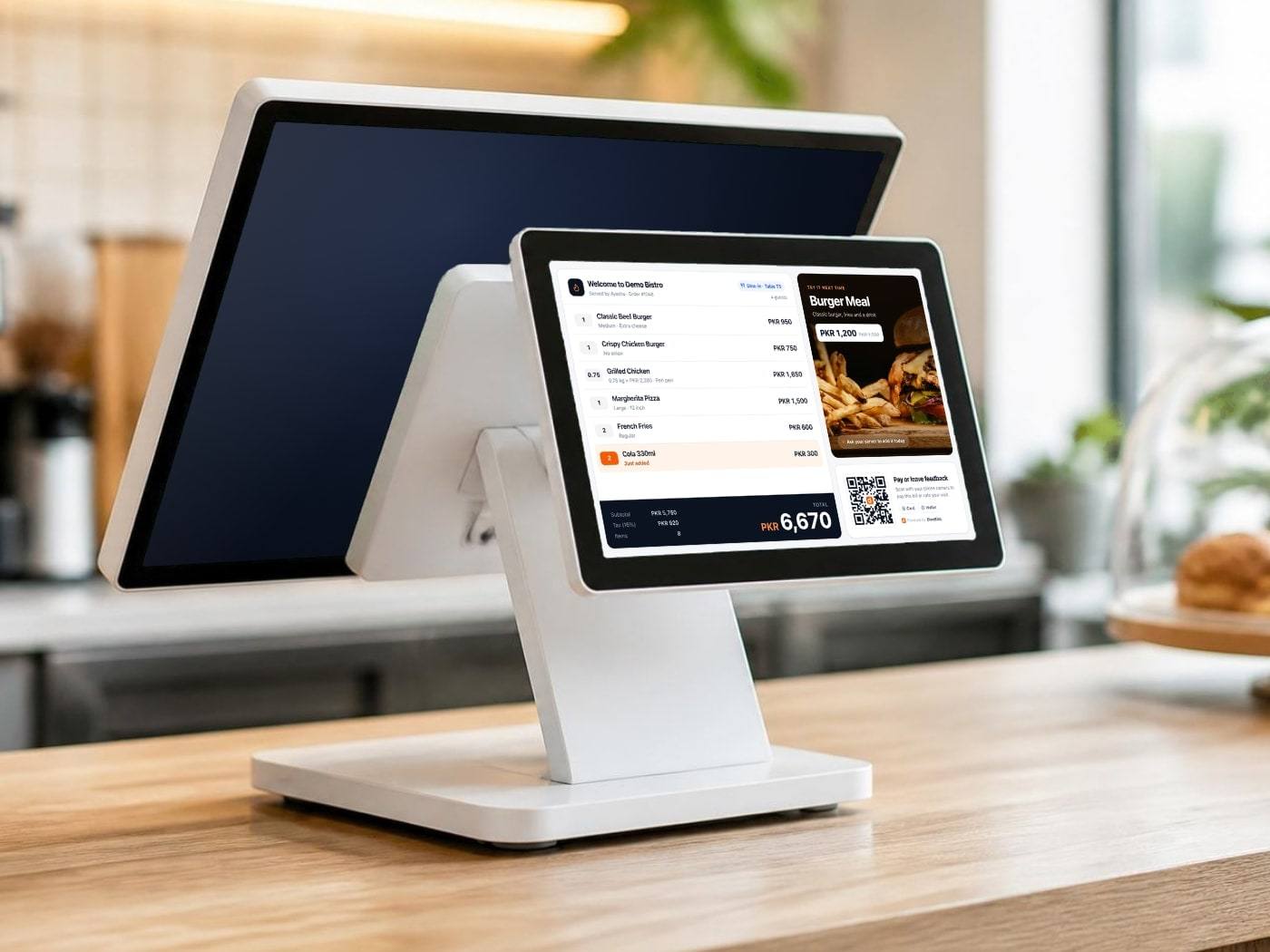
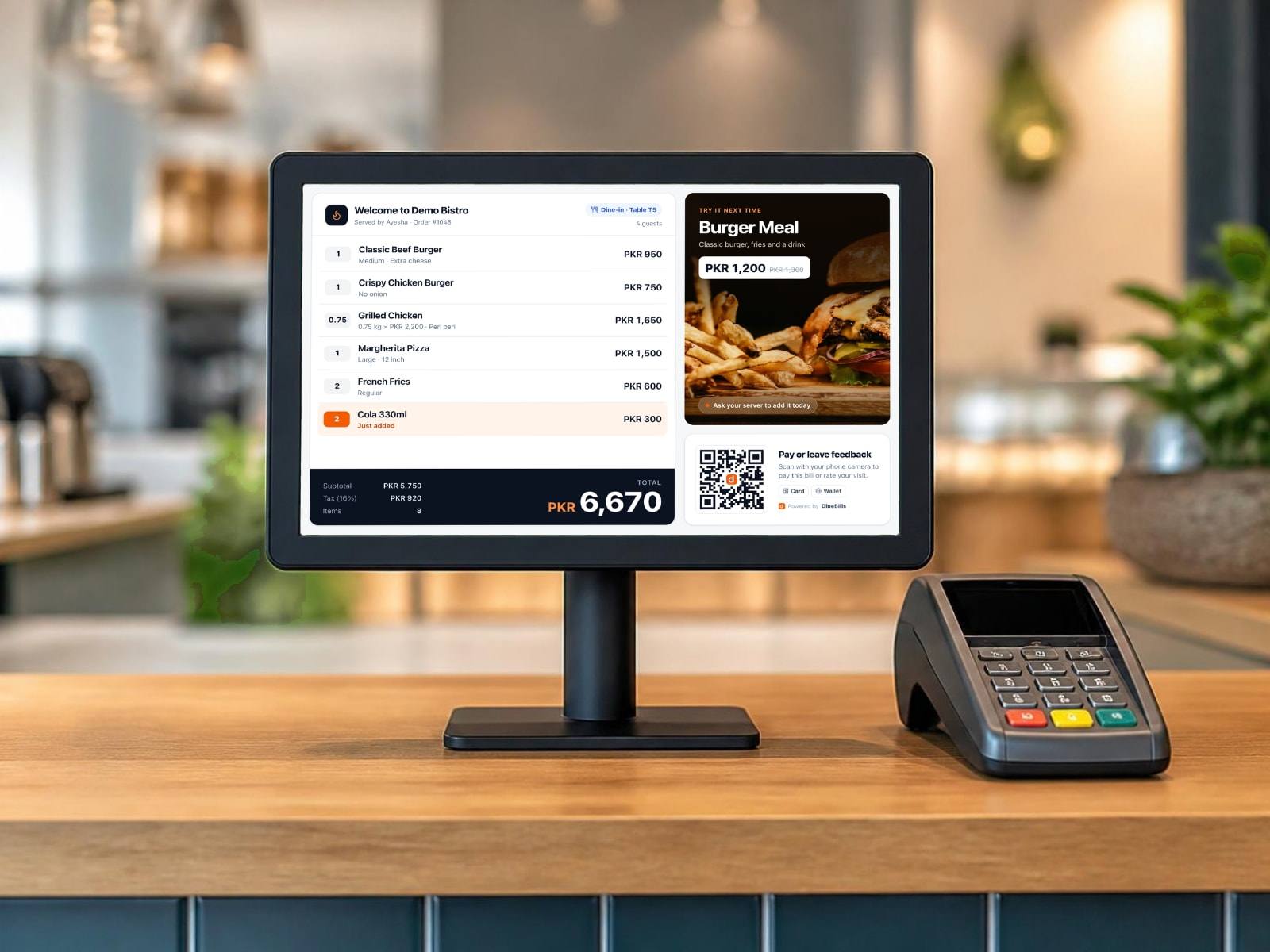
A second screen facing the guest that shows each item and the total as it is rung up. Learn more
Every app connects to your DineBills back office, so there is nothing to set up on the device itself.
Pick the app and the device it runs on. You always get the latest version.
In the back office, open Devices, add the device and show its pairing code. Enter the code in the app.
Staff sign in with their PIN. The menu, prices and tables load from your back office.
Opening on a Mac for the first time? Open the downloaded file, drag DineBills into Applications, then right-click the app and choose Open. Mac asks this once for apps from outside the App Store.

Start a free trial in minutes, or let our team set up your menu, printers and staff for you.
No credit card required · Setup help included · Cancel anytime