Modern hardware. Zero lag.
All-in-one terminals, handhelds, tablets, kiosks, kitchen screens and menu boards. Buy our recommended kit or use what you own: no lock-in, and every device runs at full speed.
- Windows, Android, iOS
- Kiosks & handhelds
- Silent printing
- No lock-in
- Print dialogs or spooler pop-ups at the till
- 0
- Print dialogs or spooler pop-ups at the till
- Target from tap to paper moving on a LAN printer
- ~0.2 s
- Target from tap to paper moving on a LAN printer
- Connection types: LAN, Wi-Fi, USB, Bluetooth
- 4
- Connection types: LAN, Wi-Fi, USB, Bluetooth
- Kitchen printer and backup printer per station
- 1 + 1
- Kitchen printer and backup printer per station
Modern devices for every station.
Pick the hardware that fits each spot in your restaurant. DineBills runs the same menu, prices and orders on all of it, with no lag.
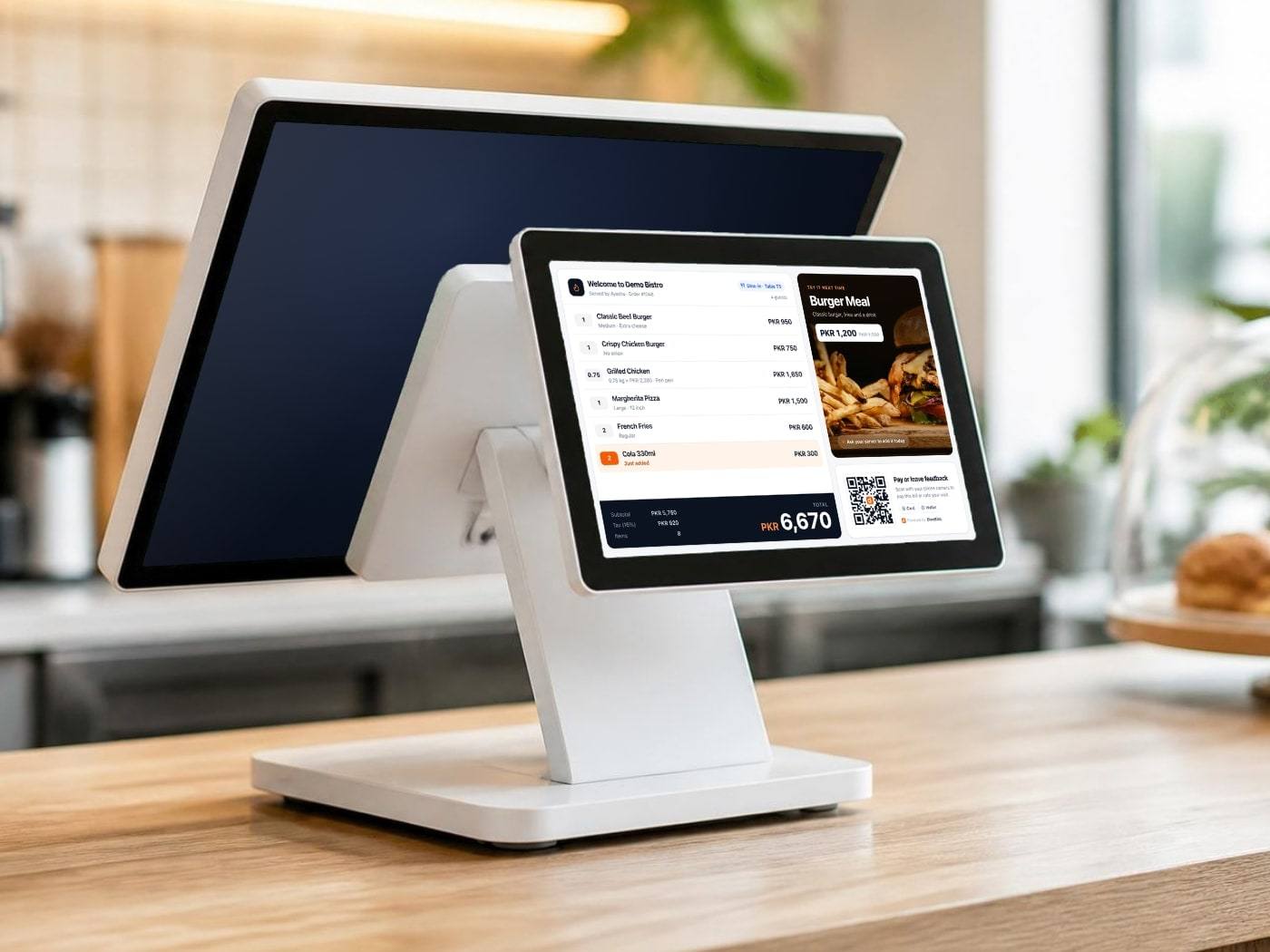
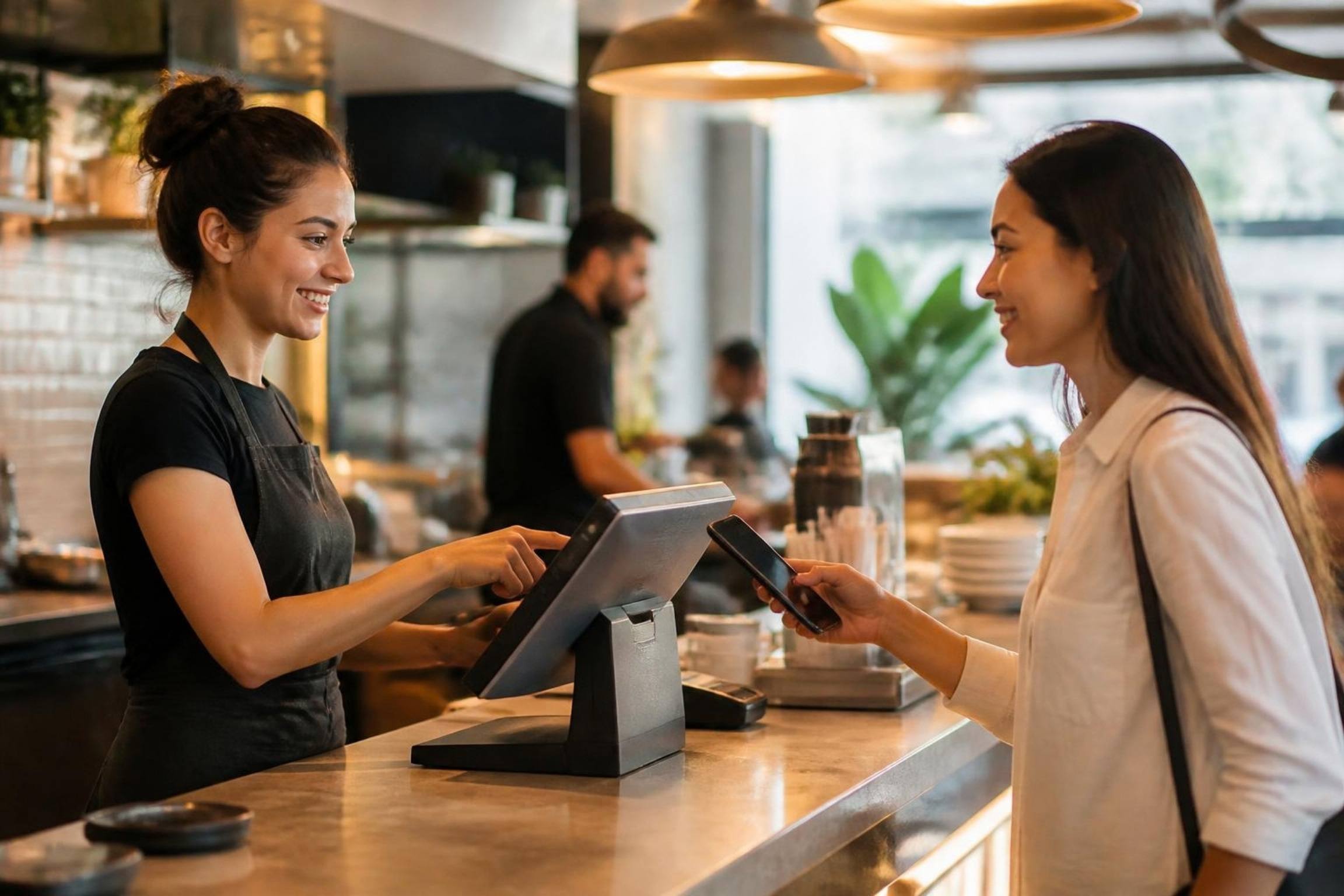
POS with customer display
The cashier works on the POS while a customer-facing screen shows each item and the total as it is rung up.
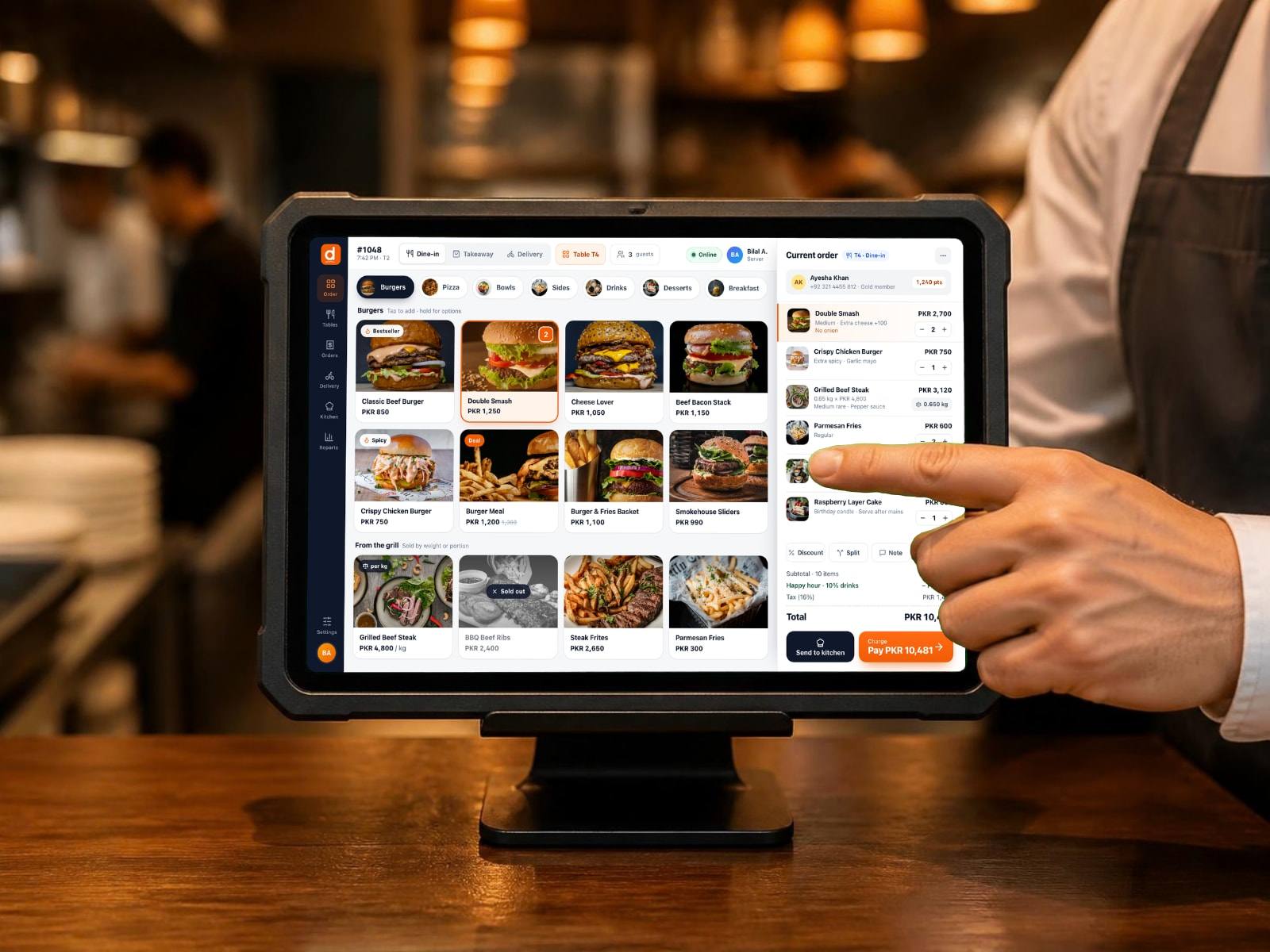
Android tablets
Samsung Galaxy Tab, Lenovo Tab or any Android 11+ tablet, in a rugged case or on a stand.
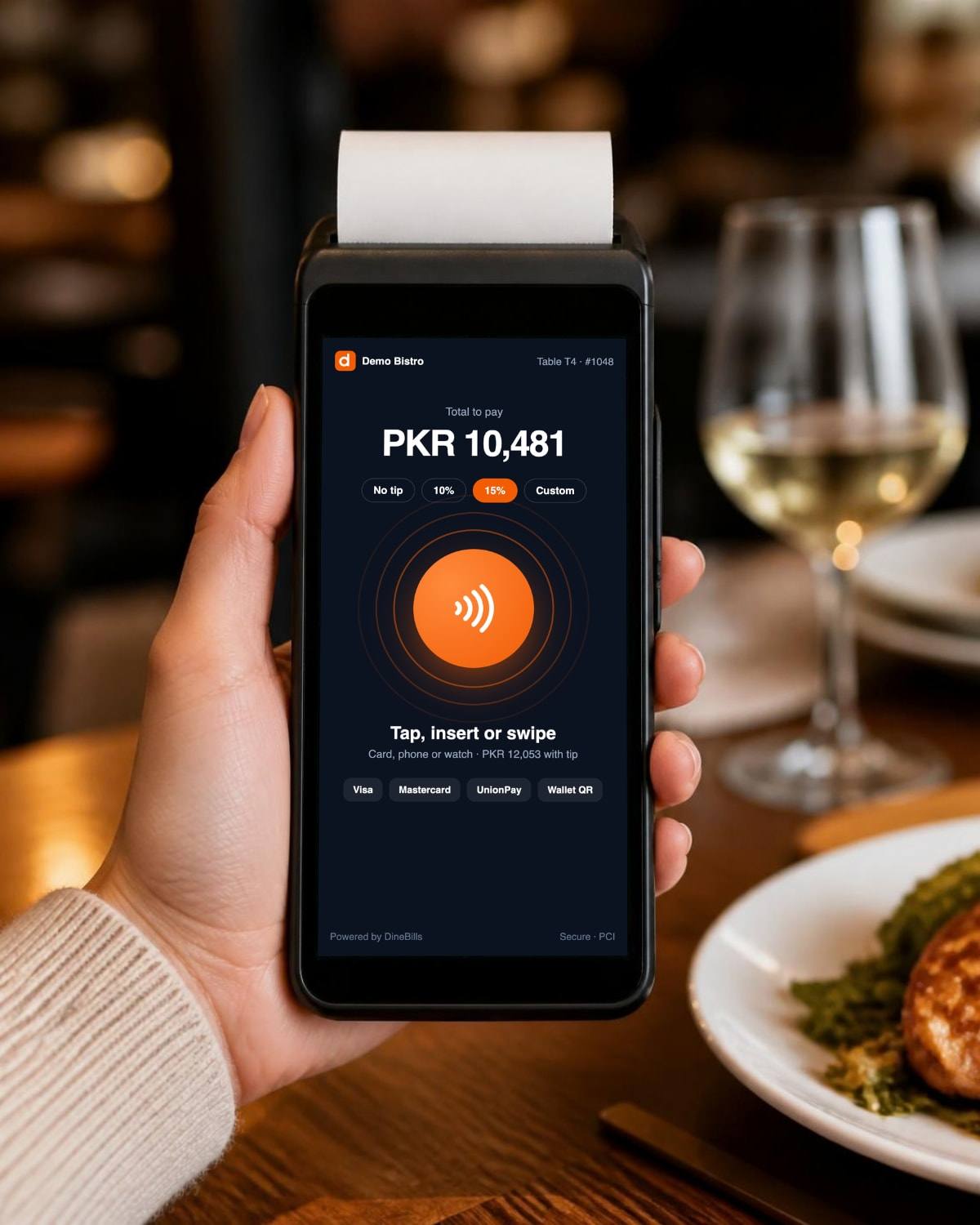
Smart payment terminals
Modern Android terminals with built-in printers: take card, phone and wallet payments at the table.
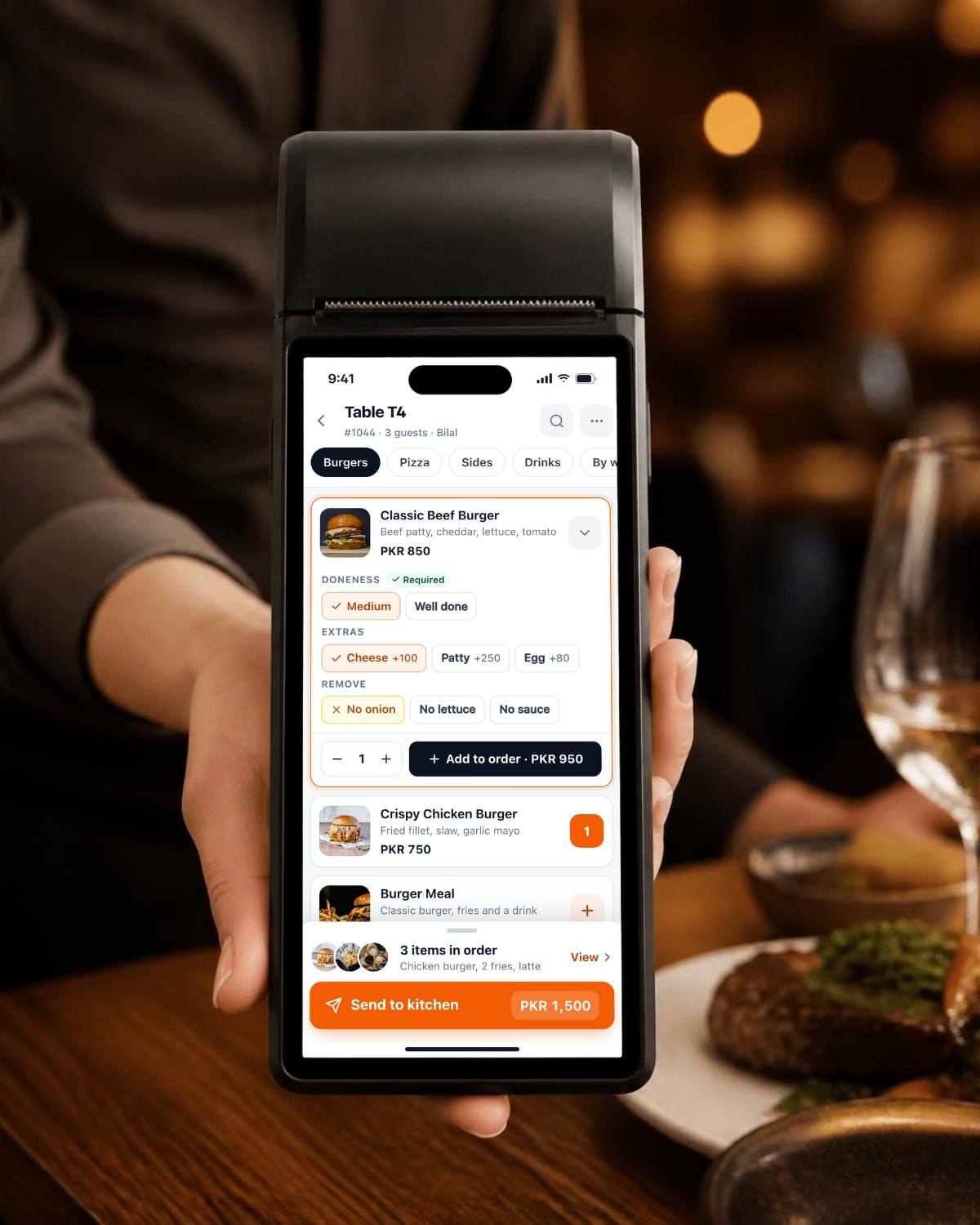
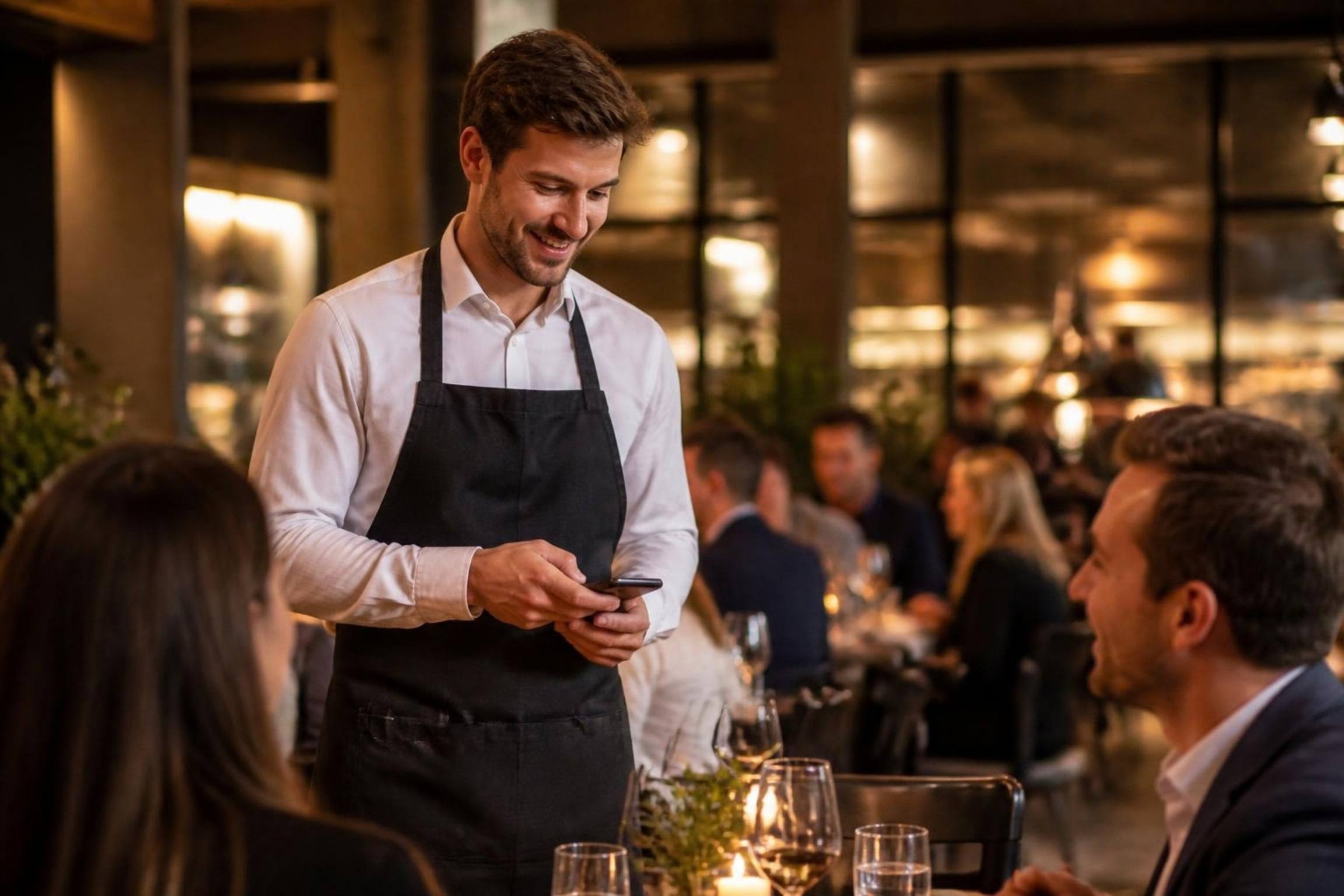
Handheld POS
Order, print the bill and take payment at the table.
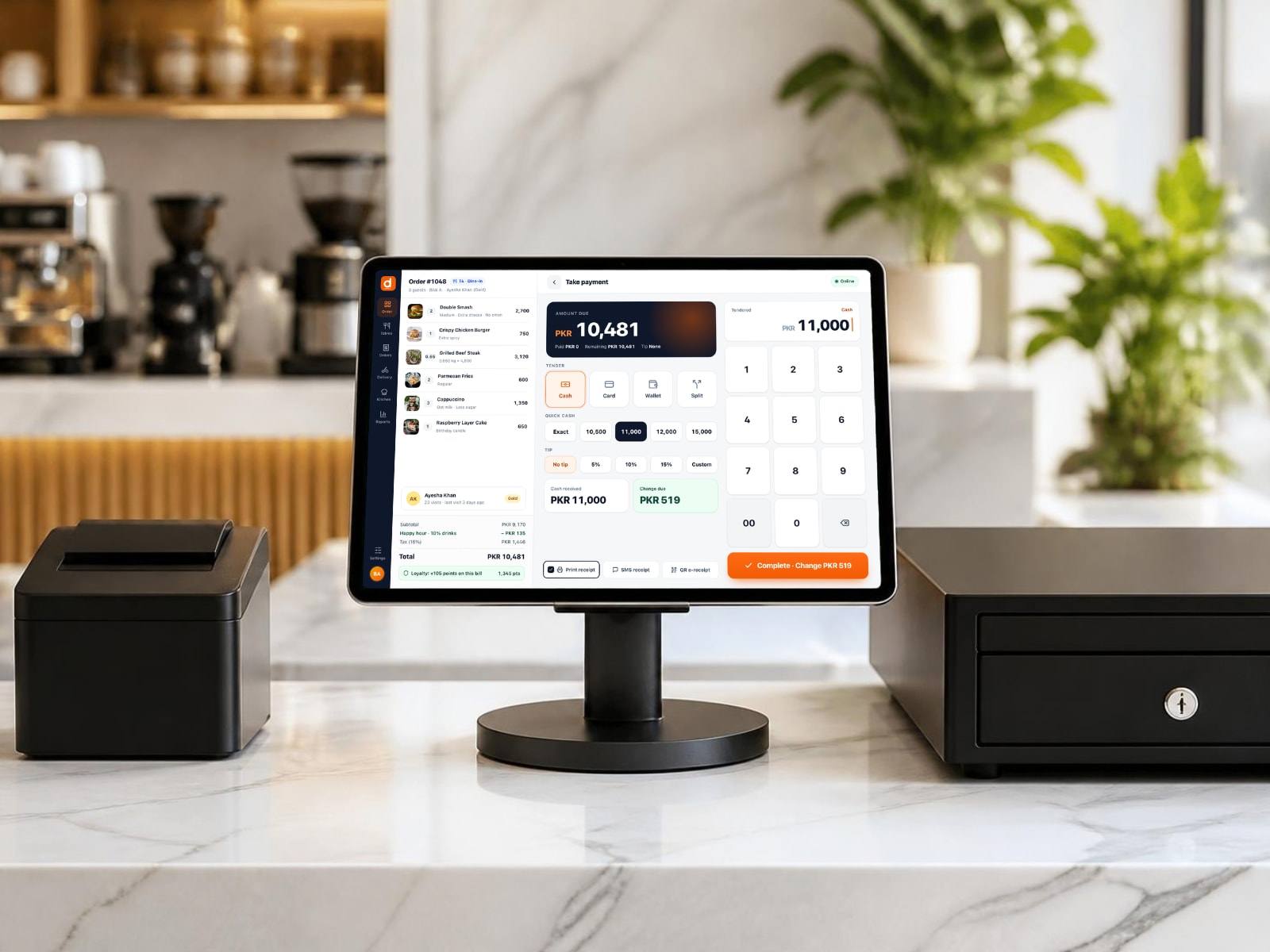
iPad POS
An iPad on a swivel stand with printer and cash drawer. Ideal for cafés.
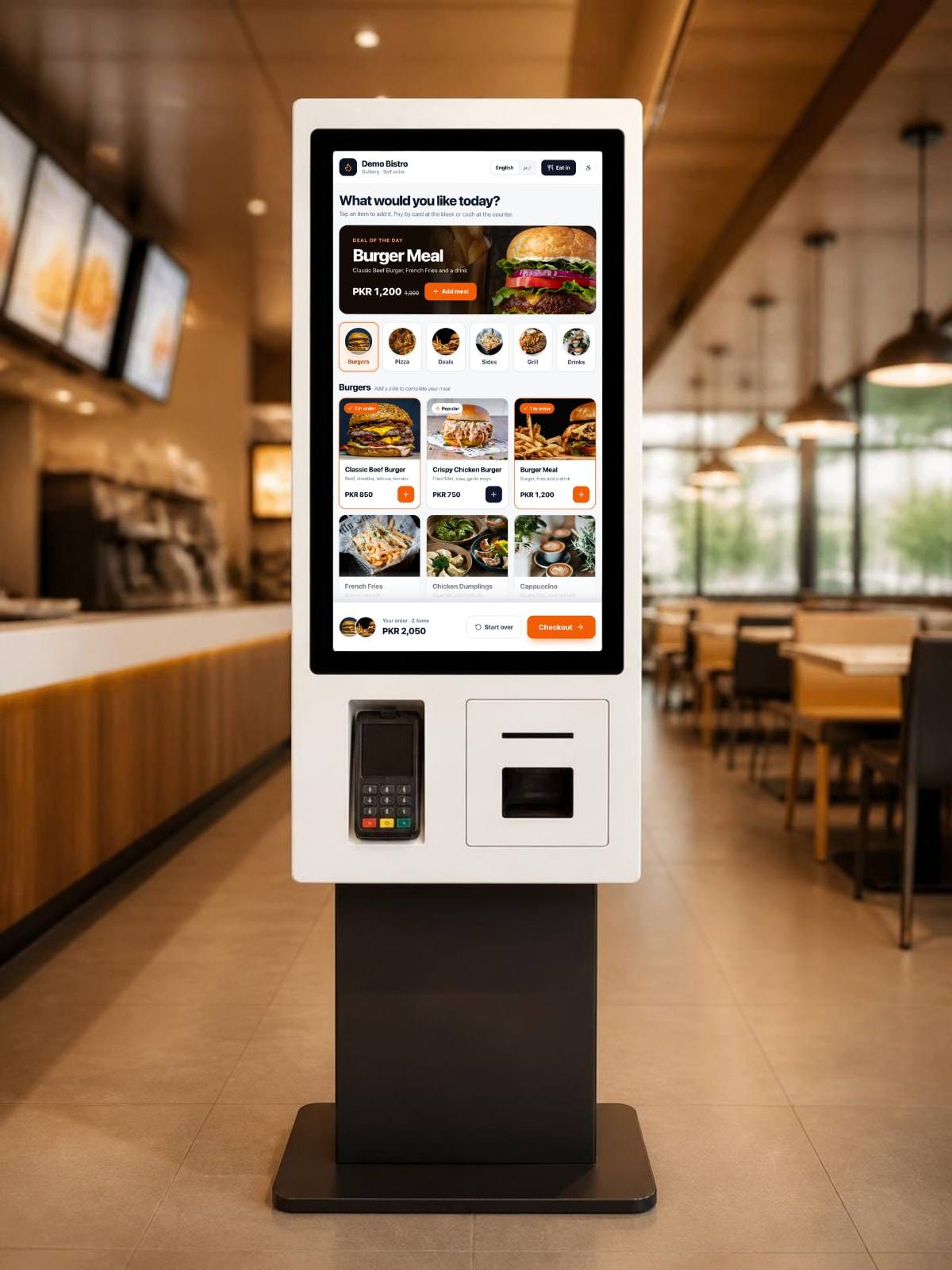
Self-ordering kiosks
Floor, wall or countertop kiosks with card readers and receipt printers.
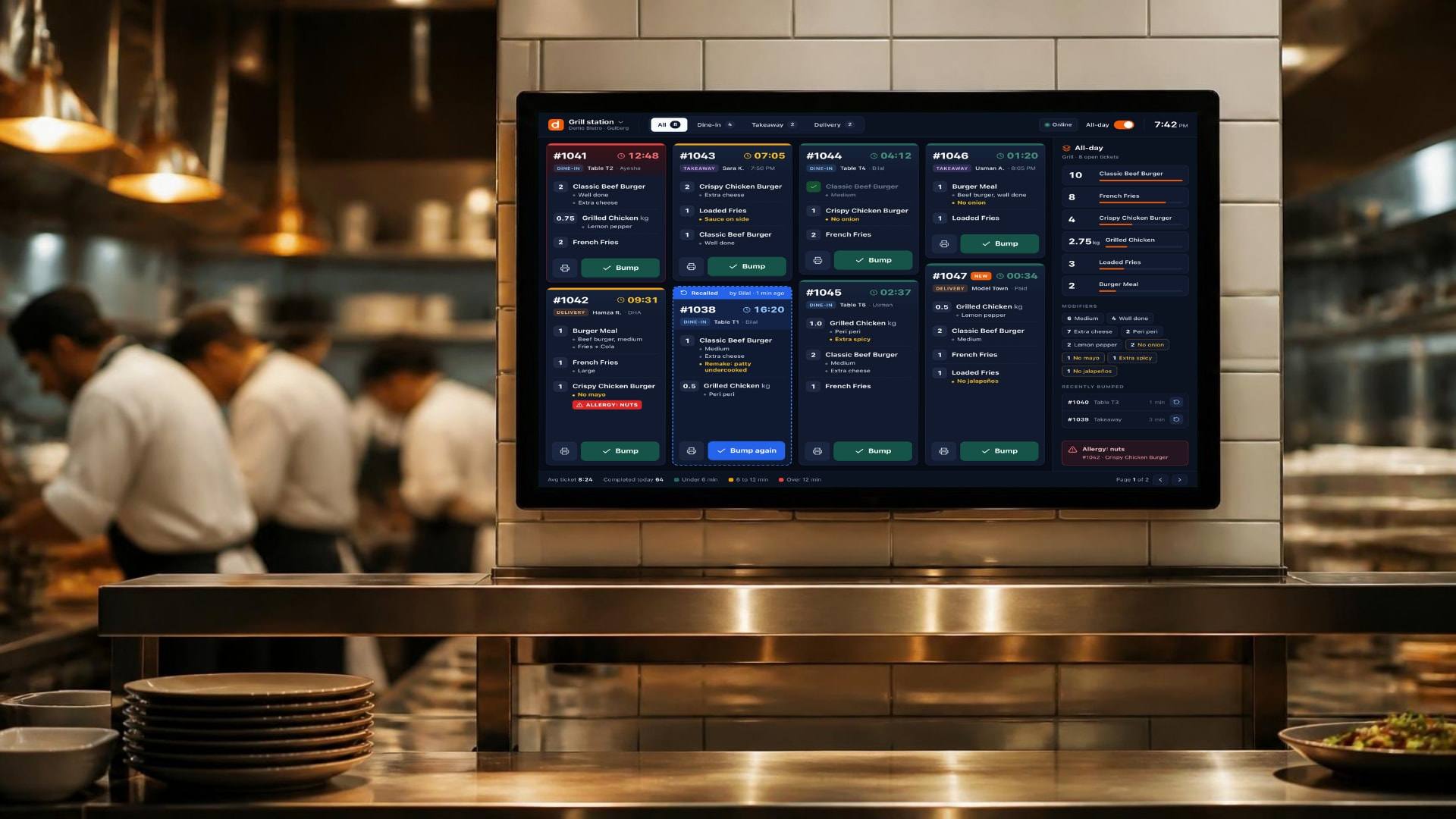
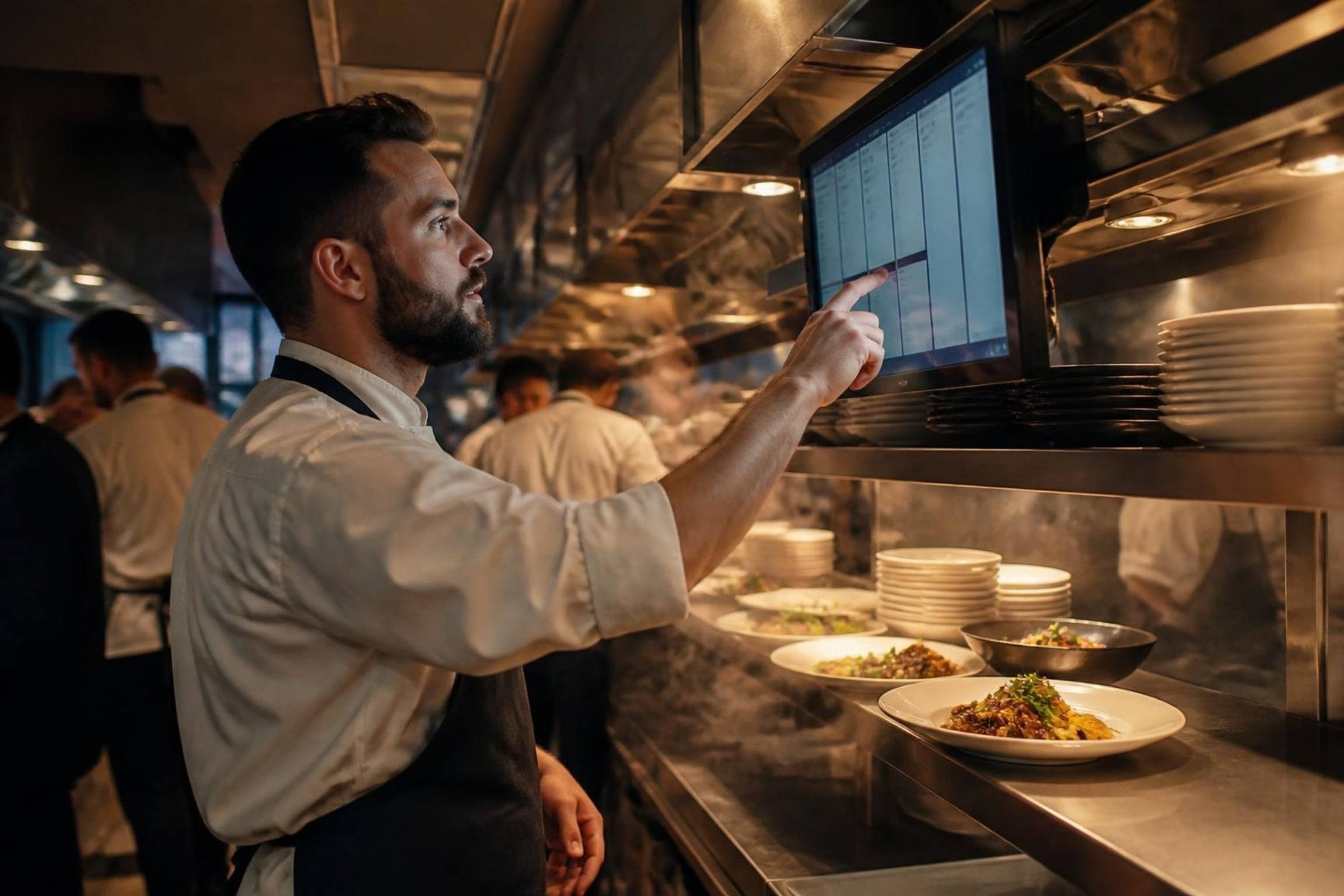
Kitchen displays
Wall-mounted or countertop screens per station, with optional bump bars.
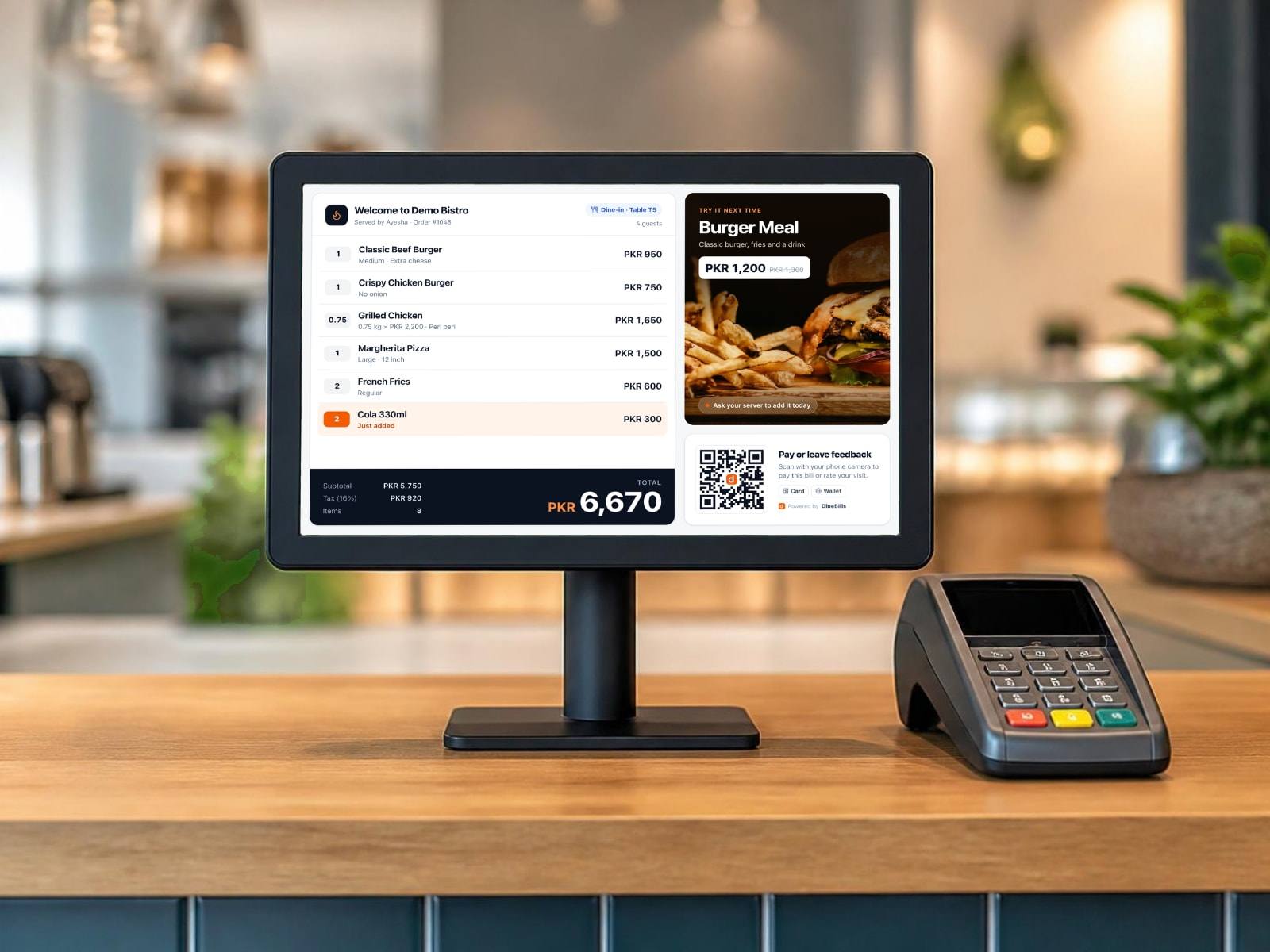
Customer displays
A second screen that shows the order, total and QR pay to guests.
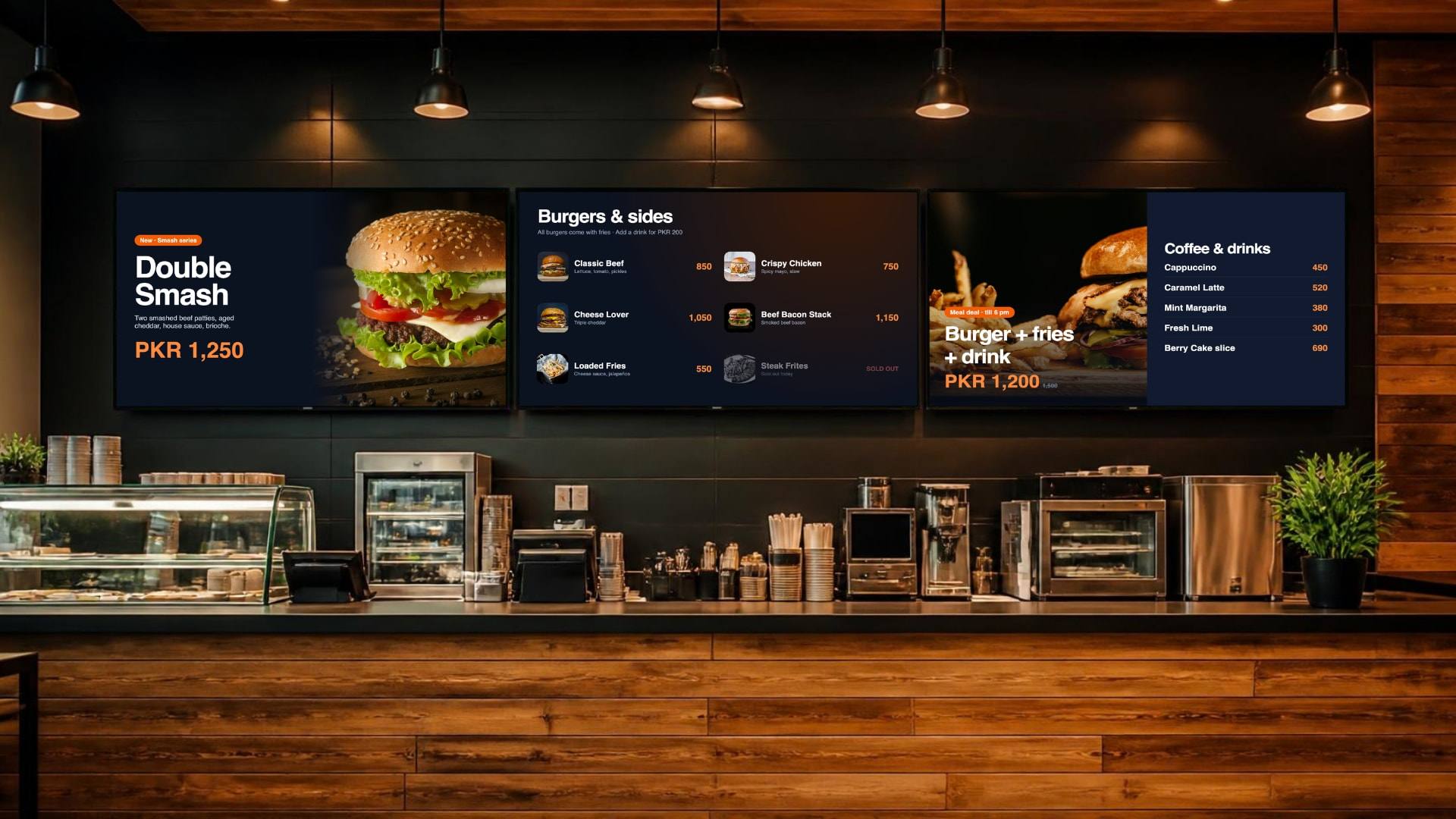
Digital menu boards
Any smart TV becomes a menu board that updates with your prices and sold-out items.
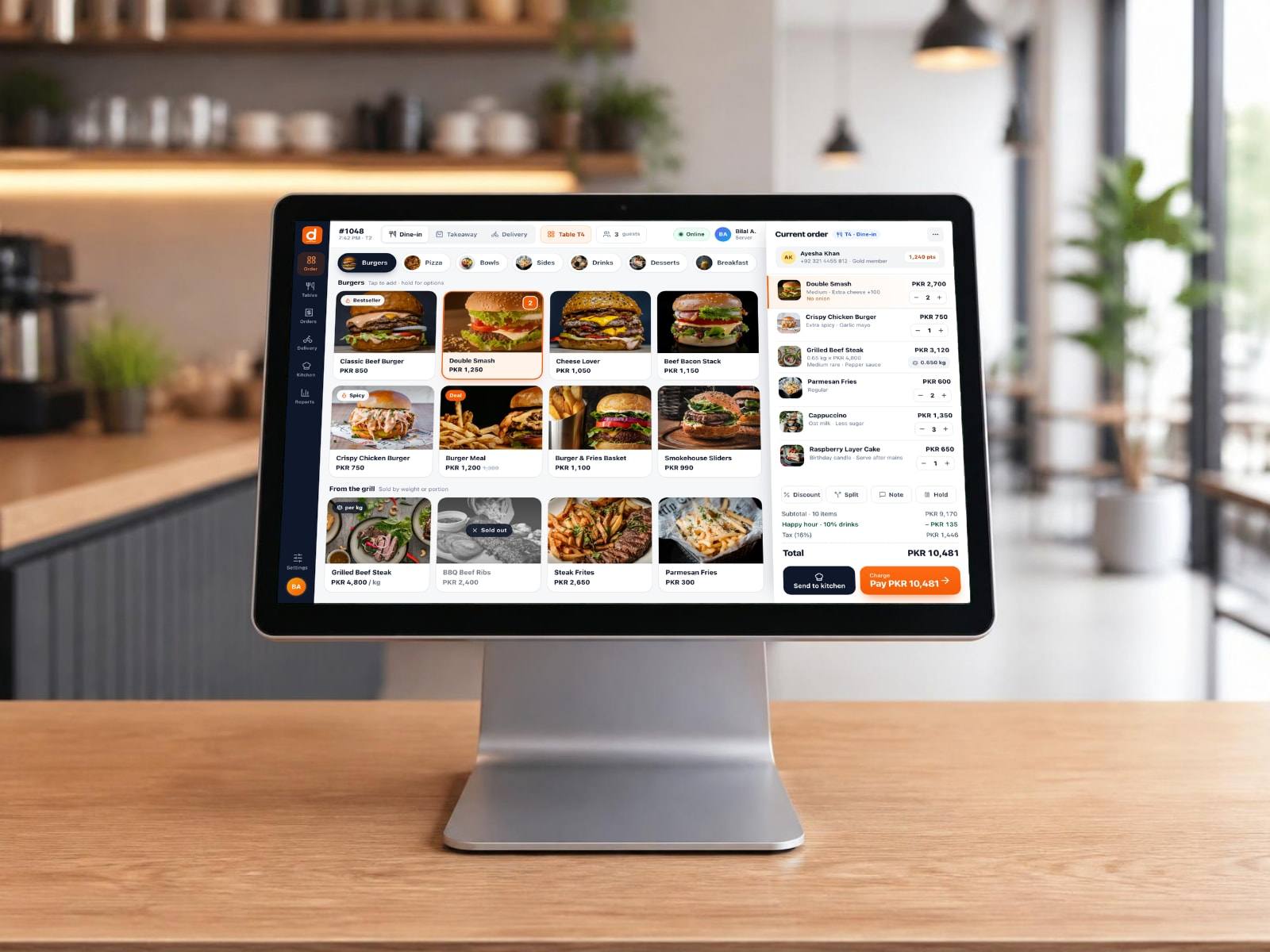
All-in-one terminals
Single-screen 15–16 inch touchscreen terminals for fast counters and bars.
Works with the brands you can buy today.
Use our recommended kits or bring your own. If it runs Windows, Android or iOS, or prints ESC/POS, it almost certainly works.
POS terminals
- Sunmi T2 / T3
- iMin Swan
- PAX Elys
- Elo PayPoint
- HP Engage
- Any Windows touch PC
Handhelds & tablets
- PAX A920 Pro / A80
- Sunmi V3 / P3
- iMin Swift
- Apple iPad & iPhone
- Samsung Galaxy Tab
- Lenovo Tab
Receipt & kitchen printers
- Epson TM-T82 / T88
- Star TSP100 / TSP650
- Bixolon SRP
- Xprinter
- Any ESC/POS printer
Scanners, scales & drawers
- Honeywell & Zebra scanners
- CAS & Digi scales
- RJ11 cash drawers
- Bump bars
Card payment
- Bank card terminals
- Stripe Terminal
- Tap to pay on phone
- JazzCash & Easypaisa QR
Screens
- Android TV
- Samsung & LG smart TVs
- Any 1080p display
- Wall or ceiling mounts
Brand and model names are trademarks of their owners, listed for compatibility only.
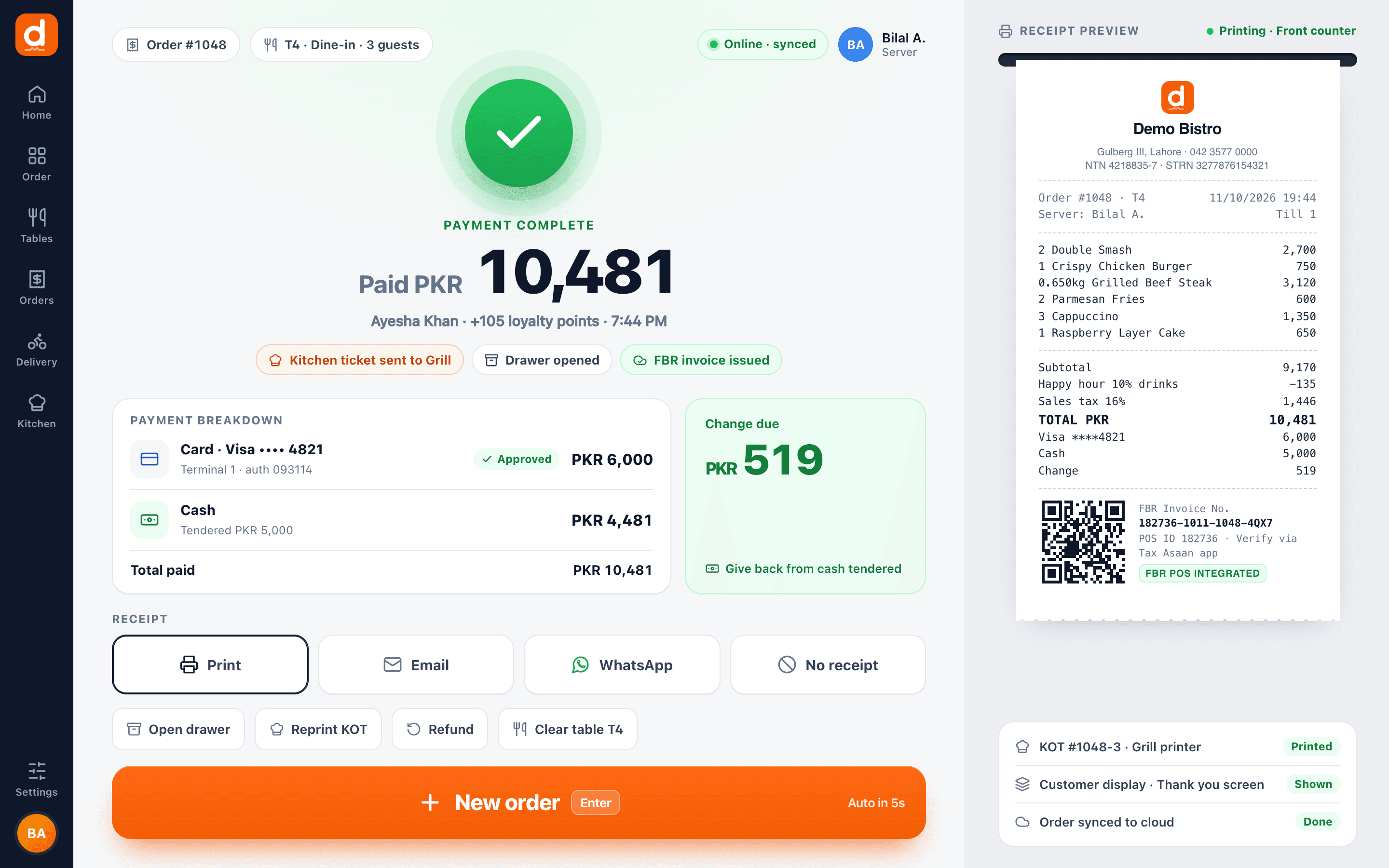
Tap Pay. The receipt is already printing.
The POS sends raw ESC/POS commands straight to the printer, bypassing the operating system’s print dialog and spooler. The screen clears at once, the receipt prints, and the cash drawer opens.
- Auto-print on pay, with copies
- Cash drawer kick on cash payments
- Receipt and KOT templates with your logo, header and footer
- Reprint from history at any time
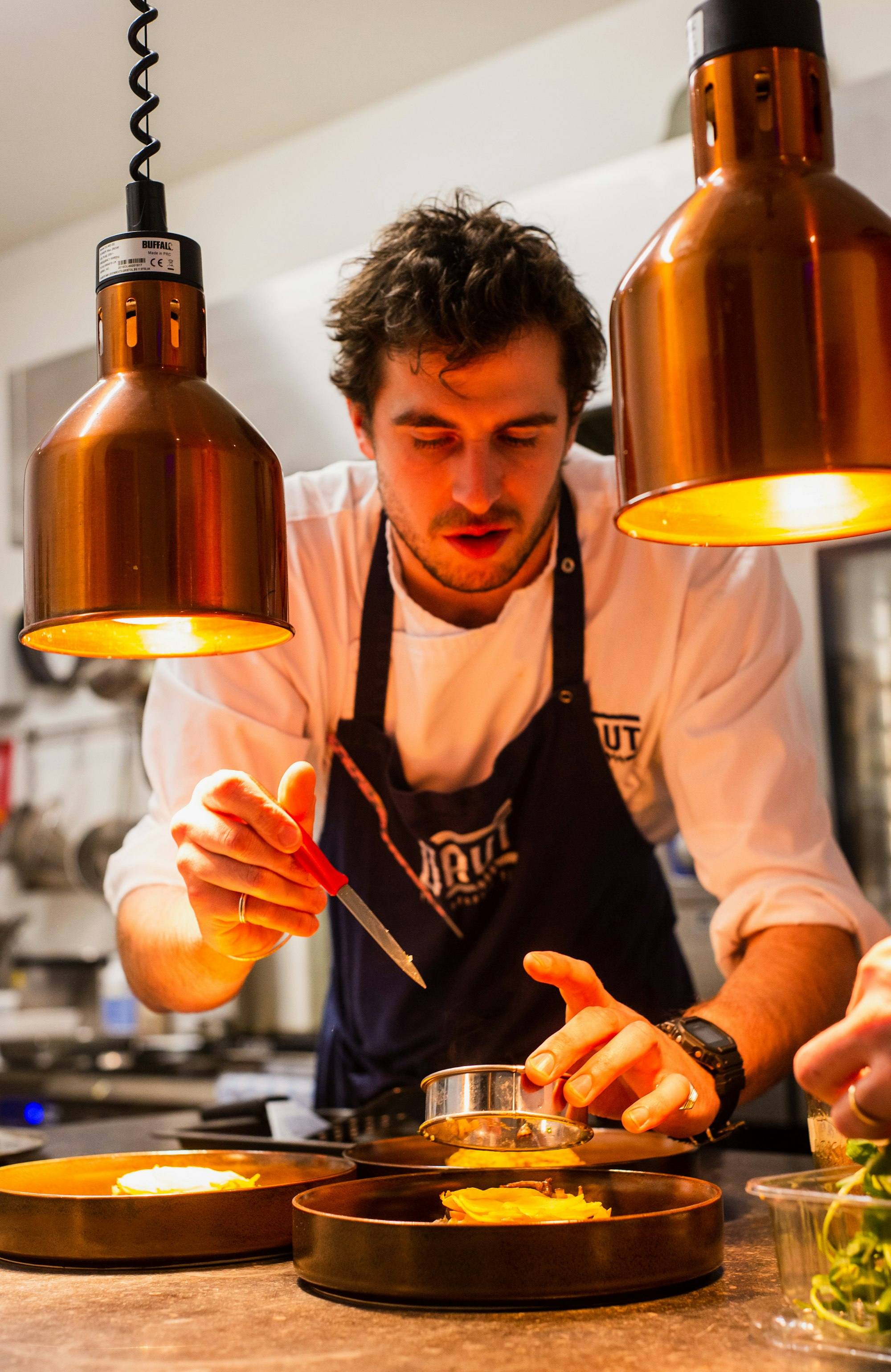
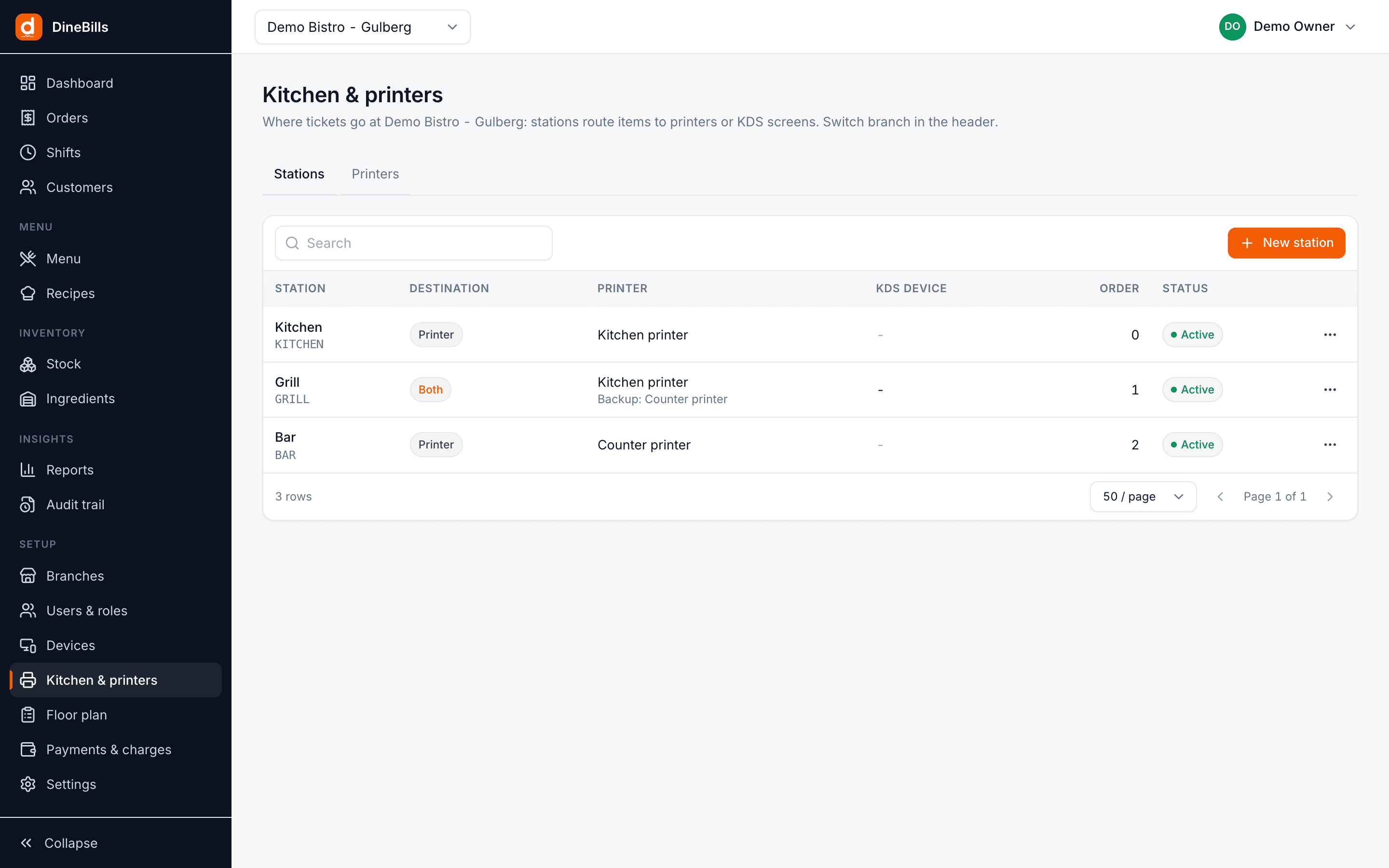
One ticket per station. A backup for every printer.
Each kitchen station has its own printer and a backup. When a printer is offline or out of paper, the POS shows an alert, retries, and sends the ticket to the backup so the kitchen never misses an order.
- KOT per station with only that station’s items
- Backup printer failover
- Print queue with retry and status alerts
- Void tickets when an item is removed after sending
Works with what is on your counter.
If it is a standard restaurant device, DineBills is designed to work with it. Not sure about yours? Ask us before you buy anything.
Thermal receipt printers
80 mm and 58 mm ESC/POS printers from Epson, Xprinter, Bixolon, Star and generic brands.
Kitchen printers
Any ESC/POS printer as a station printer, with a second one as backup.
Cash drawers
Standard drawers connected through the receipt printer, opened on cash payment.
Barcode scanners
USB and Bluetooth scanners that type like a keyboard. Scan to add retail items.
Scales
Sell by weight today with manual entry; connected scales send the weight directly.
Windows and Mac computers
Desktop, laptop or all-in-one touch terminal. The POS installs like any app.
Tablets and phones
iPad, iPhone and Android devices for the waiter app, counter mode and KDS.
Sunmi and PAX handhelds
Android handhelds with built-in printers for table-side ordering and line busting.
Customer displays
A second screen that shows the order and total as items are added.
Kitchen screens
Any tablet, all-in-one or TV with a computer becomes a KDS station.
Self-order kiosks
Touch kiosks where guests order and pay, sent to the kitchen like any order.
Network gear
A simple router or switch is all that is needed for LAN printers and screens.
LAN, Wi-Fi, USB or Bluetooth.
Pick the connection that suits each spot in your restaurant. The POS keeps the connection open and reconnects in the background.
LAN
The most reliable choice for kitchens. Printers on the network, raw printing on port 9100.
Wi-Fi
For printers where a cable cannot reach. Same silent printing as LAN.
USB
Plug the receipt printer into the till. Ideal for a single counter.
Bluetooth
For waiter phones and handhelds printing bills at the table.
| Prints from | LAN / Wi-Fi | USB | Bluetooth | Use |
|---|---|---|---|---|
| Desktop POS (Windows, Mac) | Yes | Yes | – | Receipt, kitchen and backup printers |
| Waiter app (iOS, Android) | Yes | – | Yes | Bills at the table |
| Online and waiter orders | Yes | Yes | – | Printed by a connected POS |
| Kitchen display | Yes | Yes | – | Fallback printing through the POS |
Frequently asked questions
Still curious? Talk to our team.
Do I have to buy hardware from DineBills?
No. DineBills is designed for bring-your-own hardware. It runs on Windows and Mac computers, iPads and Android devices, and prints to standard ESC/POS thermal printers.
Which thermal printers work with DineBills?
Any printer that speaks ESC/POS, which covers most restaurant thermal printers including Epson, Xprinter, Bixolon, Star and many generic models. LAN and Wi-Fi printers are the most reliable choice for kitchens.
Why does printing not show a print dialog?
The POS sends raw printer commands directly to the printer instead of going through the Windows or Mac print system. That is why receipts and KOTs print instantly with no pop-ups.
What happens if a kitchen printer runs out of paper?
The POS shows an alert, retries, and sends the ticket to the station’s backup printer. You can also reprint any ticket from history.
Can I print in Urdu or Arabic?
Yes. Item names can be stored in Urdu and Arabic, and Unicode text is printed through raster printing so it renders correctly on standard thermal printers.
Can you help me choose hardware?
Yes. Tell us your restaurant layout and what you already own, and our team will suggest what to keep and what, if anything, to add.
Works together, out of the box.
Every DineBills product shares one menu, one set of orders and one back office. Nothing to connect, nothing to re-key.
Keep your hardware. Upgrade your restaurant.
Install DineBills on the computer you have, connect your printers and print a test ticket in minutes.
No credit card required · Setup help included · Cancel anytime