01
Queues at lunch
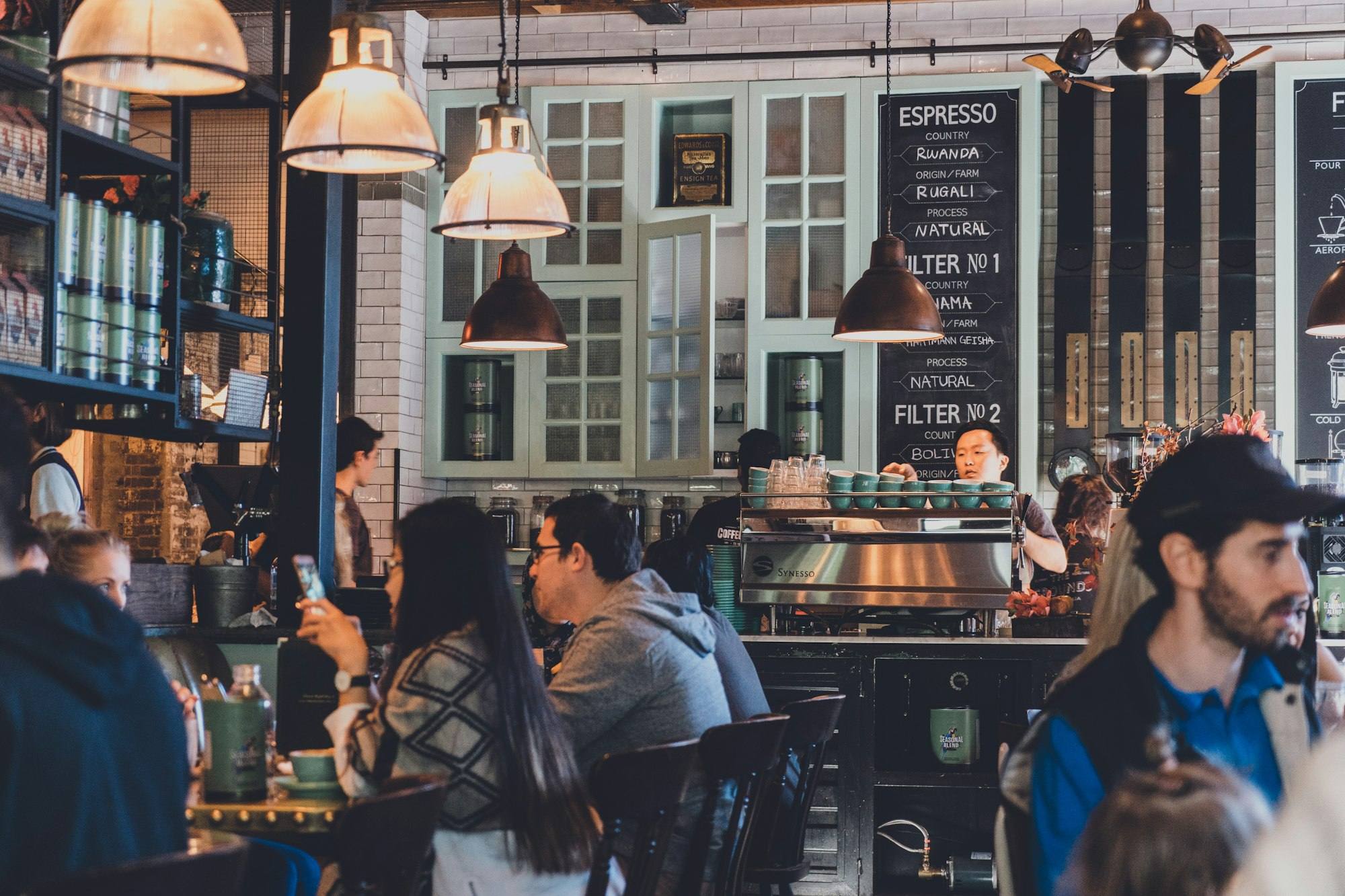
Hundreds of customers arrive in the same hour. One cashier cannot take orders fast enough, and people walk to the next stall.
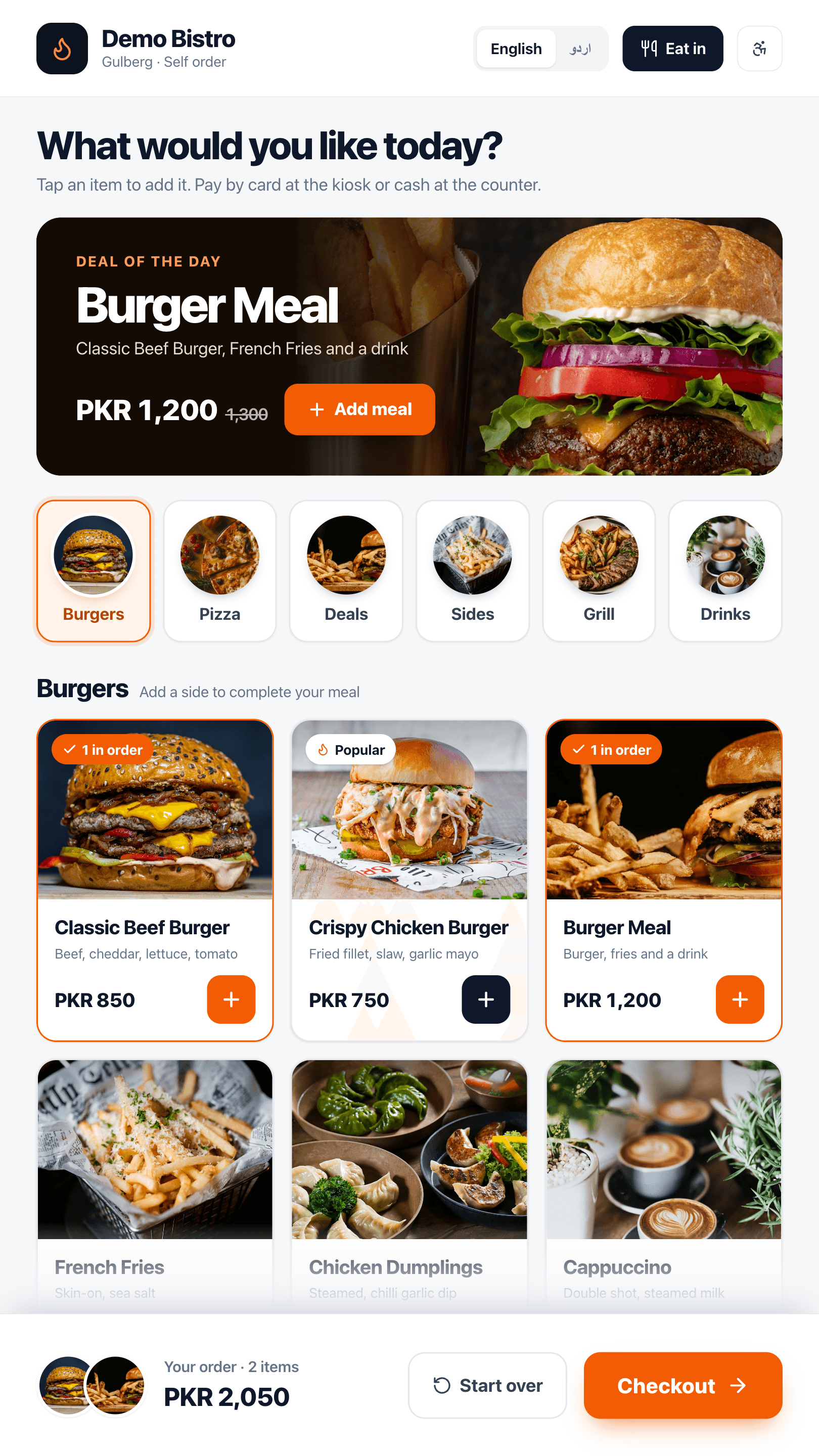
Self-service kiosks take orders while your team cooks. A customer display shows each order as it is rung up. One small terminal runs the whole stall, even when the mall Wi-Fi does not.
Lunch hour, a few hundred hungry people, one small counter and mall Wi-Fi that drops at noon. DineBills is built for exactly that hour.
Rent is high, counters are tiny and lunch hour is everything. Every metre and every minute has to earn money.
Hundreds of customers arrive in the same hour. One cashier cannot take orders fast enough, and people walk to the next stall.
There is barely room for a till, a printer and a card terminal. Bulky hardware and extra tablets are not an option.
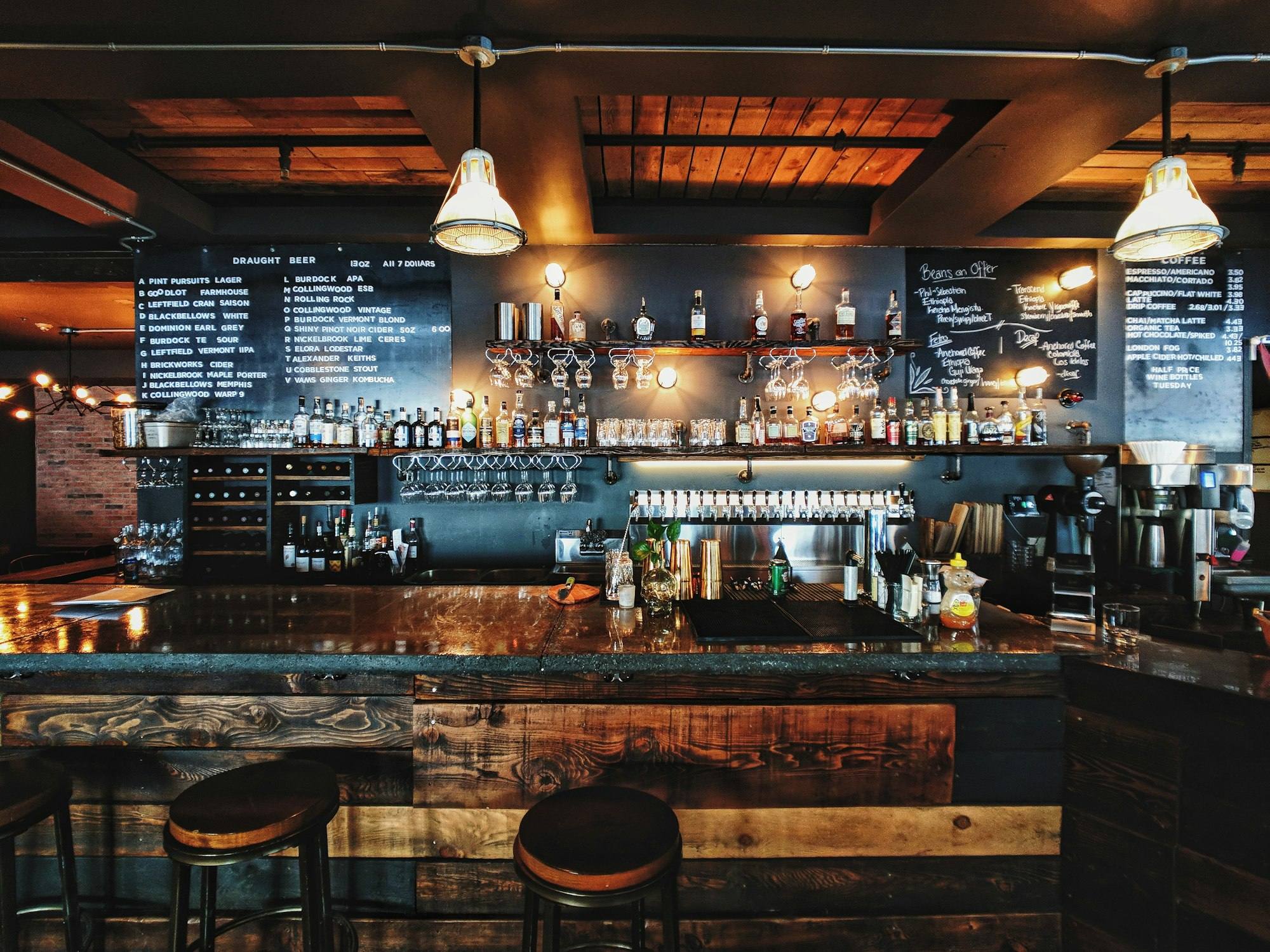
Mall networks slow down at peak or drop completely. A POS that depends on them stops when you need it most.
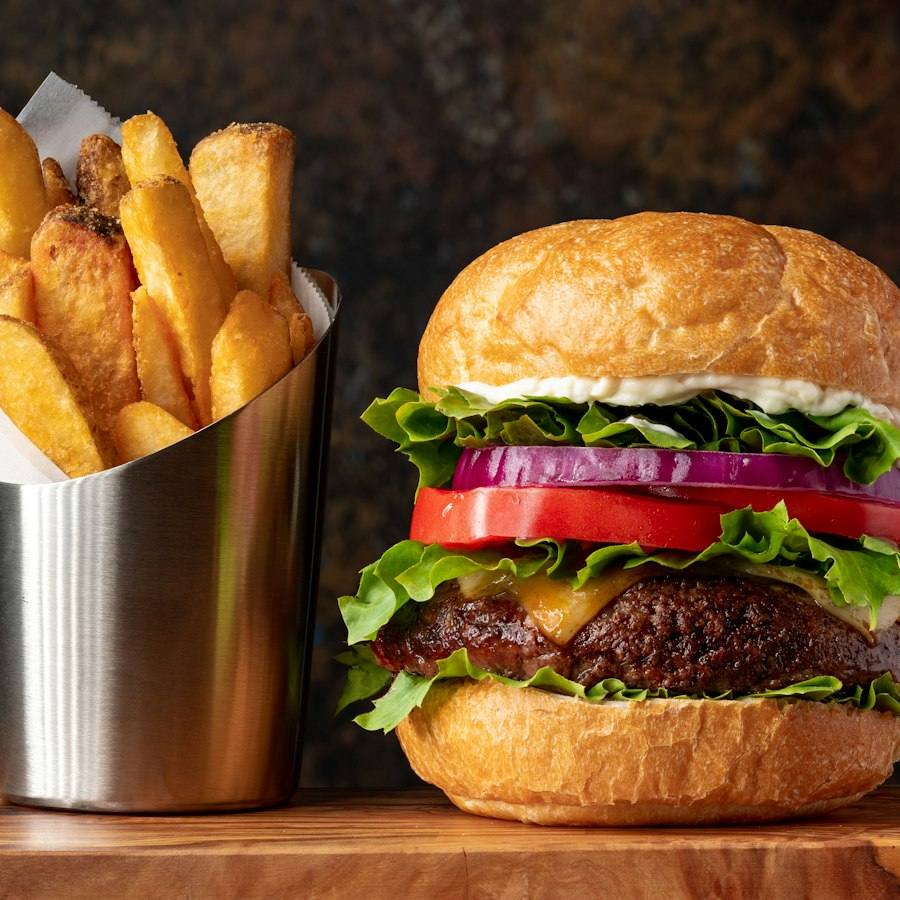
In a noisy hall, customers cannot hear the cashier repeat the order. Wrong items mean remakes and refunds.
Let customers serve themselves, show them every item, and keep the kitchen focused.

Customers browse the menu with pictures, choose their options, and send the order themselves. The kitchen gets the ticket at once, and staff can focus on cooking and handing over food.
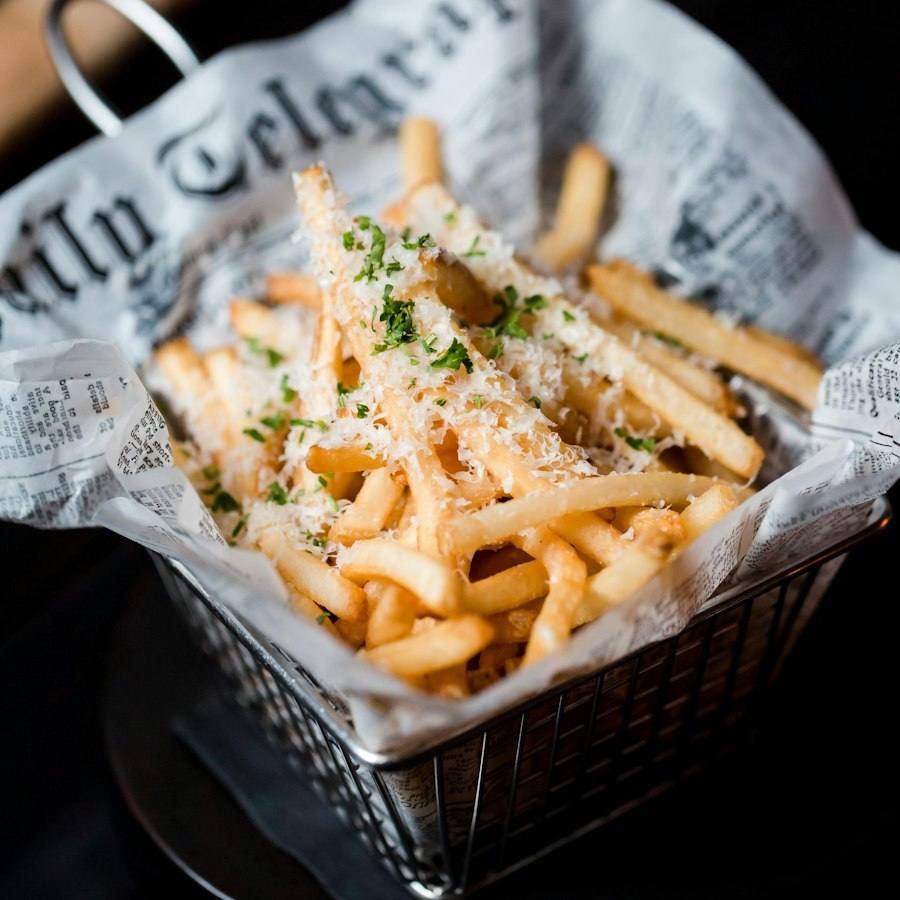
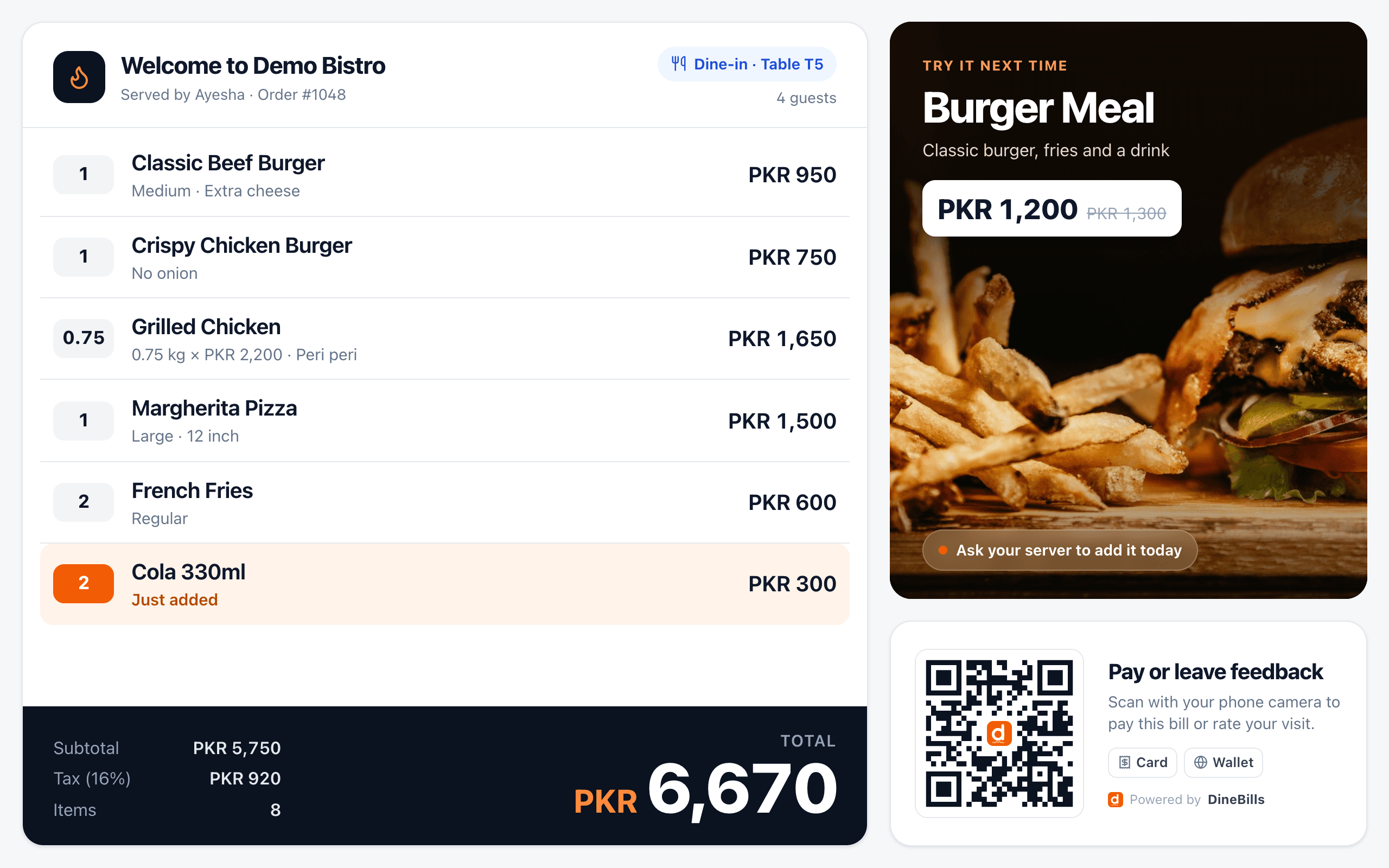
A second screen facing the customer shows each item and the total as the cashier rings it up. Mistakes get caught before the food is made, not after.
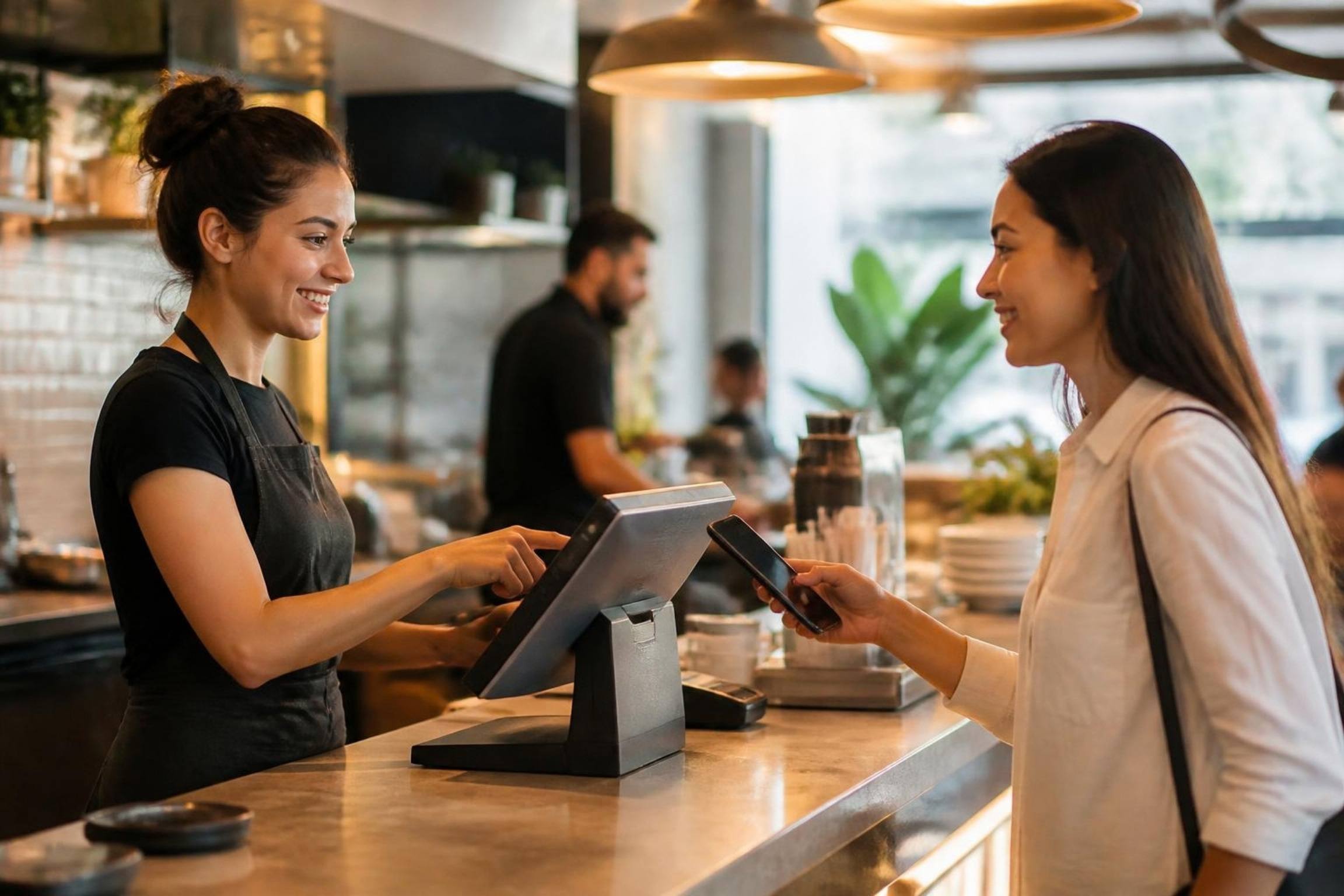
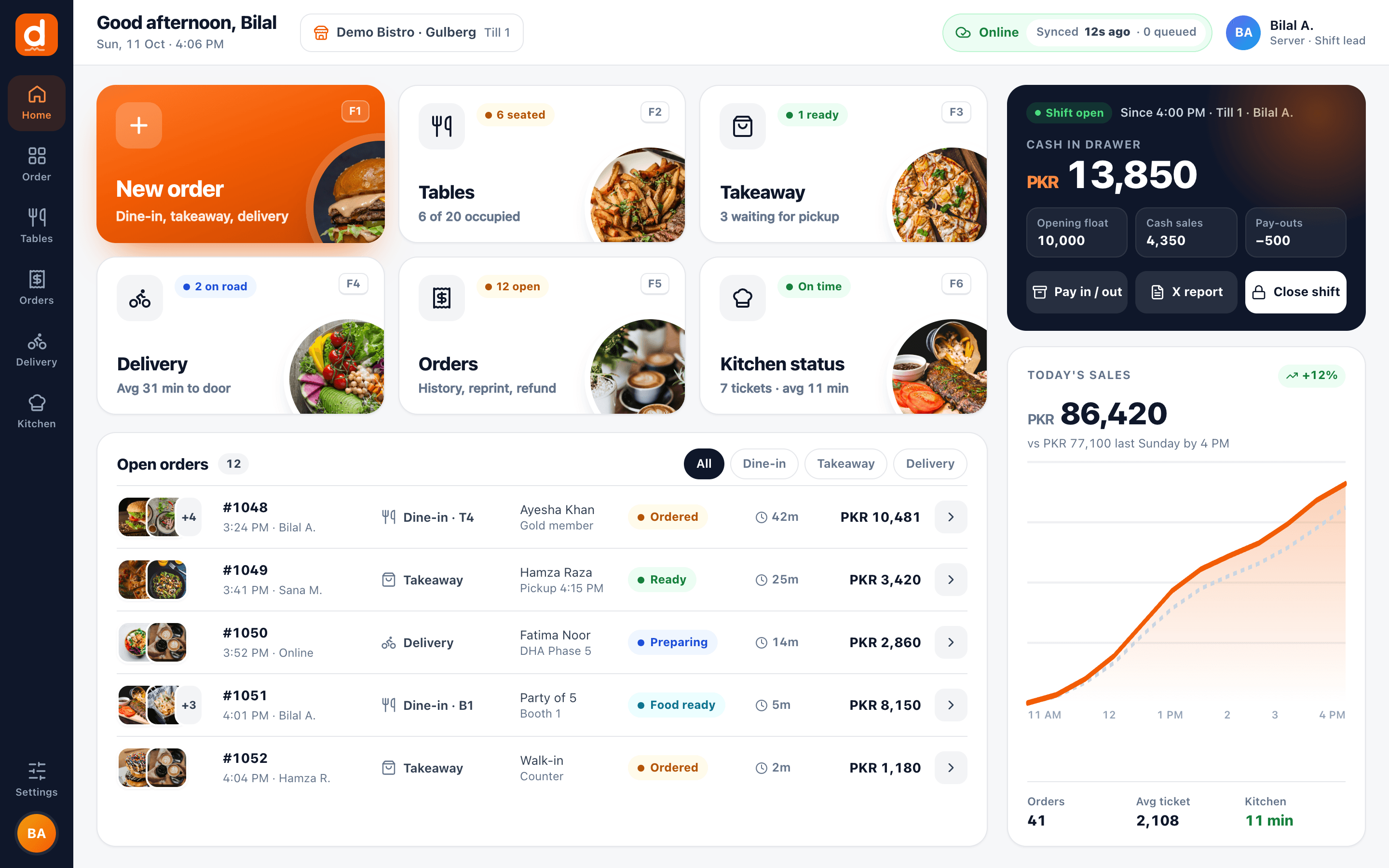
DineBills runs on a compact Windows or Mac touch terminal, or an iPad or Android tablet. Add a small thermal printer and a cash drawer, and you have everything.
From the kiosk screen to the collection point.
The customer builds their meal and adds extras.
At the kiosk or the counter, cash or card.
The receipt shows the order number to listen for.
The ticket reaches the station display instantly.
The number is called and the order is handed over.
Everything a stall needs, without the clutter.
Customers order and pay without queuing at the till.
Order screen at the counter and digital menus above it.
Quick-service mode for the fastest counter flow.
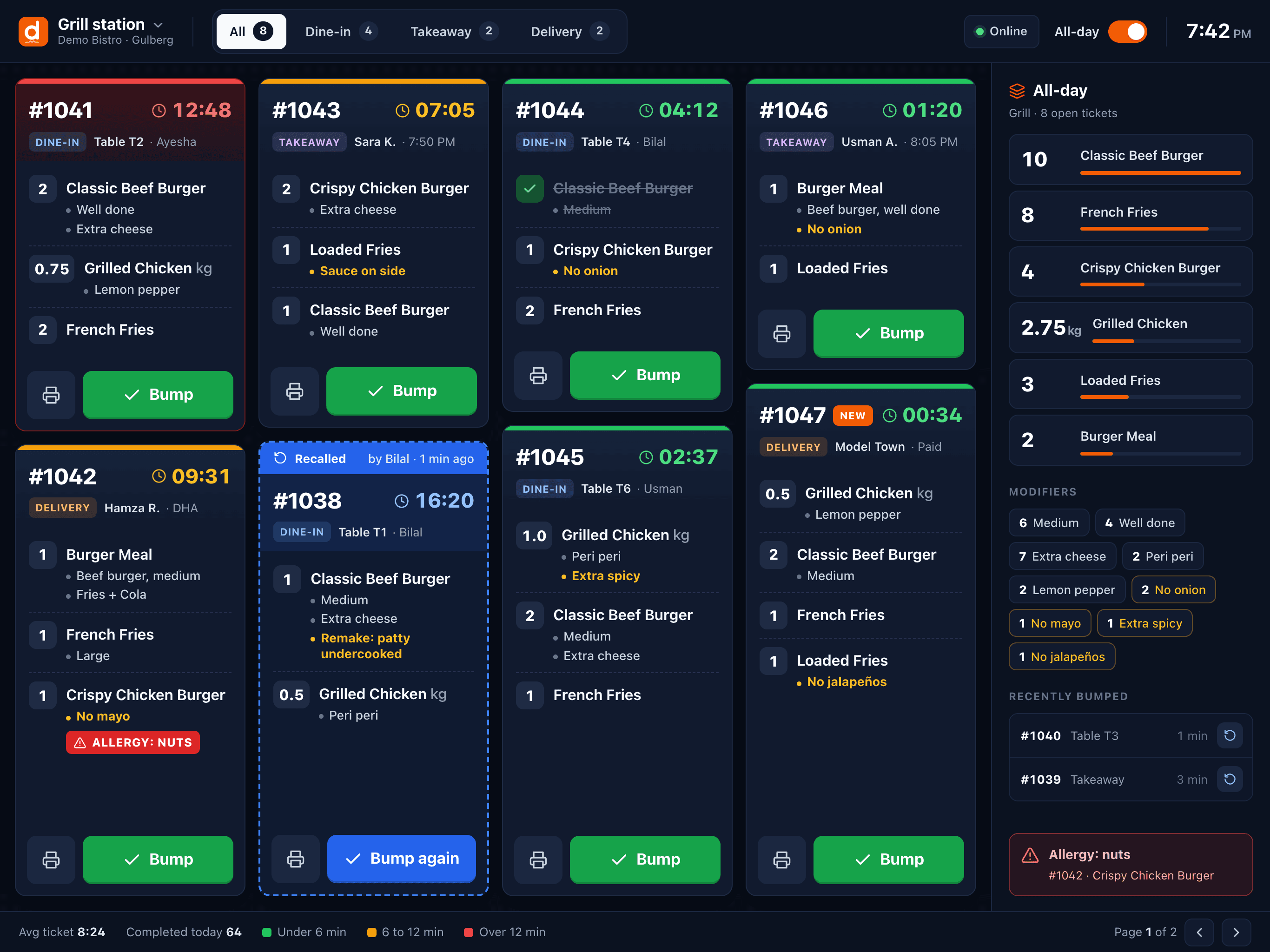
Tickets with timers so nothing waits too long.
Small thermal printers for receipts and KOTs.
Know what is left before the evening rush.
Staff your stall to match the real peaks.
Run outlets in different malls from one account.
A food court stall pays rent by the square metre. Every device has to justify its space.
Till, customer display and kitchen tickets all driven from one compact touch terminal.
Self-ordering screens that sit outside the counter, not on it.
A digital menu above the stall that hides sold-out items on its own.
Orders and tickets keep going when the shared network drops at noon.
Still curious? Talk to our team.
A touch terminal (Windows or Mac) or a tablet, a small thermal printer and a cash drawer is enough. Add a kiosk and a customer display when you are ready. See our hardware page for what works.
Yes. Kiosks show your full menu with pictures, modifiers and deals, and send orders straight to the kitchen with an order number for collection.
Yes. An order-ready screen shows order numbers as preparing and ready, so customers wait where they can see it instead of crowding the counter. See the customer display page for the options.
No. The customer display connects to the same POS terminal and mirrors the current order as the cashier rings it up.
Same platform, same menu, same back office. Mix counters, tables, delivery and catering as you grow.

Three taps from order to paid
Explore
Tables, courses and table-side ordering
Explore
Fast counters, weighed items, loyalty
Explore
Every channel in one queue
Explore
Advance orders, deposits, large menus
Explore
Phone orders routed to any branch
Explore
Central menu, branch control
Explore
Start a free trial, or book a demo and we will suggest a setup that fits your counter.
No credit card required · Setup help included · Cancel anytime