01
A tablet per app
Each delivery platform has its own device and its own sound. Staff re-type orders into the POS, and something always gets missed at peak.
Orders from your own website, delivery apps and phone calls land in a single list and print at the right station. Run several virtual brands from one kitchen without a tablet for each.
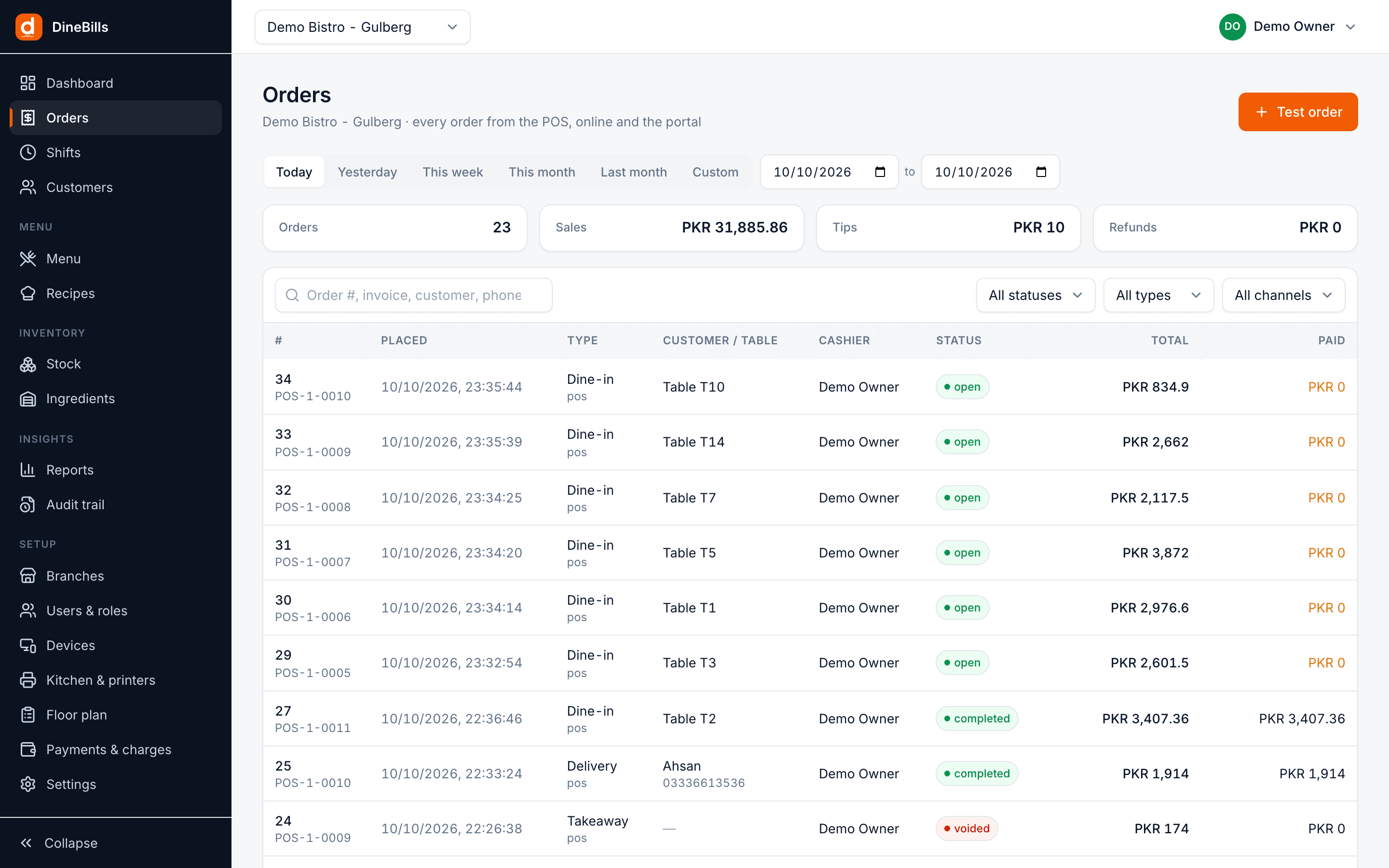
Your website, the phone and every delivery app land in one queue, get cooked by station and go out with the next rider. No wall of tablets. No retyping.
A cloud kitchen can take orders from five places for three brands. Without one system, the counter turns into a wall of devices and missed beeps.
Each delivery platform has its own device and its own sound. Staff re-type orders into the POS, and something always gets missed at peak.
Marketplaces take a large cut. Without your own ordering site, you cannot move regular customers to a cheaper channel.
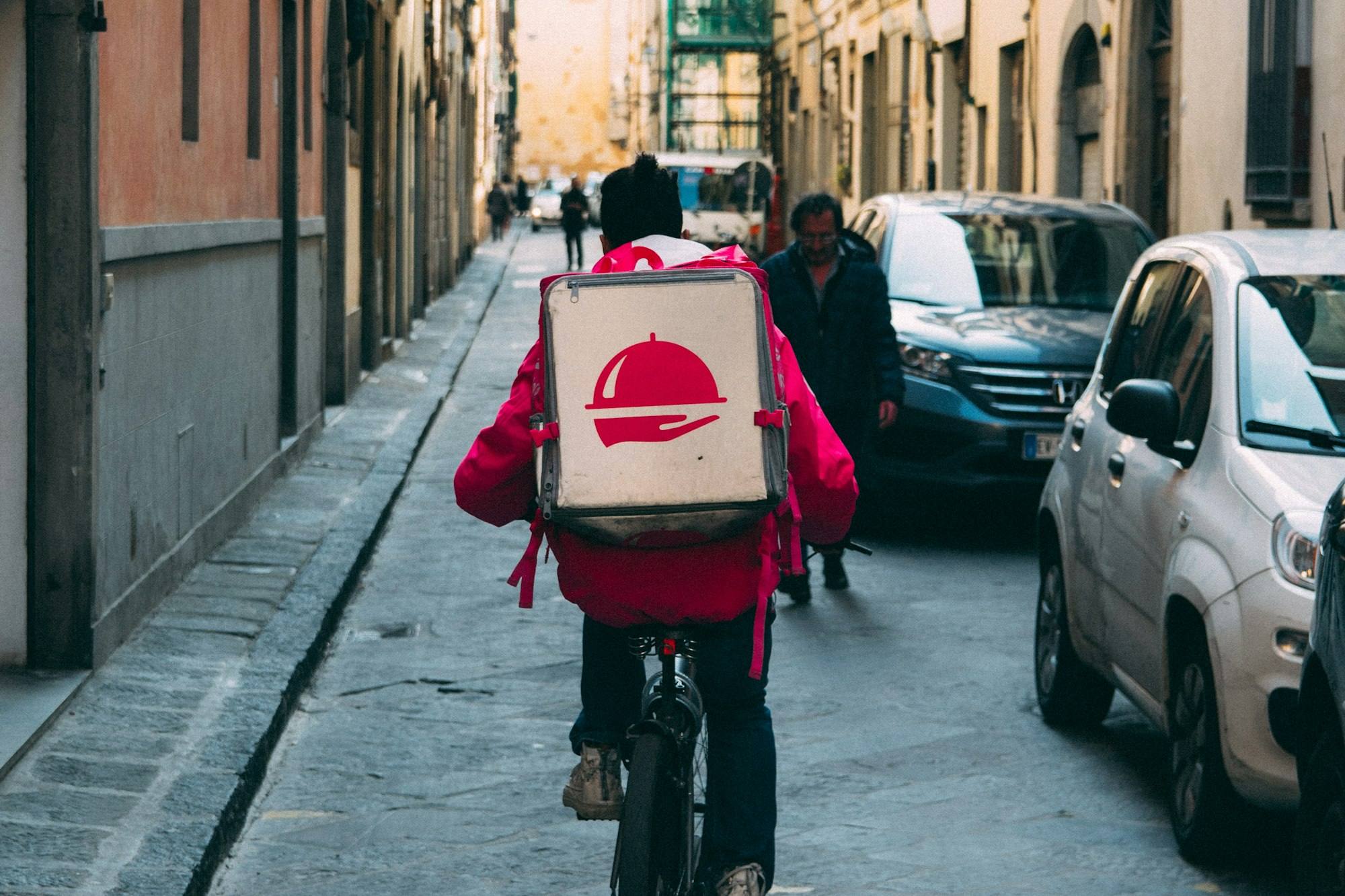
Some addresses are too far, some cost more to reach. Applying zones and fees by hand leads to losses and disputes.
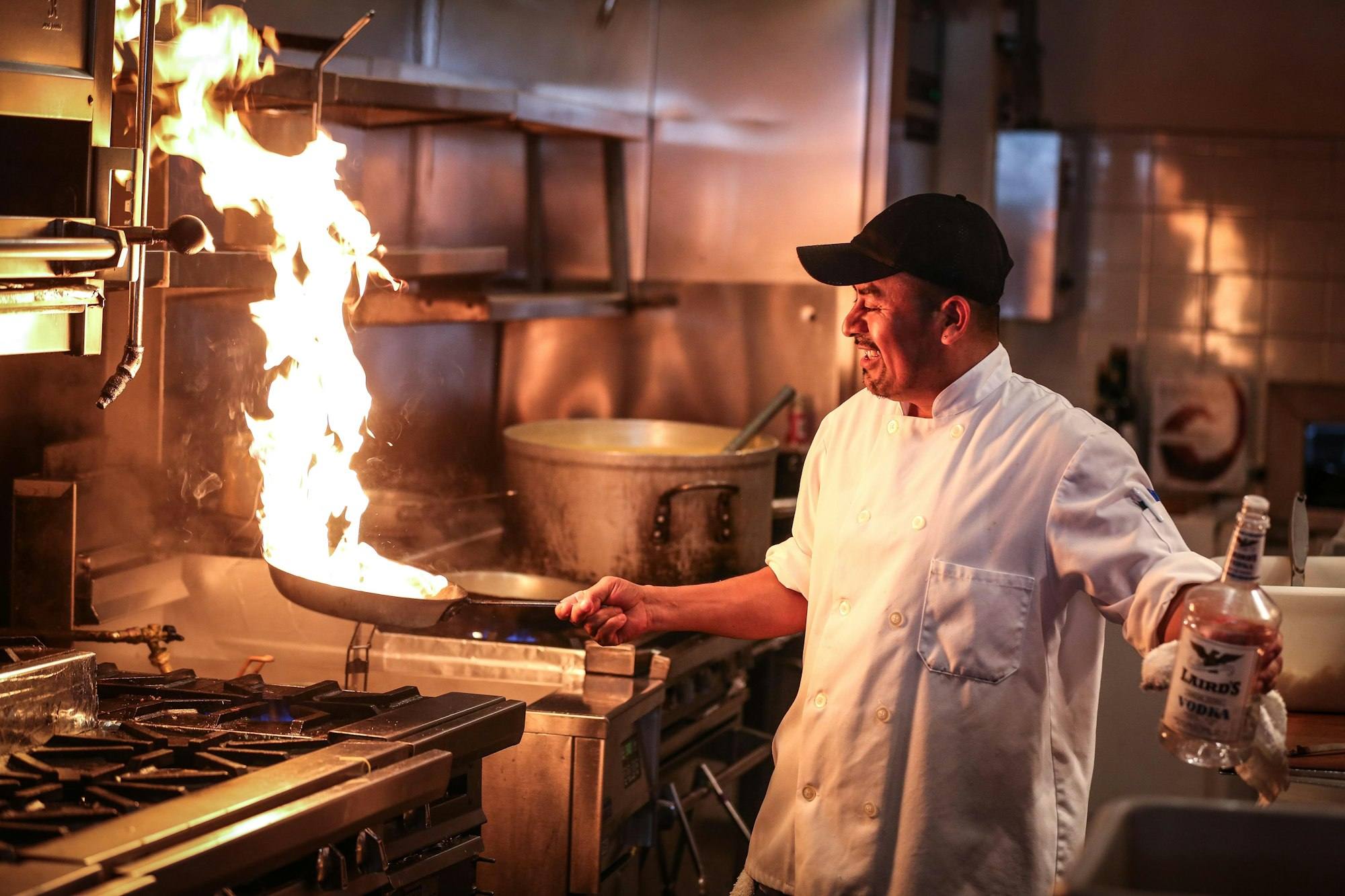
Two brands use the same chicken and the same fryer. Stock and costs for each brand blur together.
Take orders from anywhere, cook them in one kitchen, and send them out with the right rider.
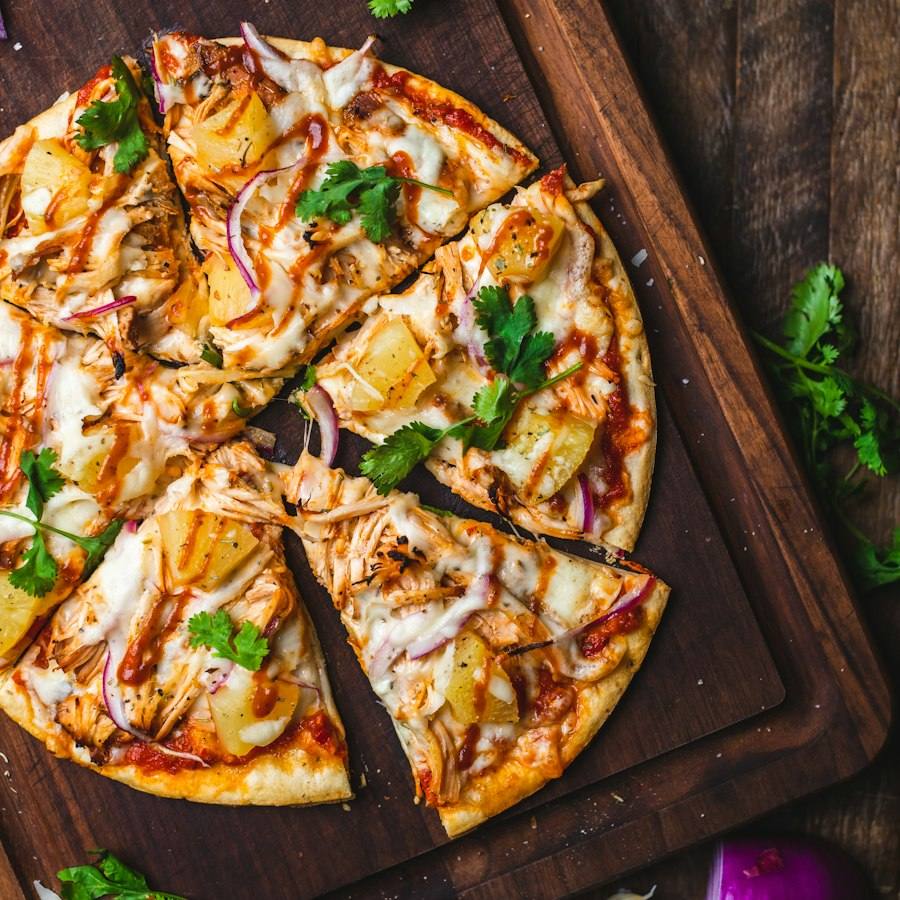
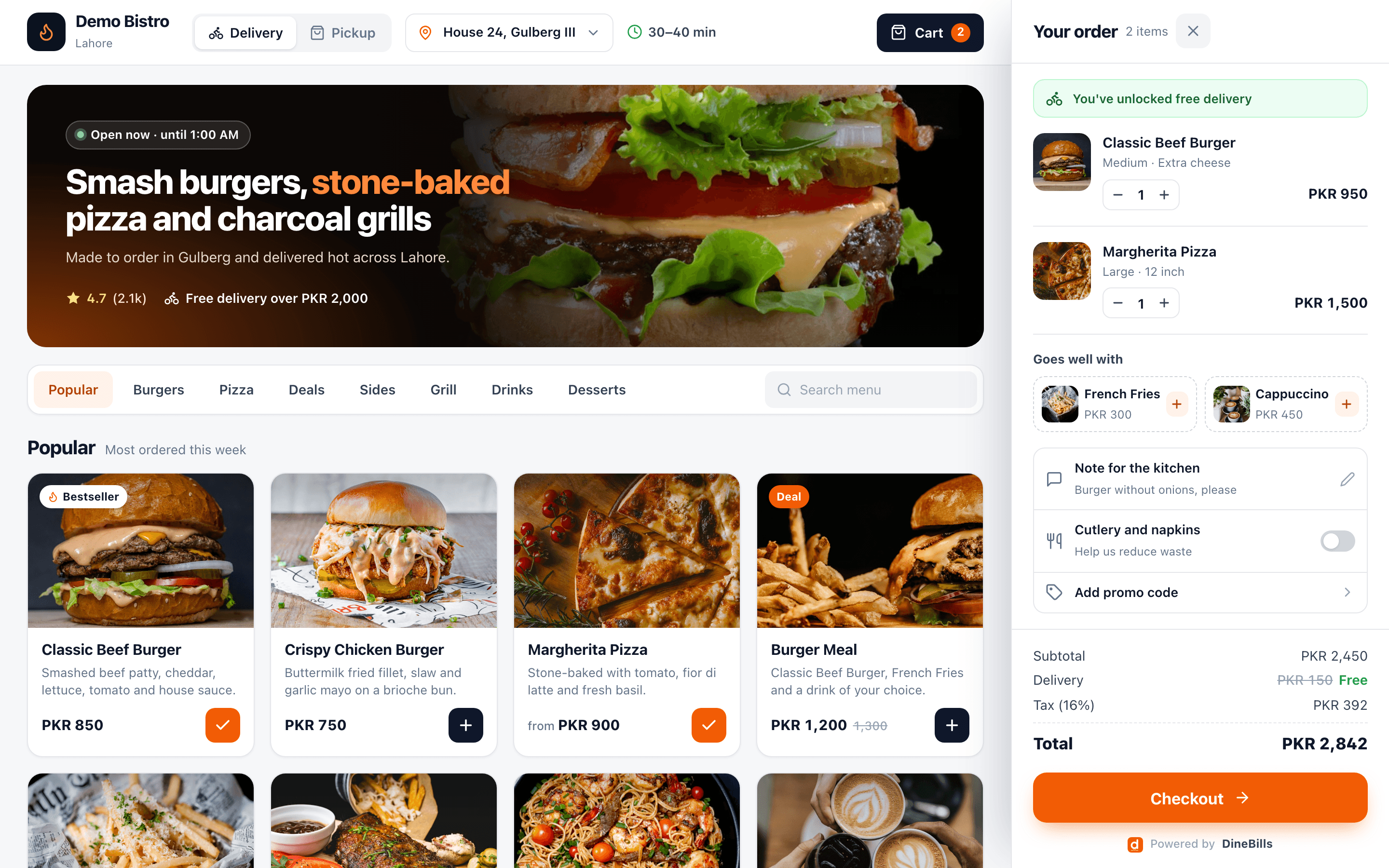
Every brand gets its own branded ordering site with your logo, menu and domain. Orders go straight into the POS queue and print in the kitchen, with no extra tablet and no marketplace fee.
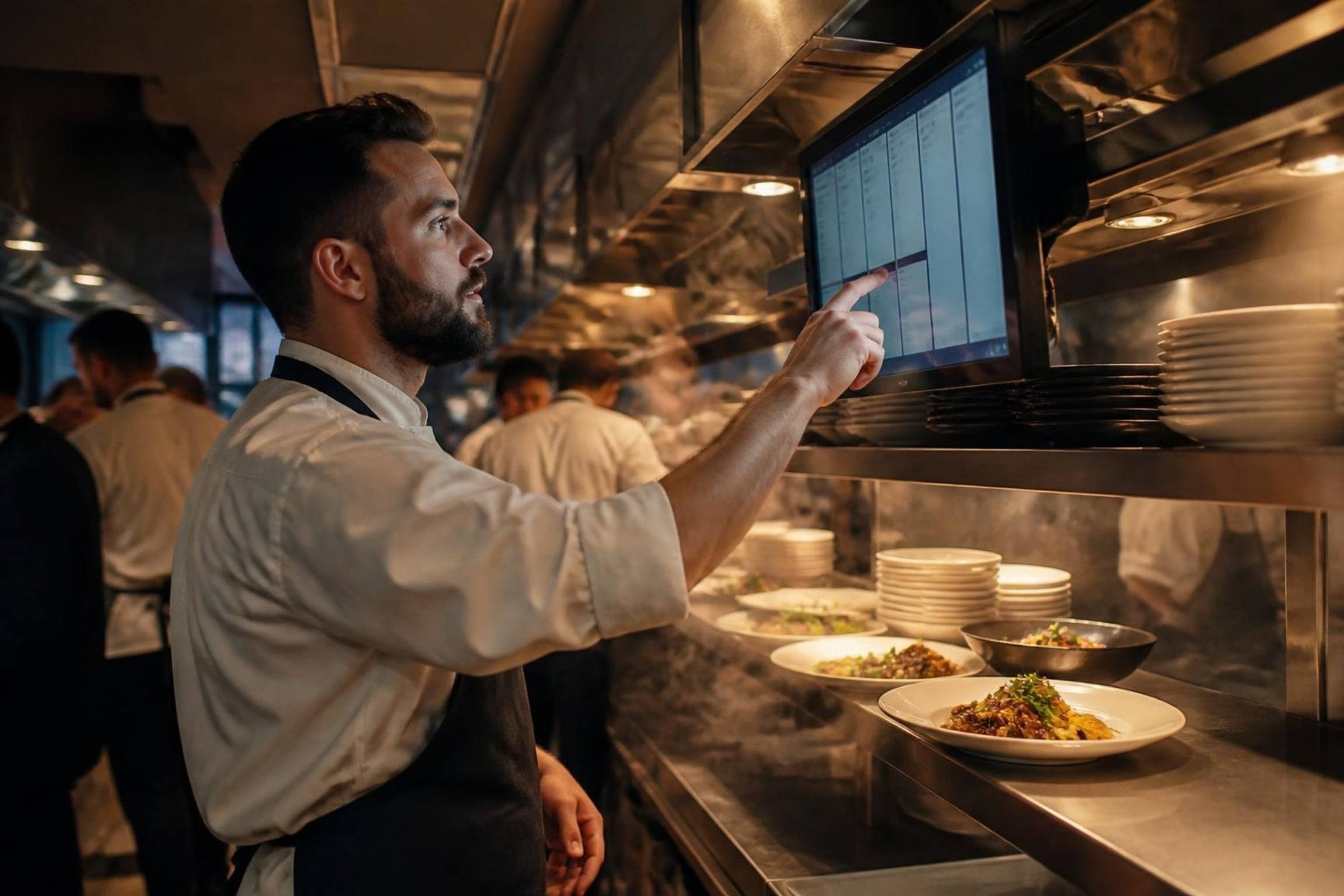
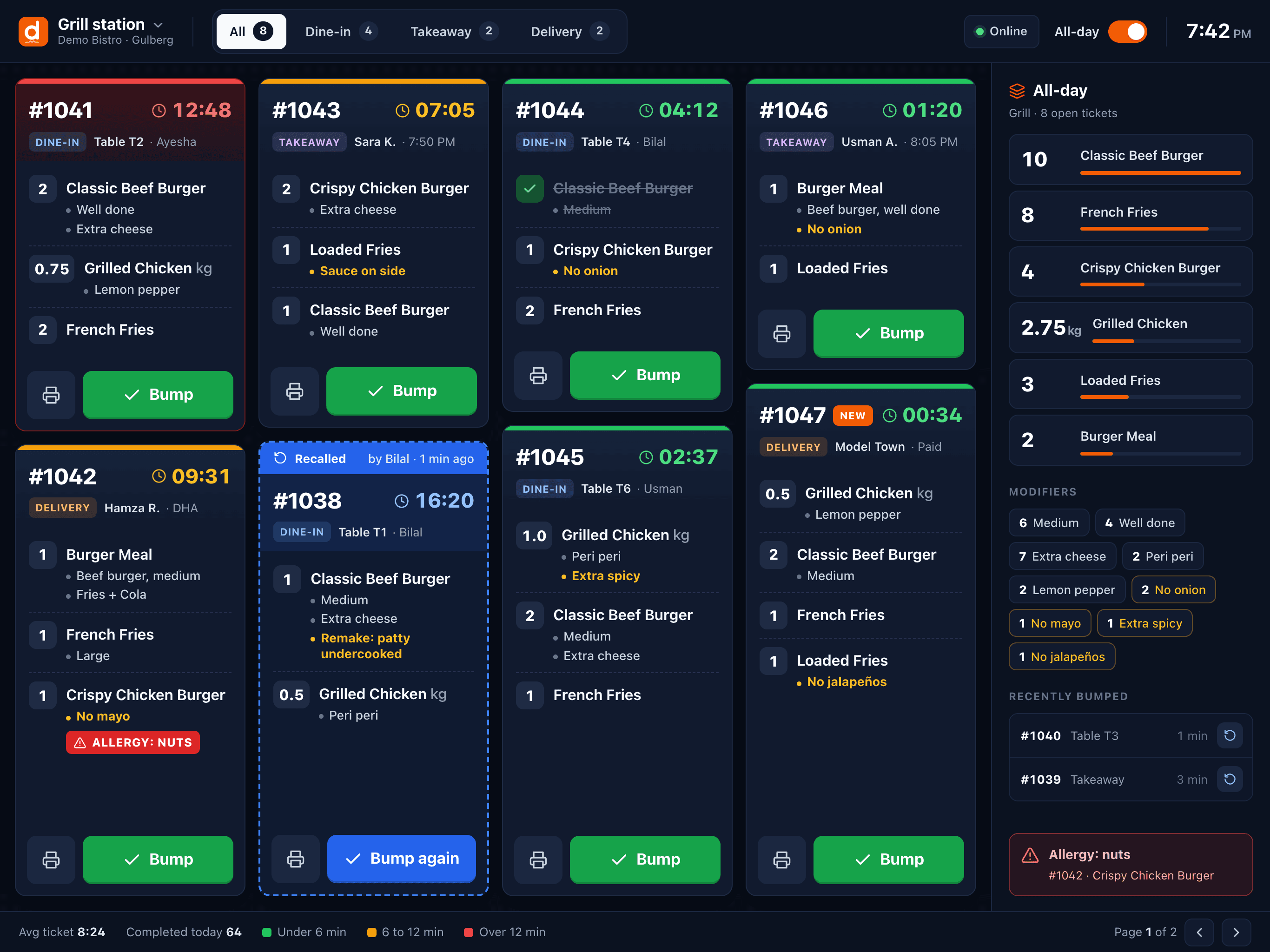
Website orders, phone orders and aggregator orders all appear in the same queue with a source badge. The kitchen works from one display per station instead of five screens.
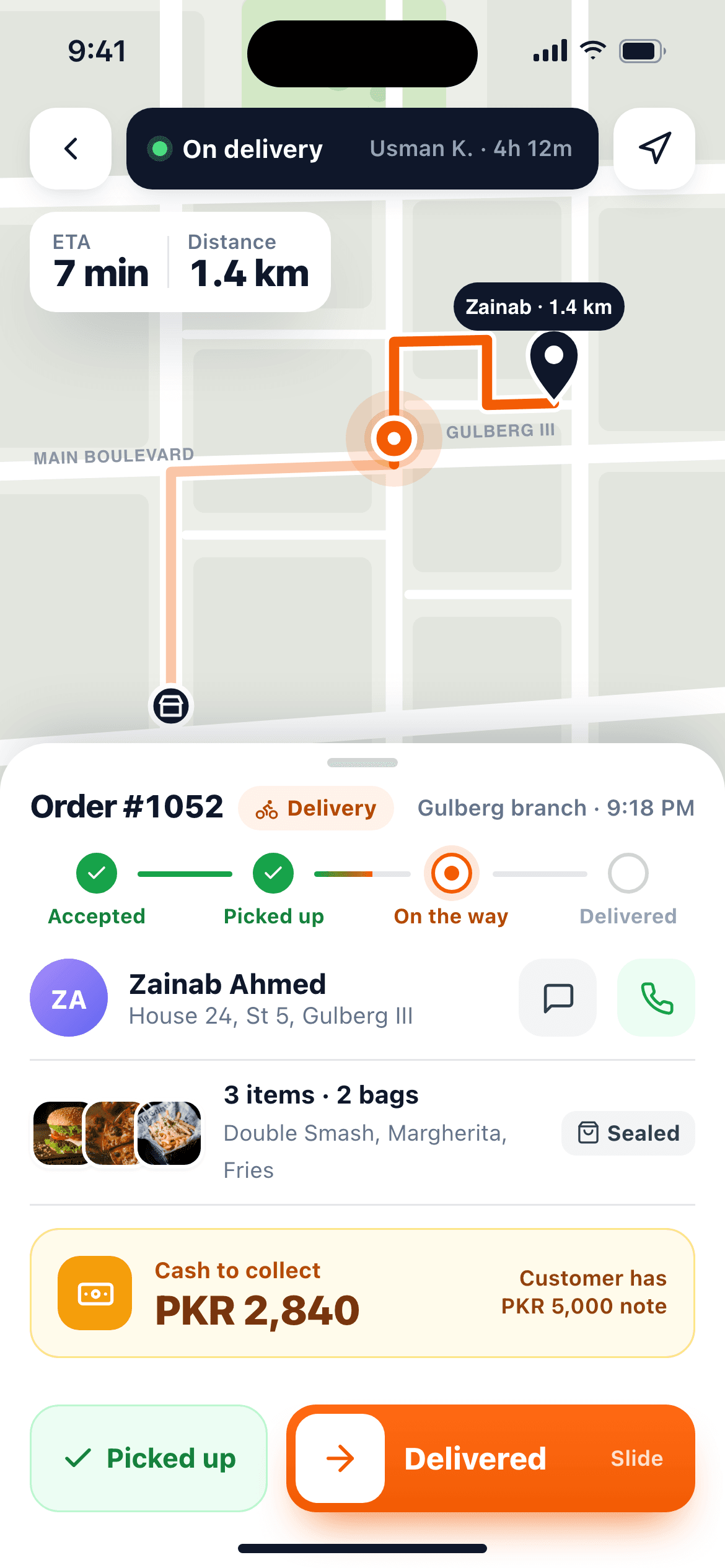
Set up each virtual brand with its own menu and ordering site while sharing ingredients and stations. Delivery zones and fees are set per branch, and riders are assigned from the POS.
How a delivery order moves through a DineBills kitchen.
From your site, a delivery app or a phone call.
Address matched to a delivery zone and fee.
The POS accepts it with a prep time, automatically or by hand.
Each station gets its ticket on a printer or KDS.
The packed order goes to the next rider.
Status messages until it is delivered.
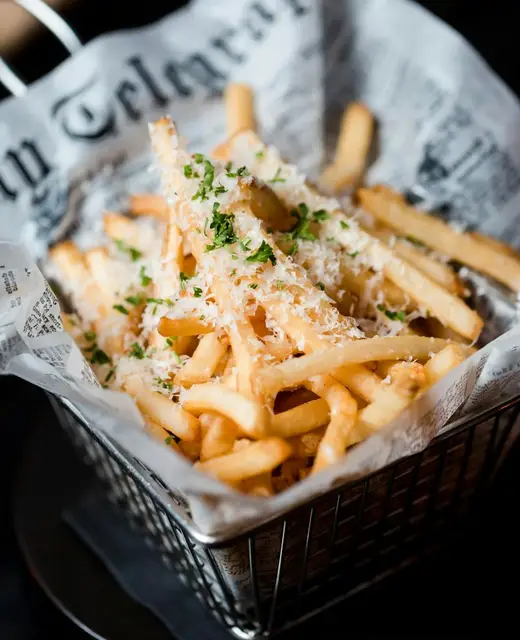
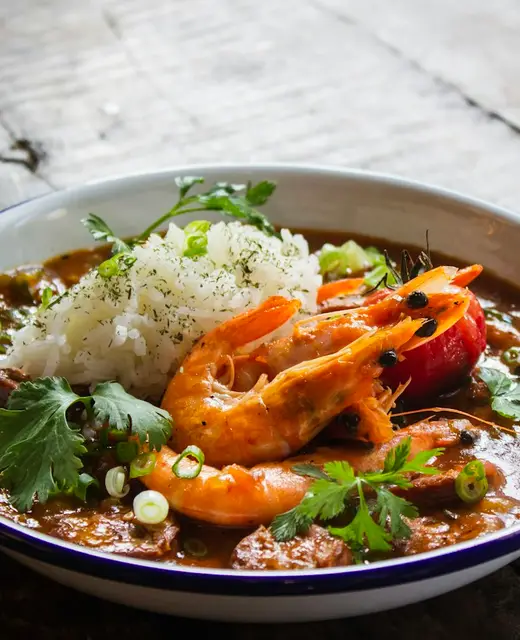
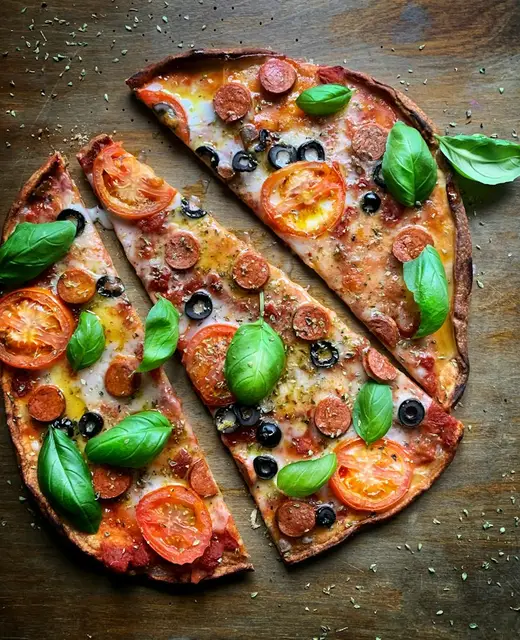
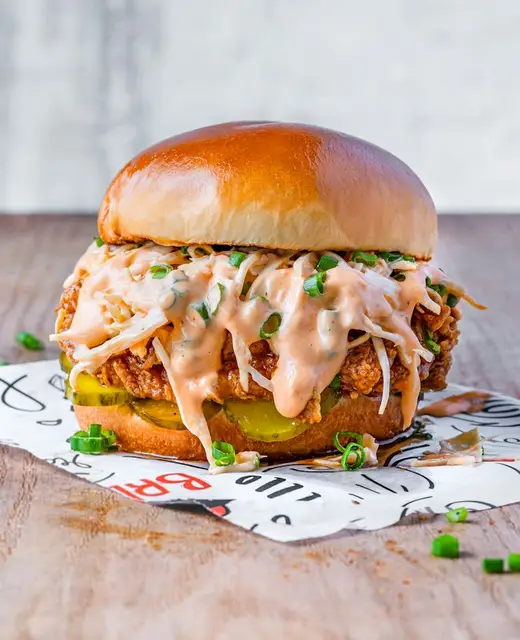
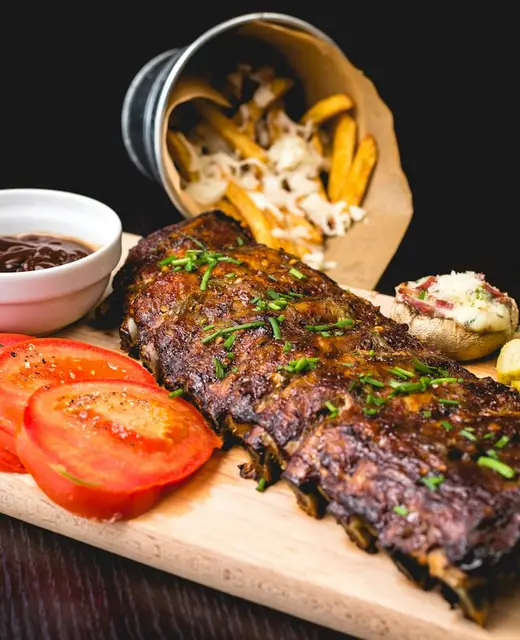
From ordering site to rider, in one subscription.
Branded site per brand with your own domain.
Every channel in a single list with source badges.
Station screens with timers, bump and recall.
Radius or map areas with fees and minimum orders.
Assign riders and settle cash on delivery.
Separate menus and sites, one shared kitchen.
Recipes deduct from one kitchen store for all brands.
Sales and margin by brand, channel and order type.
Aggregator orders straight into the same queue.
Caller lookup and saved addresses for repeat customers.
In a delivery kitchen the handover to the rider is the moment that matters. These tools make it boring.
Every item and modifier listed on the ticket the packer checks against the bag.
Assign a rider, print the address slip and track cash on delivery per rider.
Promise realistic times per brand and extend them when the line is long.
Each brand can deliver to its own zones, with its own fees and minimums.
Still curious? Talk to our team.
Yes. Each brand has its own menu, ordering site and reports, while sharing the same kitchen stations, ingredients and staff. Orders from all brands appear in one queue.
Aggregator orders are brought into the same queue as your own channels, so staff stop re-typing them. Ask us which delivery platforms are available in your country today.
For each branch you draw delivery areas by radius or on a map, each with its own fee and minimum order. The ordering site and POS apply them automatically from the customer’s address.
Yes. Busy mode pauses ordering for a brand or branch, or extends prep times, and online ordering pauses on its own if no till at the branch is online, so nobody orders food that cannot be cooked.
Yes. Sales, item mix and food cost can be filtered by brand, channel and order type, so you can compare your own site against delivery apps.
Same platform, same menu, same back office. Mix counters, tables, delivery and catering as you grow.
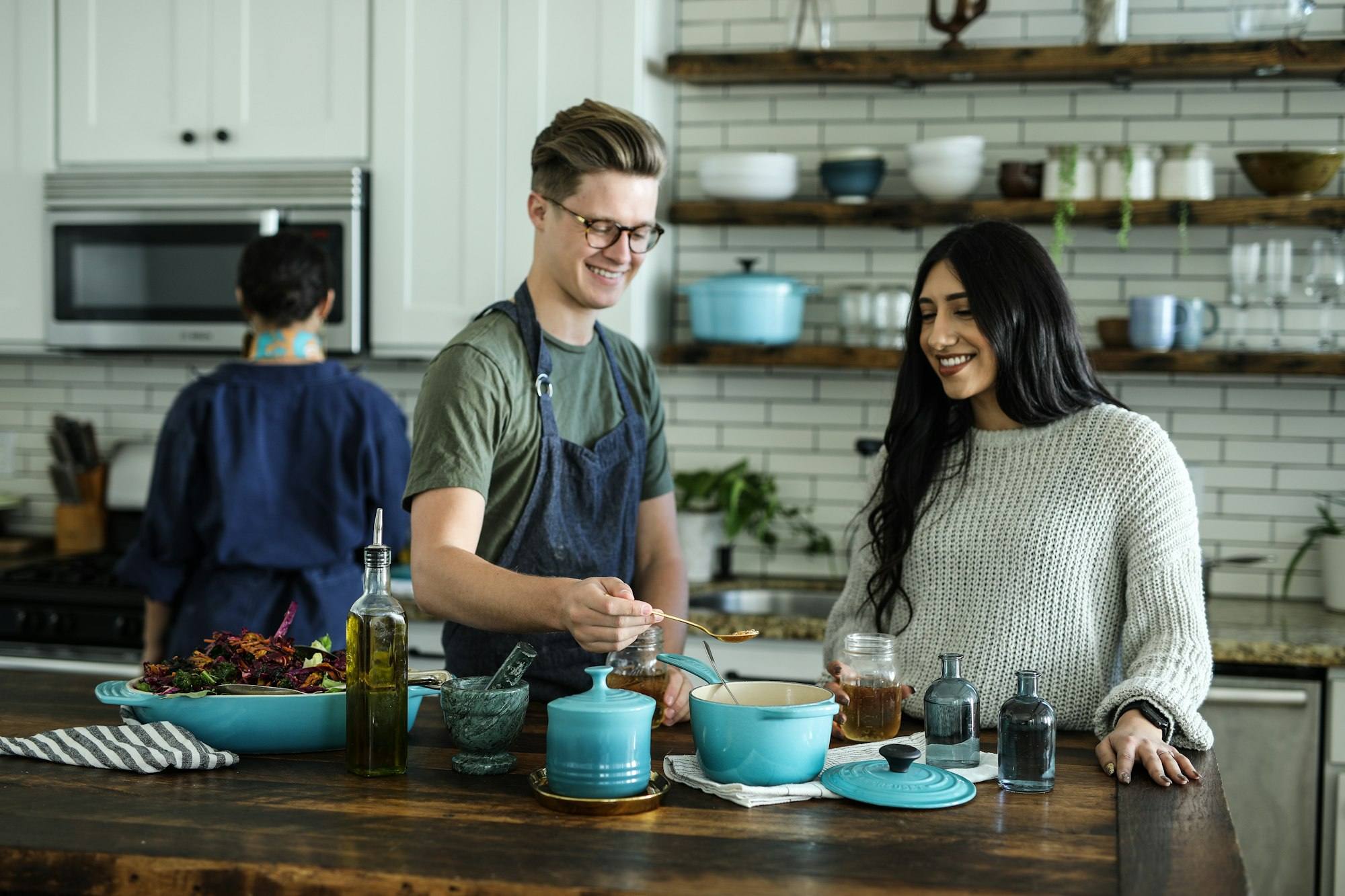
Three taps from order to paid
Explore
Tables, courses and table-side ordering
Explore
Fast counters, weighed items, loyalty
Explore
Advance orders, deposits, large menus
Explore
Phone orders routed to any branch
Explore
Central menu, branch control
Explore
High volume, small footprint
Explore
Book a demo to see your channels in one queue, or start a free trial and set up your first brand today.
No credit card required · Setup help included · Cancel anytime