01
Quotes that go cold
Every proposal is retyped in a document, prices drift from the real menu, and nobody follows up before the client books elsewhere.
Quote the client, lock the date, take the deposit, cook from a prep list built from your recipes and send the van on time. DineBills runs your catering and events business on the same menu, stock and customers as your restaurant.
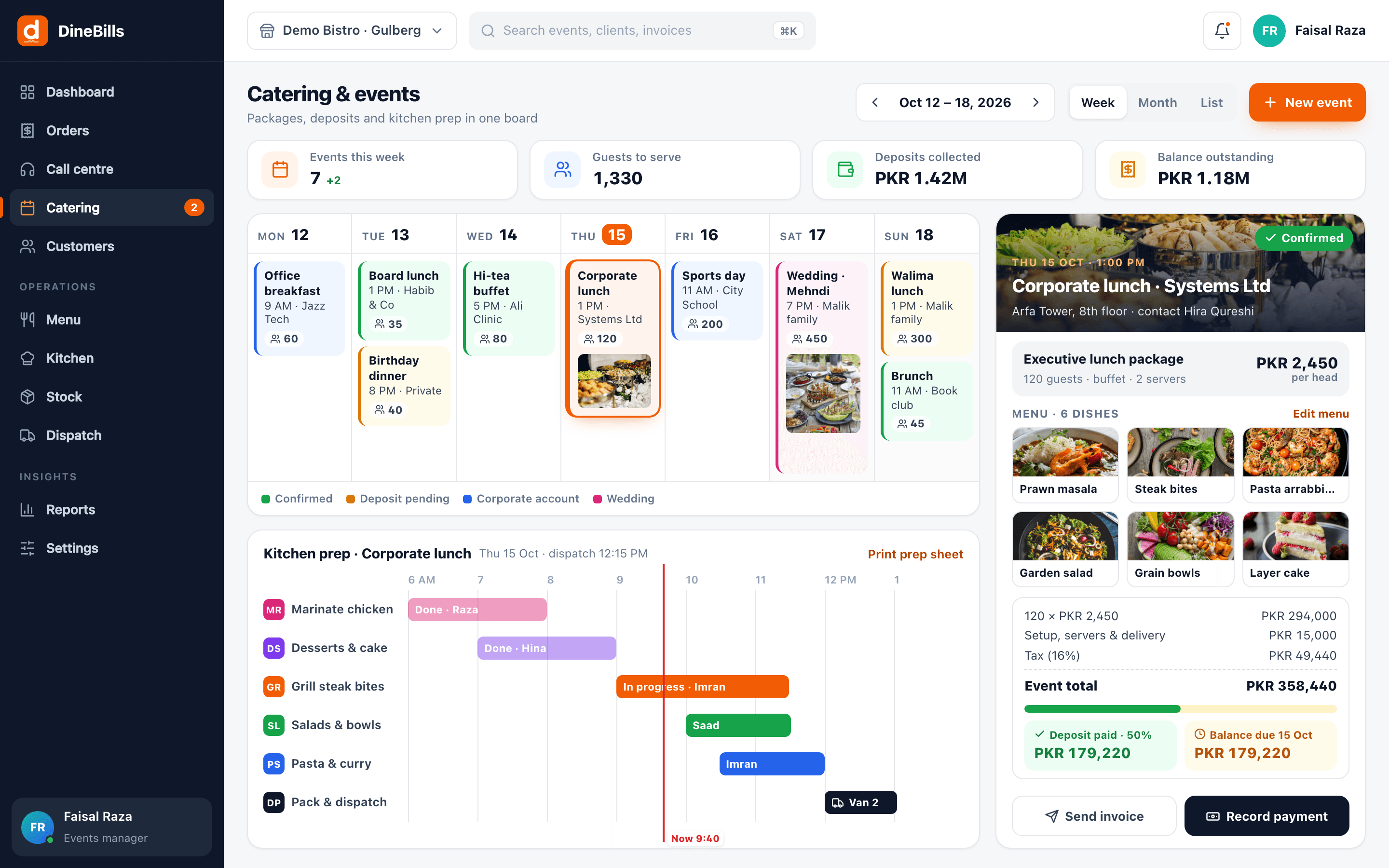
A booking taken in March for 300 guests in June. DineBills holds the quote, the date, the deposit, the per-head menu and the kilos of rice, so the event day is just cooking.
Enquiries come by phone, quotes live in email, the deposit is in a notebook and the kitchen finds out the quantities the day before.
Every proposal is retyped in a document, prices drift from the real menu, and nobody follows up before the client books elsewhere.

A wedding taken in March for June sits in a chat. Two events clash on the same van, or the kitchen hears about it too late.
Who paid an advance, how much is left and when it is due becomes a separate job, and money slips through.
Turning "biryani for 300" into kilos of rice, meat and spices is done by hand, with waste on one side and shortages on the other.
One booking carries the menu, guest count, timings, payments and the kitchen plan, so sales, kitchen and drivers all work from the same sheet.

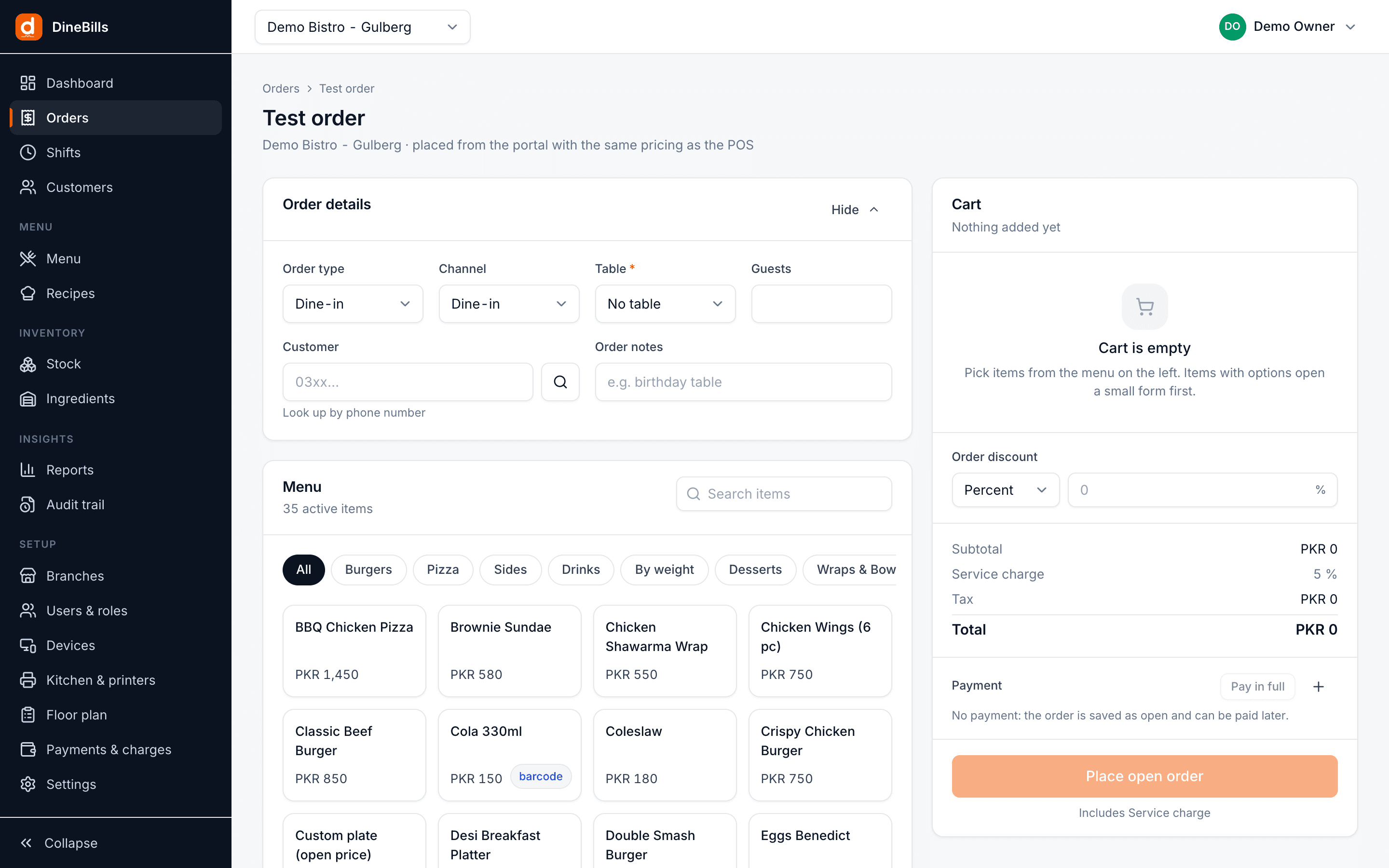
Build a quote from your real menu and per-head packages, add setup, staff and delivery charges, and send it. When the client says yes, the quote becomes a dated event on the calendar with the same lines and prices.
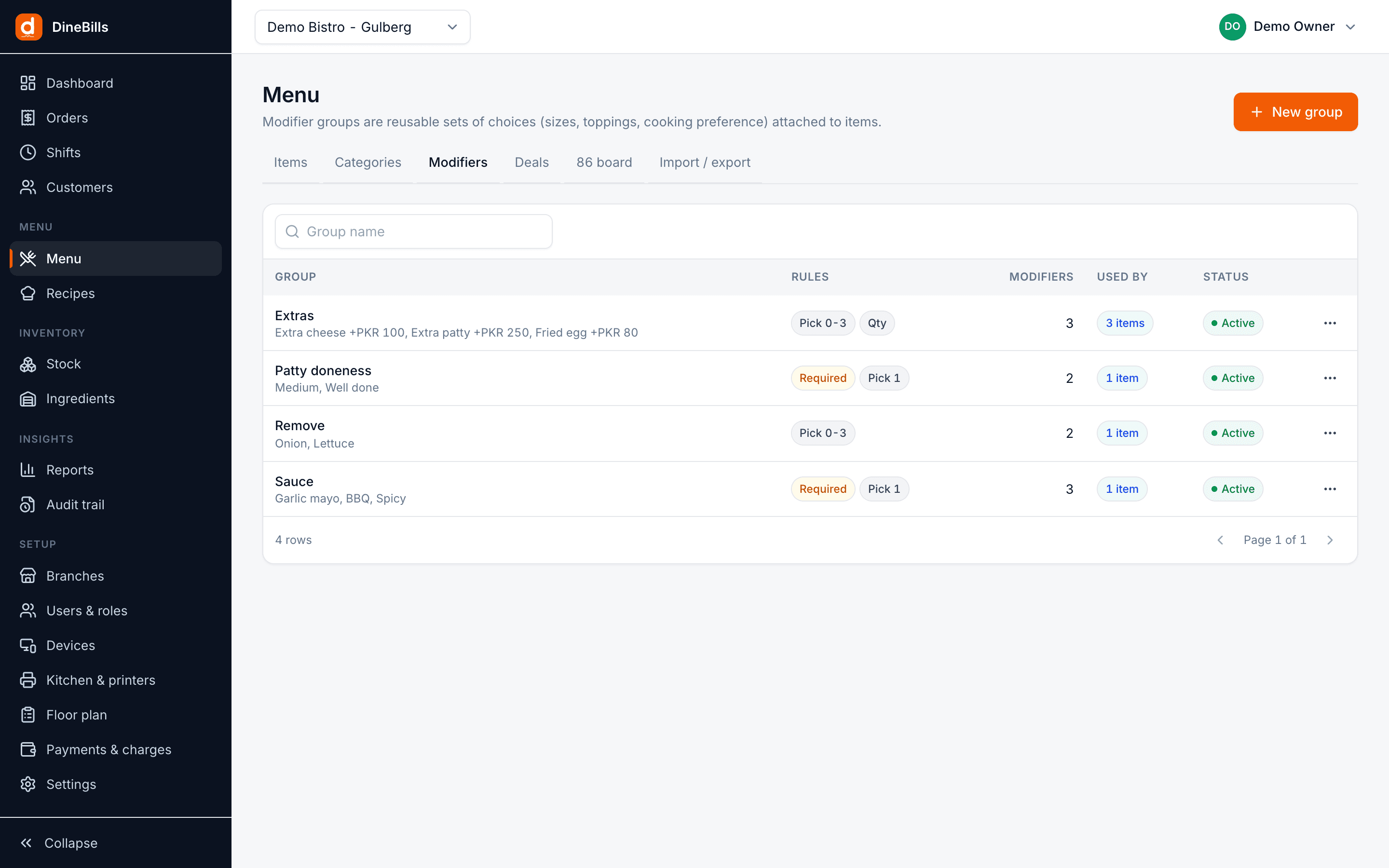
Price packages per guest, such as "two mains, one dessert, one drink", with choice groups built like any deal. Each event prints an event sheet (BEO) with the menu, timings, venue, setup and dietary notes for the kitchen and the floor team.
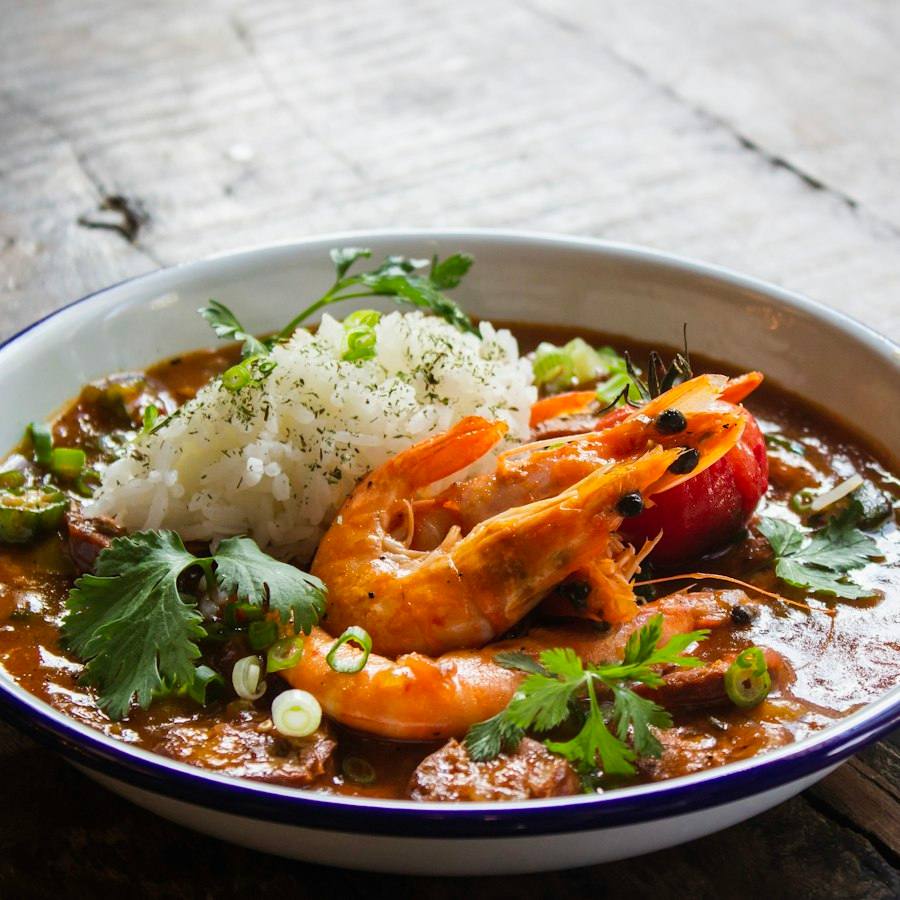
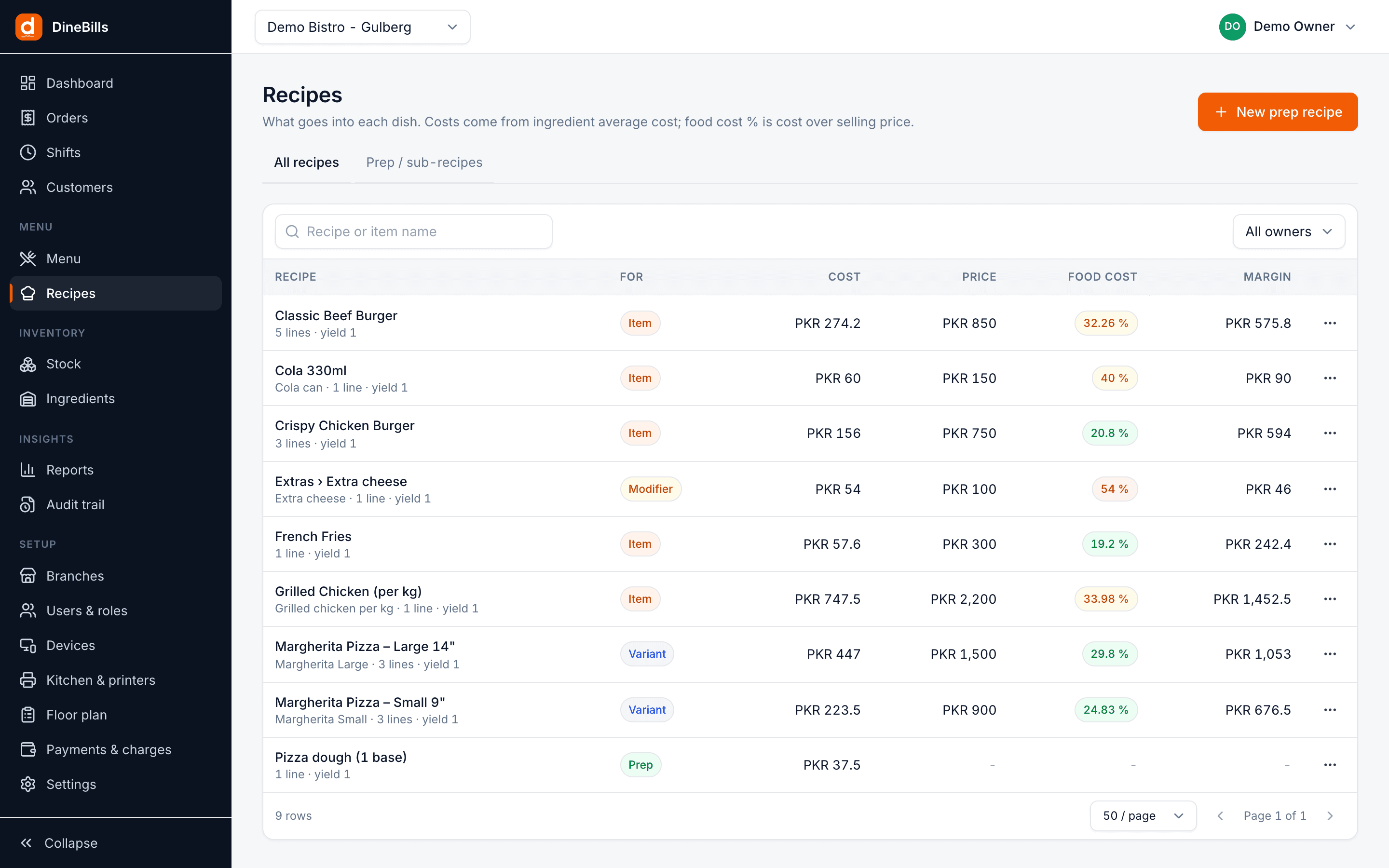
Every dish already has a recipe with yields and wastage. DineBills multiplies it by the guest count, so purchasing gets an ingredient list and each station gets a prep list with start times, tied to the dispatch time.
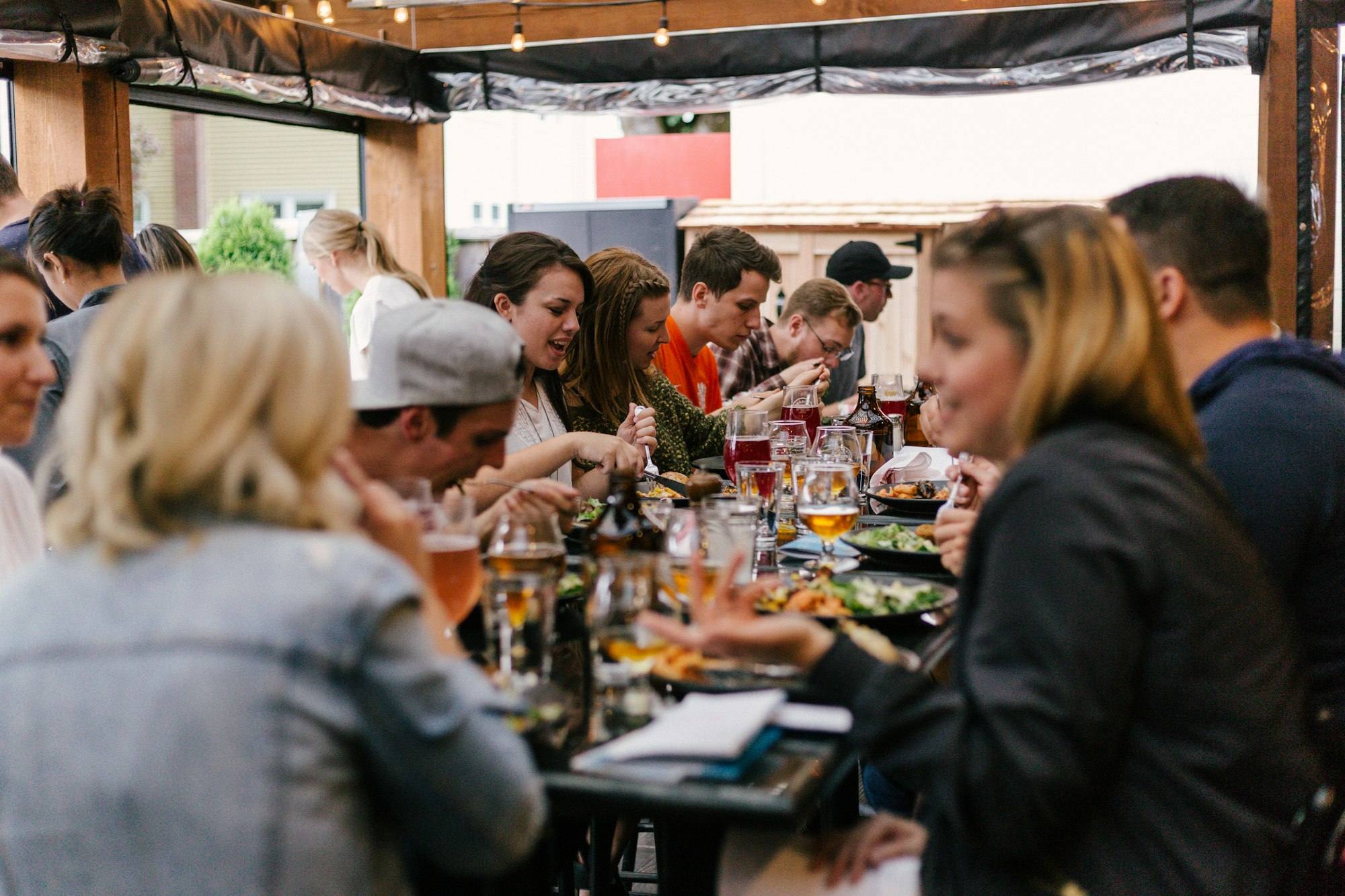
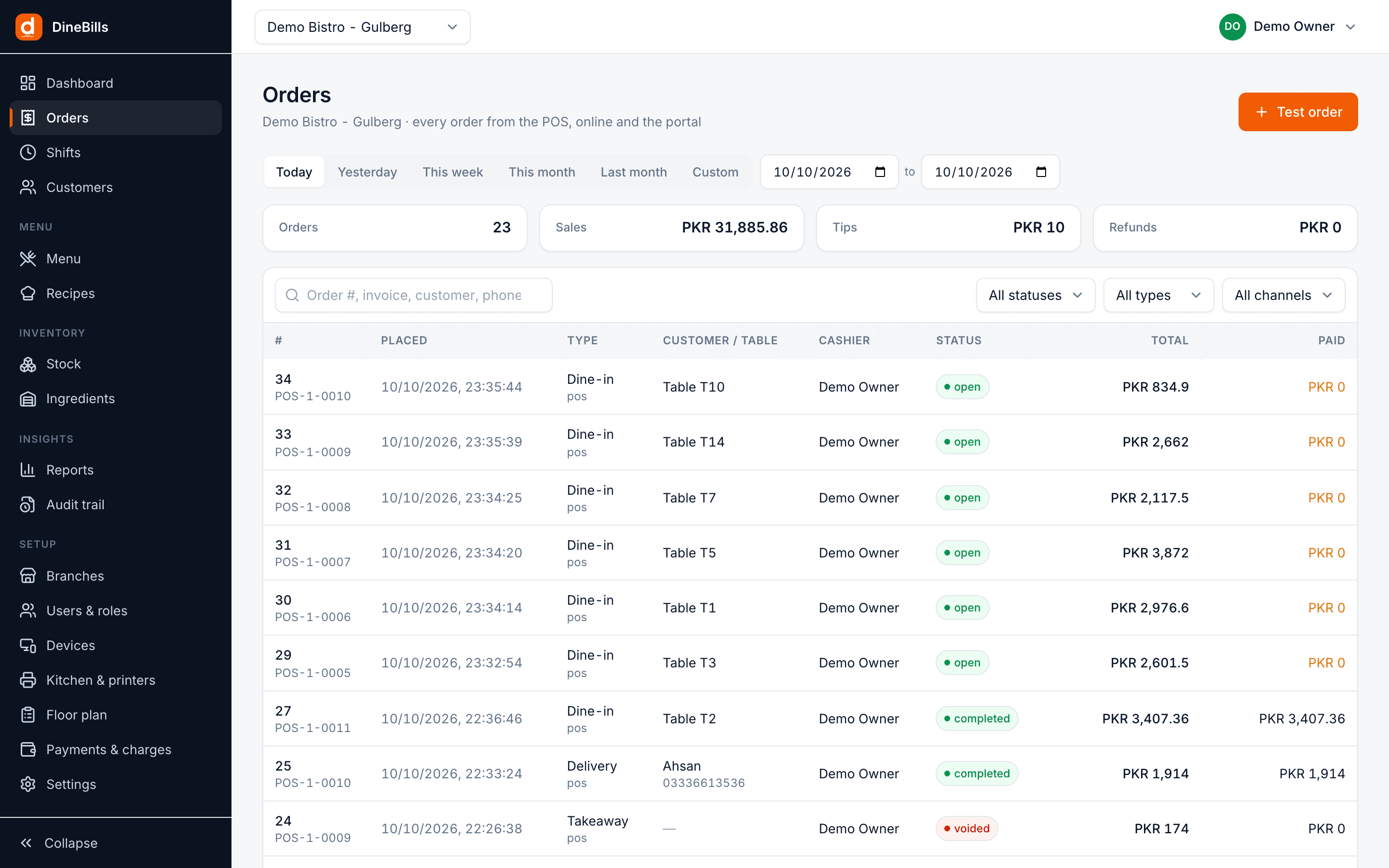
Take a deposit when the event is confirmed, record part payments, and send the final invoice with taxes calculated correctly. Corporate clients can order through the month and settle on account.
How a catering booking moves through DineBills.
Menu, per-head price, extras and charges.
The quote becomes an event and a deposit is recorded.
Ingredient totals, prep lists and the event sheet.
Chefs, servers, drivers and the van for the day.
Dispatch time, venue, setup notes and contact.
Collect the balance or bill the account.



Everything ties back to the same menu, recipes, customers and reports as your restaurant.
Built from the real menu, converted to an event in one click.
Week, month and list views with status colours and labels.
Choice-based menus priced per guest.
Menu, timeline, venue, setup and dietary notes on one page.
Advance, part payments and due dates per event.
Any future date and time; tickets fire on schedule.
Quantities from recipes, prep timed to dispatch.
Dispatch slots, vans, venues and setup times.
Chefs, servers and drivers per event.
Tax-correct invoices and on-account statements.
Revenue, food cost and margin per event.
Caller lookup and client history for bookings.
The kitchen, the dispatch desk and the event manager see the same booking, so the 12:15 van leaves with the right trays and the right people.
Marinate, cook, pack and dispatch, each with an owner and a start time.
One click prints the prep sheet and the event sheet for the pass.
Which van, which venue and when it has to leave.
Confirmed, deposit pending, corporate account or wedding, shown with colour and a label.
Still curious? Talk to our team.
Yes. Build a quote from your menu and packages, add charges for setup, staff and delivery, and send it. When the client accepts, it becomes a confirmed event with the same lines, ready for a deposit.
Record a deposit or any number of part payments against the event. The remaining balance and its due date show on the event and in the calendar, and the balance can be collected on delivery, at the counter or billed to the client’s account.
Yes. Create per-head packages with choice groups, for example two mains, one dessert and one drink per guest, and set the quantity to the guest count. Catering prices can differ from your dine-in prices.
If your dishes have recipes, DineBills totals the ingredients needed for upcoming events, including sub-recipes, yields and wastage, and splits the work into prep lists per station.
An event sheet (often called a BEO, banquet event order) is the one-page brief for an event: menu, guest count, timings, venue, setup, staffing and dietary notes. DineBills prints it from the booking so nobody works from an old version.
Same platform, same menu, same back office. Mix counters, tables, delivery and catering as you grow.

Three taps from order to paid
Explore
Tables, courses and table-side ordering
Explore
Fast counters, weighed items, loyalty
Explore
Every channel in one queue
Explore
Phone orders routed to any branch
Explore
Central menu, branch control
Explore
High volume, small footprint
Explore
Book a demo to see an event go from quote to invoice, or start a free trial with your own menu.
No credit card required · Setup help included · Cancel anytime