
Your restaurant’s own ecommerce website.
A fast, branded online store on your own domain, with your photos, your deals and your customer list. It sells from the same menu as your POS, takes payment online, and sends every order straight to the kitchen. No marketplace in the middle.
- Your own domain
- Delivery, pickup and scheduled
- Online payments
- Instant POS and kitchen sync
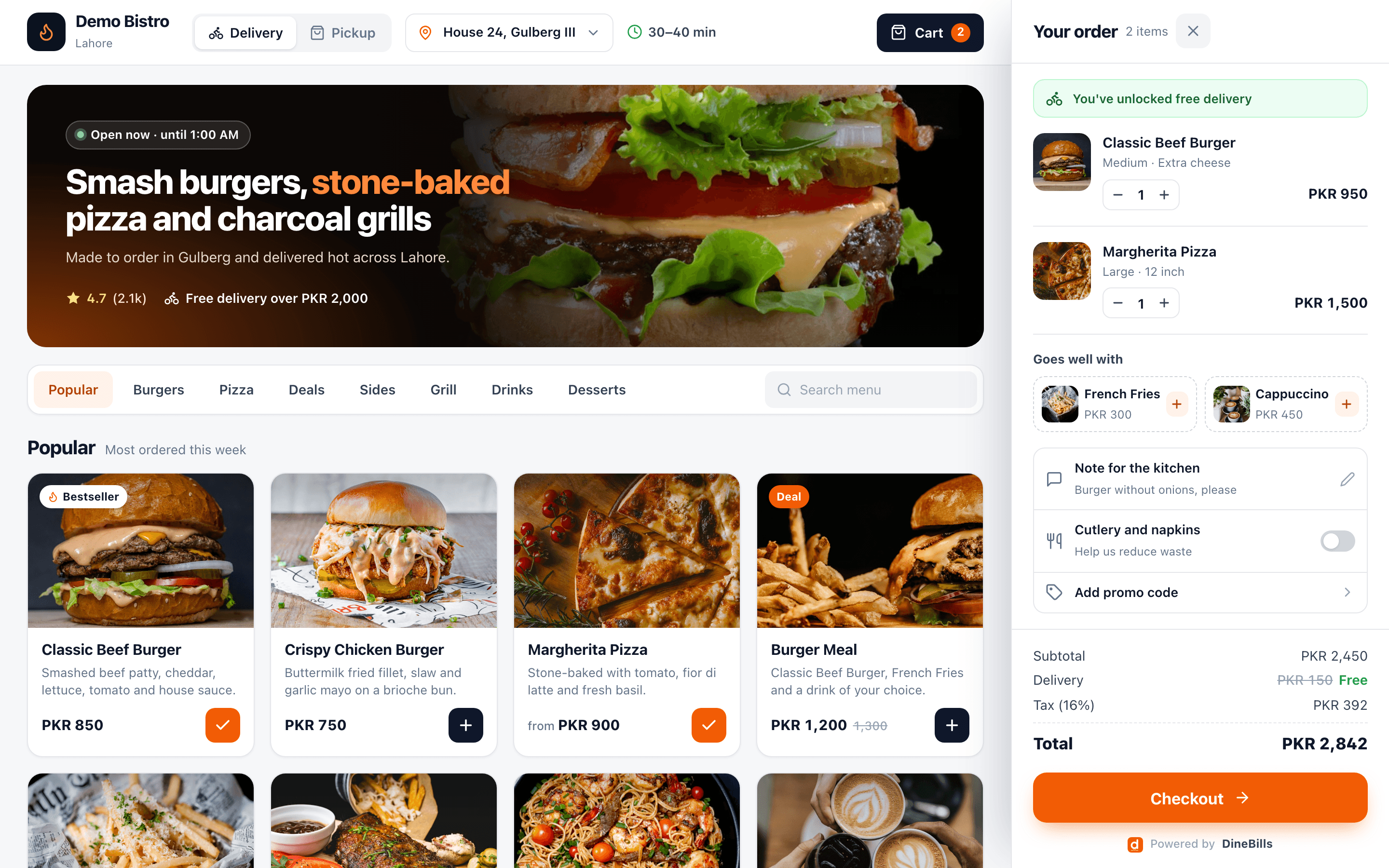
- Your logo, colours, photos and address on the web
- Your domain
- Your logo, colours, photos and address on the web
- Commission to a marketplace on your own website orders
- 0%
- Commission to a marketplace on your own website orders
- Shared with the POS, waiter app, kiosk and KDS
- 1 menu
- Shared with the POS, waiter app, kiosk and KDS
- For a sold-out item on the POS to vanish from the site
- ~1 s
- For a sold-out item on the POS to vanish from the site
Your menu, your photos, your domain and your customer list. Marketplaces rent you their customers; your own store builds yours.
 Double smash
 Margherita
 Salmon bowl
 Butter chicken
 Pasta
Pasta Steak frites
 Pancakes
 Cappuccino
 Donuts
 Cupcakes
 Eggs on toast
 CookiesPancakesCappuccinoDonutsCupcakesEggs on toastCookiesDouble smashMargheritaSalmon bowlButter chickenPastaSteak frites
A real online store, not a listing on someone else’s app.
Publish on your own domain with your branding. Every branch, category and dish gets its own fast page that search engines can read, so people searching for your food find your store, not a marketplace that charges you for them.
- Custom domain such as order.yourrestaurant.com, or a free subdomain
- SEO-friendly pages for each branch, category and dish
- Store selector that finds the nearest branch that delivers
- Opening hours, delivery time and free-delivery threshold up front
Order smash burgers, stone-baked pizza and grills for delivery or pickup in Gulberg. Open until 1:00 AM · Free delivery over PKR 2,000.
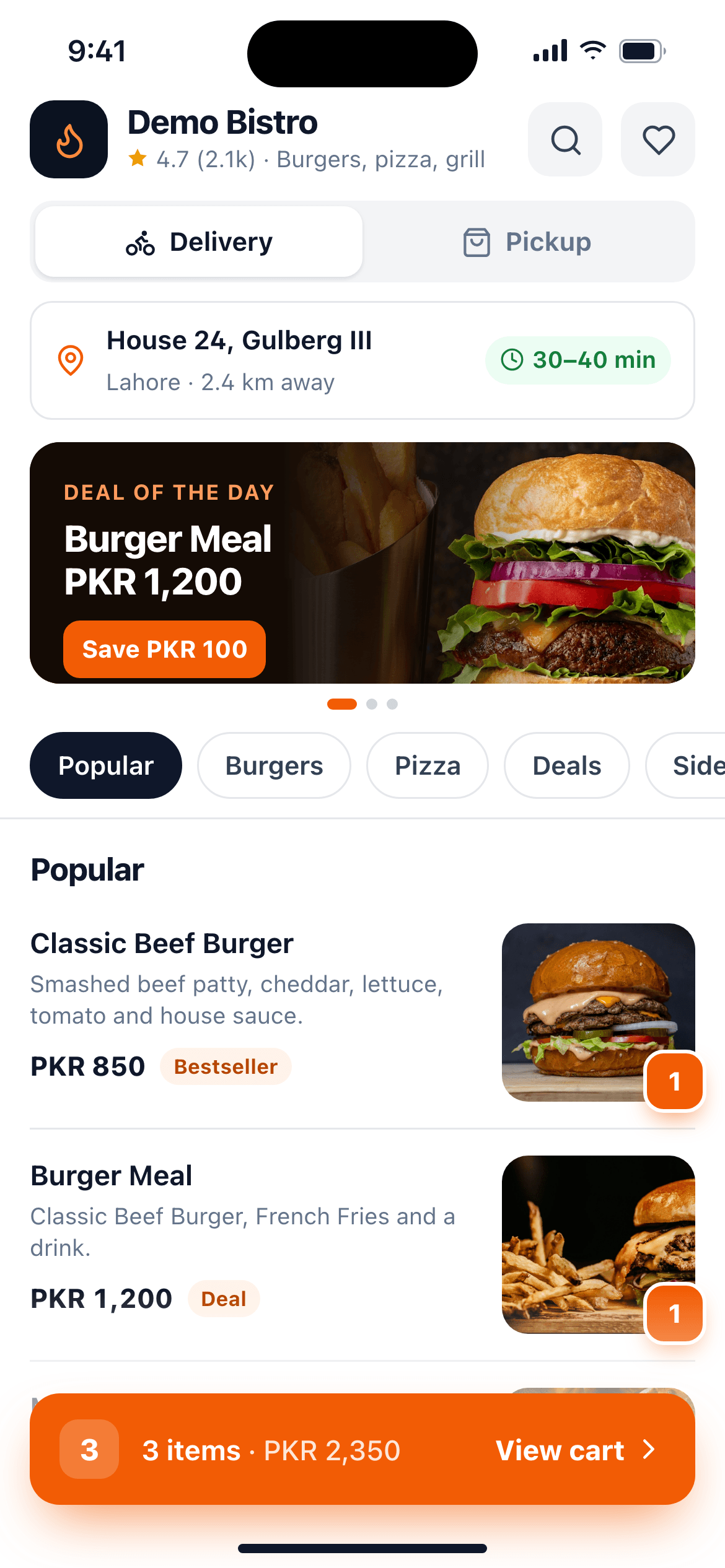
Feels like an app. Opens like a link.
Most orders come from phones, so the store is built for thumbs: a sticky category bar, big photos, a slide-up cart and a two-step checkout. Guests can add it to the home screen and reopen it like an app, with no download.
- Photo menu with the same modifiers, combos and deals as the till
- “Goes well with” upsells and notes for the kitchen
- Sign in with an SMS or WhatsApp code; saved addresses and one-tap reorder
- Installs on the home screen
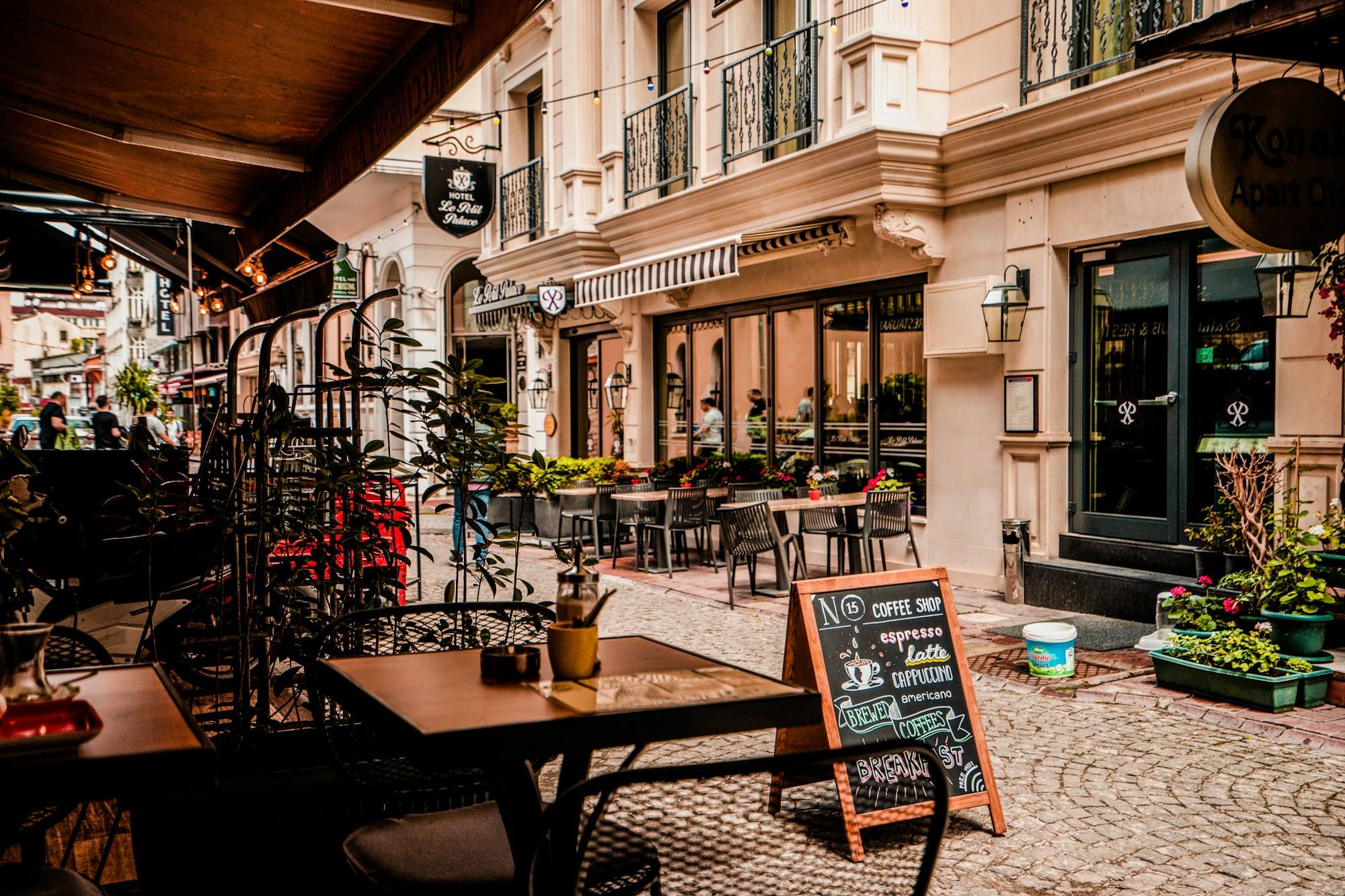
Delivery, pickup, later, or at the table.
Each branch chooses which of these it offers, with its own hours, zones and fees.
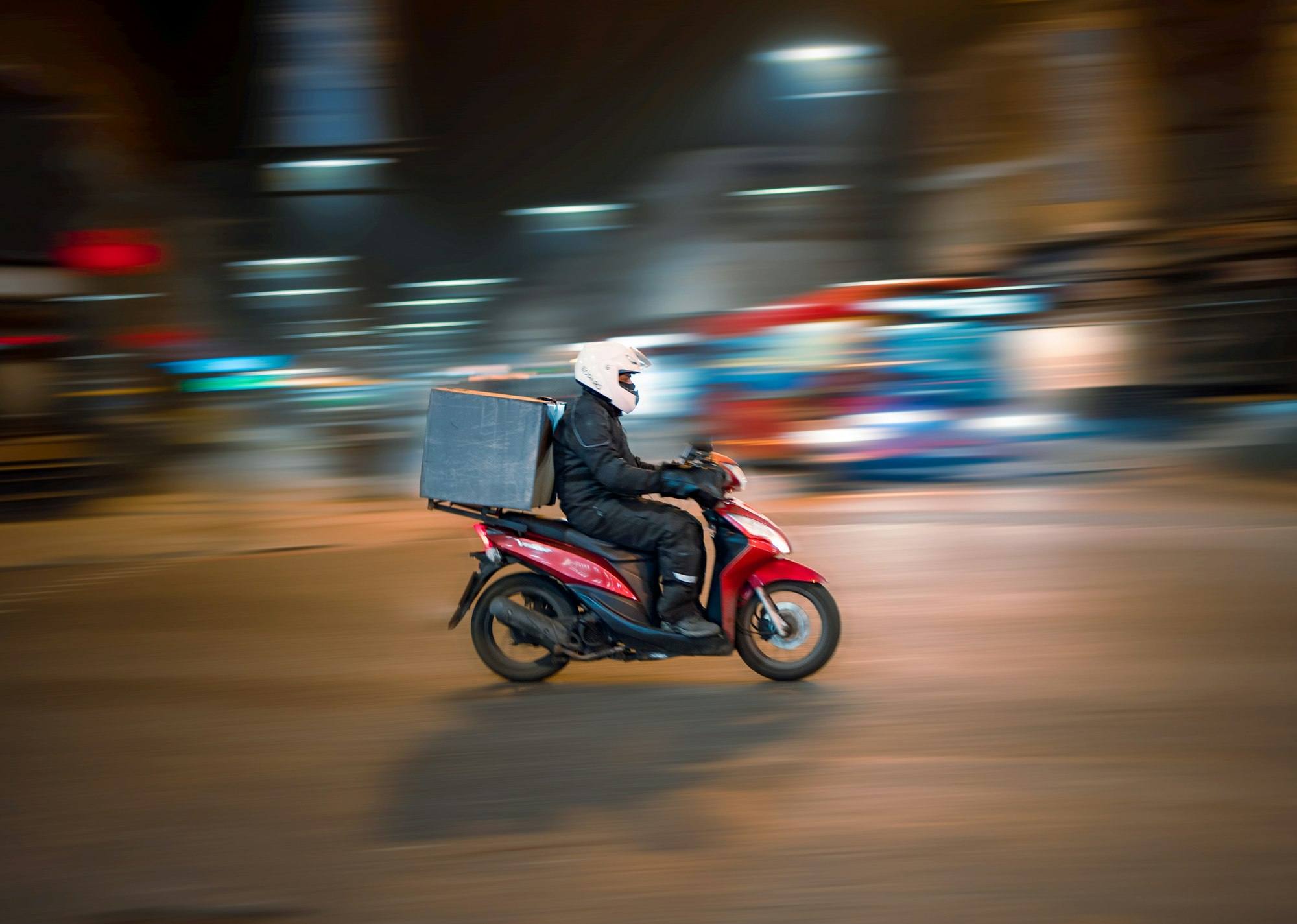
Zones, fees and a minimum order for every area.
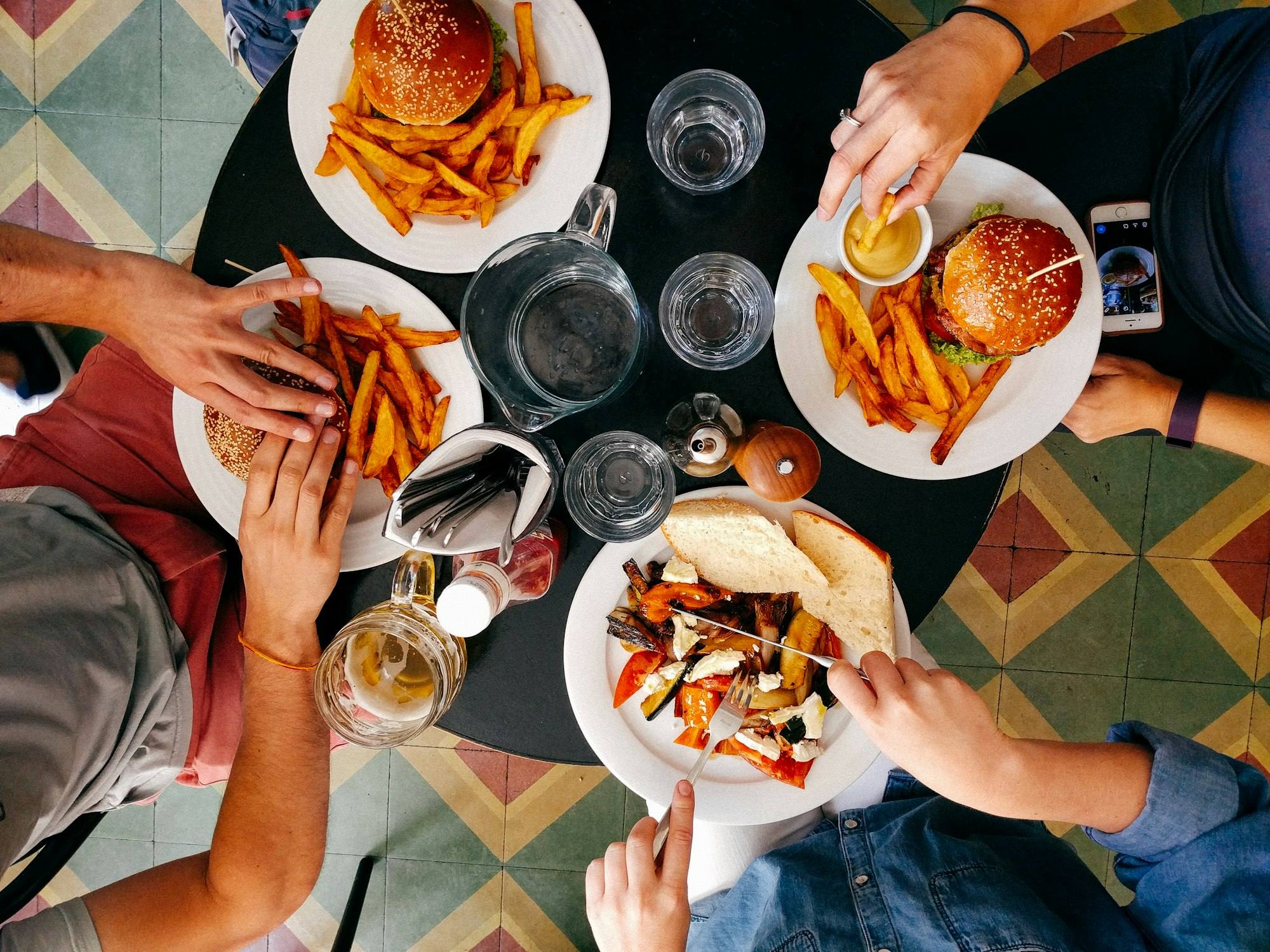
Guests scan the code and order without waving anyone over.
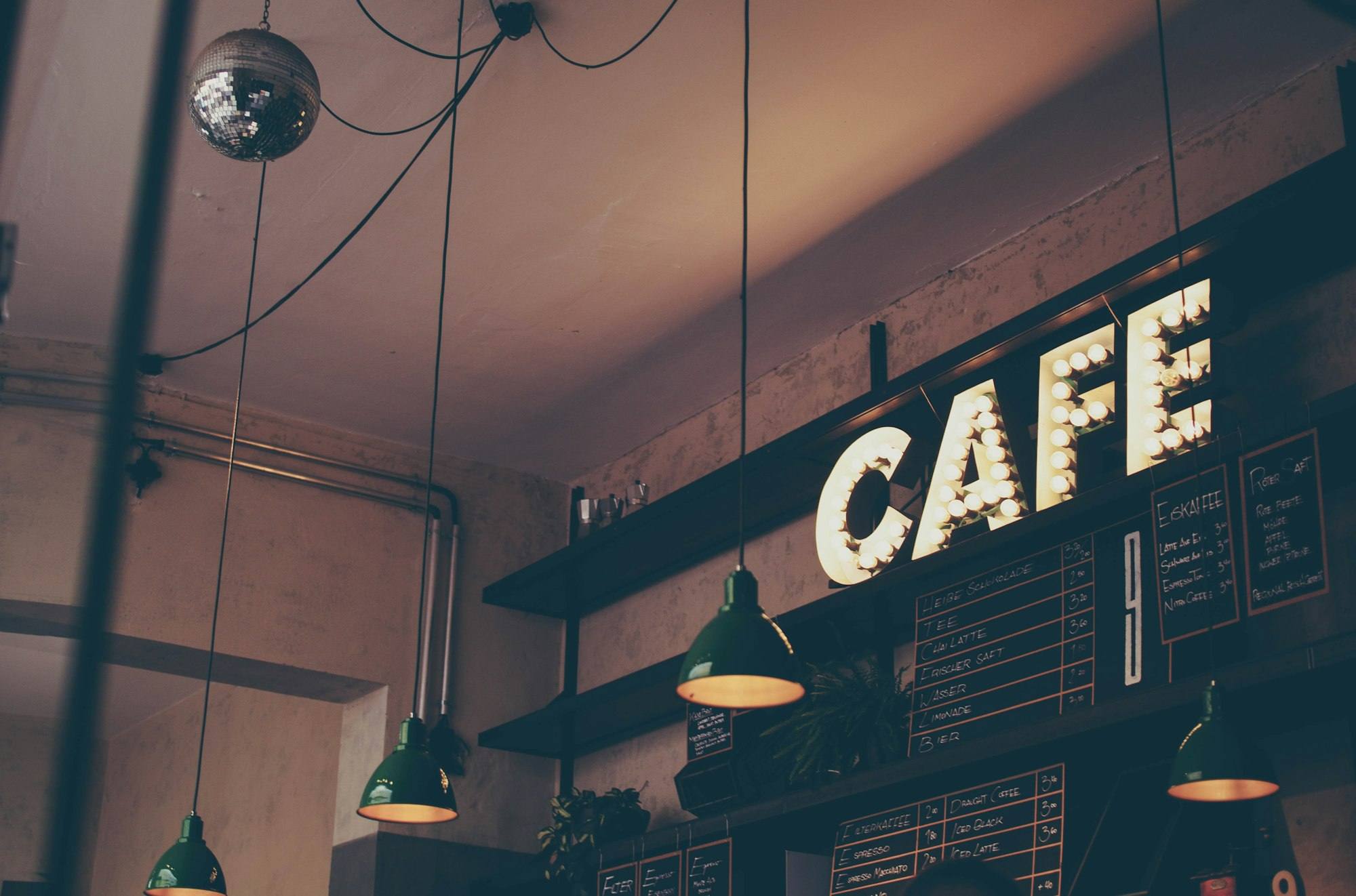
Order ahead and collect without queuing.
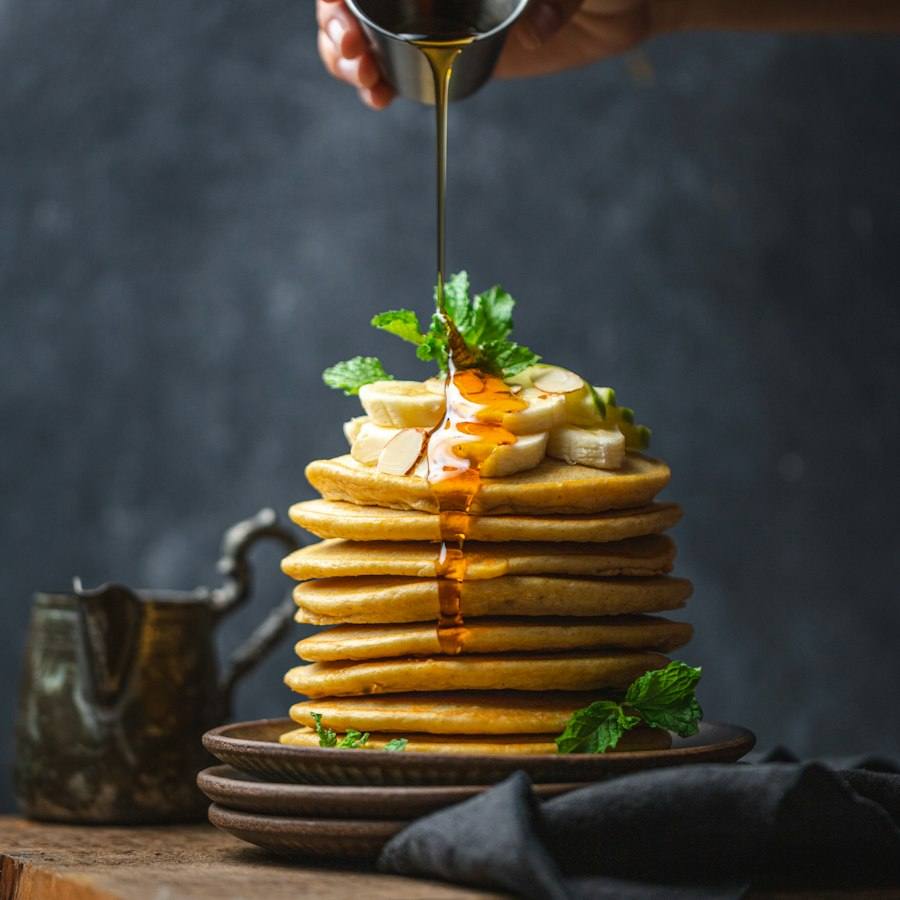
Order tonight for tomorrow’s lunch.
Everything between “add to cart” and the next order.
Set the rules per branch. The store applies them to every basket.
Online payments
Cards and wallets through your payment gateway, plus cash on delivery.
Promo codes
Percentage, fixed or free-delivery codes with start and end dates.
Deals and bundles
Website deals built in the back office, shown with the saving.
Loyalty
Points earned on every order and redeemed at checkout.
Customer accounts
Order history, saved addresses and favourite items.
Order tracking
A live status page from accepted to out for delivery, with SMS, email or WhatsApp updates.
Multi-branch selector
The guest’s location picks the branch, its menu, prices and delivery zones.
Busy mode
Extend prep times or limit orders per slot when the kitchen is slammed.
Search and SEO
Readable pages, structured data and fast loading, so the store can rank.
An online order is just another order. Instantly.
The store is not a separate system with a tablet on the counter. Orders arrive on the POS, the kitchen and the stock ledger like any order taken at the till.
Accepted on the POS
Auto-accept, or confirm with a prep time. The guest is told either way.
Straight to the stations
KOTs print and KDS tickets appear by station, with an Online badge.
Stock deducted
Recipes deduct ingredients the moment the order completes.
Sold out, everywhere
Mark an item 86 on the POS and it disappears from the store within a second.
Auto-pause
If no POS at a branch is online, that branch stops taking orders so none are missed.
Same reports
Website sales sit in the same reports, filtered by channel.
Frequently asked questions
Still curious? Talk to our team.
Is this a website or just an ordering page?
It is a full ecommerce website for your restaurant: home page, branch pages, a photo menu, cart, checkout, customer accounts and order tracking, on your own domain and in your branding.
Can I use my own domain name?
Yes. Point your own domain or a subdomain such as order.yourrestaurant.com at your store, or use the free DineBills subdomain until you are ready.
Do I need to keep a separate online menu?
No. The store reads the same menu as your POS, including modifiers, deals, branch prices and sold-out items. Change it once in the back office.
How do customers pay?
By card or mobile wallet through your payment gateway, or cash on delivery. You choose which methods each branch accepts.
How are delivery areas and fees set?
For each branch you draw delivery zones on a map or set a radius, each with its own fee, minimum order and free-delivery threshold. The checkout applies them from the customer’s address.
Can guests order from the table with a QR code?
Yes. Each table gets its own QR code from the floor plan. Guests scan, order and the order is tagged to their table. You can also use QR as a menu-only view.
Works together, out of the box.
Every DineBills product shares one menu, one set of orders and one back office. Nothing to connect, nothing to re-key.

Stop paying commission on your own regulars.
Launch your ecommerce website on your own domain, with your menu already loaded from the back office.
No credit card required · Setup help included · Cancel anytime