Everything your restaurant runs on, in one platform.
211+ features across point of sale, back office, kitchen, waiter app, ecommerce website, catering, kiosk, inventory, reports and integrations. Every feature is listed once, in the area where you would look for it.
- POS
- Back office
- Ecommerce website
- Catering
- Inventory
- Reports
- Features across every part of the restaurant
- 211+
- Features across every part of the restaurant
- Product areas on one menu and one login
- 19
- Product areas on one menu and one login
- Live today; the rest are marked Rolling out
- 180+
- Live today; the rest are marked Rolling out
- Ready-made reports, each exportable to Excel
- 15
- Ready-made reports, each exportable to Excel
Point of sale
A desktop POS for Windows and Mac that answers every tap instantly and keeps selling with no internet.
-
Instant taps
Menu, prices and taxes live on the till, so every action is designed to respond in under 50 ms.
-
Offline-first selling
Orders, payments, printing and shifts all work with no internet.
-
Local order numbers
Offline orders numbered per device (T1-0042); receipts also show the branch number.
-
Quick-service mode
Items, Pay, tender in three taps; receipt and KOT print automatically.
-
Table-service mode
Live floor map with free, occupied, ordered, bill printed and paid states.
-
Dine-in, takeaway and delivery
All order types on the same screen.
-
Drive-thru, curbside and pickup
Extra order types for drive-thru lanes and curbside handover.
-
Seats, courses, hold and fire
Order by seat and course and fire each course when the table is ready.
-
Transfer and merge
Move items, merge tables and move orders between waiters.
-
Guest count and notes
Guest count per table, item notes and order notes.
-
Search, favourites and repeat
Find items fast, pin favourites and repeat the last item.
-
Barcode scanning
Scan retail items straight into the order.
-
Weight keypad and scales
Enter a weight and the price is worked out from the per-kg rate.
-
Discounts with approval
Item or order, % or fixed, with manager PIN and reason codes.
-
Voids, comps and refunds
With reasons, full or partial, all written to the audit trail.
-
Split bill
Split by item, equal share, amount or seat.
-
Cash, card and split tender
Cash with quick amounts, card on your terminal, or both; preset or custom tips.
-
Wallets, QR and store credit
Mobile wallets, QR payments, store credit and on-account.
-
Bar tabs
Open a tab, keep adding rounds and settle at the end.
-
Customer lookup
Find customers by phone with addresses and order history.
-
Delivery and rider settlement
Address, zone fee, rider assignment and cash-on-delivery settlement.
-
Shifts and drawers
Opening float, cash in and out, blind close and multiple drawers.
-
X and Z reports
Mid-shift X report and end-of-day Z report with variance.
-
Order history on device
Search today’s orders, reprint receipts and KOTs, end-of-day summary.
-
Keyboard shortcuts and drawer kick
Function keys for every main screen; drawer opens on cash payments.
-
Sync status and conflict alerts
Managers see what is pending and any clashes after an outage.
-
Tax invoice on the receipt
FBR, PRA or ZATCA invoice number and QR printed when a tax integration is on.
-
Digital receipts
Send receipts by email, SMS or WhatsApp.
Back office
One web portal to set up and run every branch, from any browser.
-
Live dashboard
Today’s sales, orders, average ticket, open orders, low stock and open shifts.
-
Onboarding checklist
Branch, menu, taxes, printers and users, step by step.
-
Branch settings
Address, hours, time zone, currency and languages per branch.
-
Order types and numbering
Order types per branch, with your own order and invoice numbering.
-
Taxes and charges
Inclusive or exclusive taxes per item or category; service, delivery and packaging charges.
-
Payment methods and tips
Cash, card and custom methods, with tip presets.
-
Discount presets and reason codes
Void, refund and comp reasons, and which ones need a manager.
-
Floor plan designer
Sections, tables, shapes and capacity, plus a QR code per table.
-
Kitchen stations and routing
Route items or categories to stations; destination Printer, KDS or Both, with a backup printer.
-
Receipt and KOT templates
Logo, header, footer, fields and copies.
-
Devices and pairing
Pair a POS, KDS or app with a code, see who is online, log a device out remotely.
-
Orders
Search every order across channels, open its detail, reprint and refund.
-
Order entry in the browser
Take a phone or advance order from the portal with no install.
-
Email notifications
Welcome, low-stock and daily summary emails with your own wording.
-
CSV exports
Users, customers and taxes to CSV whenever you need them.
-
Audit trail
Voids, discounts, refunds, price changes, drawer opens and setting changes, with who and when.
-
Owner and manager app
Live sales and approvals on your phone.
Menu
Every menu type, built once and sold on every channel.
-
Categories and sub-categories
Order, images, colours and visibility per channel.
-
Every item type
Standard, variants, open price, weighted, barcode, service, non-inventory and prep items.
-
Rich item details
Images, descriptions, SKU, kitchen and receipt names, Urdu and Arabic translations.
-
Allergens and dietary tags
Allergens, dietary tags, spice level and prep time.
-
Modifier groups
Min and max, required or optional, N free then charged.
-
Nested modifiers and halves
No / Extra / Light / On the side, modifiers inside modifiers, pizza halves and quarters.
-
Build-your-own
Step-by-step customizers for burgers and bowls.
-
Deals and combos
Fixed combos, choose X from a group, make-it-a-meal upgrades.
-
Price by channel
Different prices for dine-in, takeaway and delivery.
-
Availability and 86
Sold out per branch in one tap, reflected on every channel; automatic when stock runs out.
-
Import and export
Bulk Excel import and export of categories, items and prices.
-
Promotions
BOGO, buy X get Y, bundles, happy hour and day-of-week offers.
-
Time and group pricingRolling out
Prices by time of day, customer group or aggregator; price lists.
-
Menu schedulingRolling out
Breakfast, lunch and dinner menus switched by schedule.
-
Courses
Starter, main and dessert for paced service.
-
Menu history and engineeringRolling out
Version history and menu engineering to find stars and dogs.
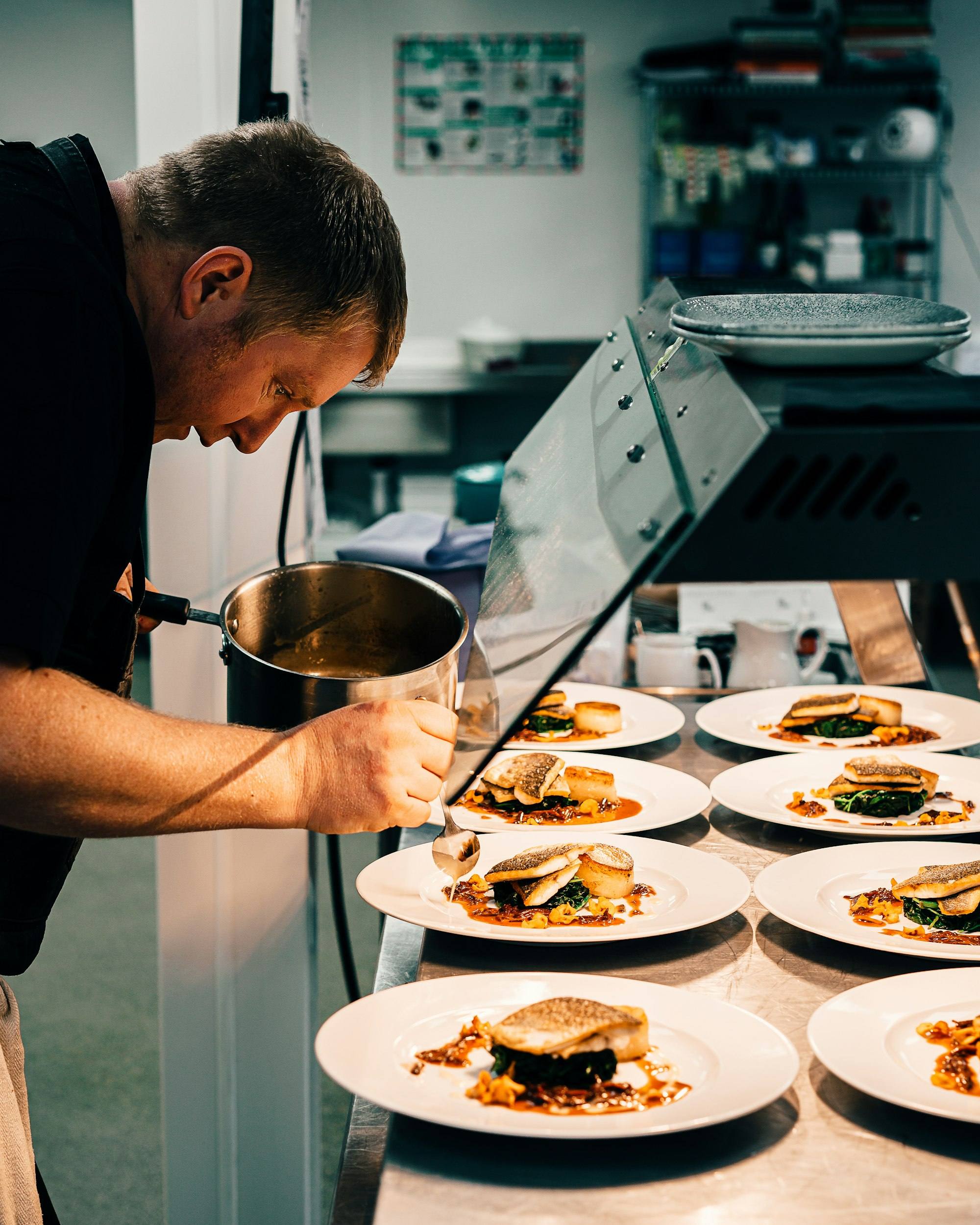
Inventory & recipes
Recipes on everything you sell and live stock in every location.
-
Recipes on everything
Items, variants, modifiers and deal components each carry a recipe.
-
Prep recipes
Dough, sauces and marinades made in-house and used inside other recipes.
-
Yield, wastage and conversions
Honest costs with yield %, wastage % and unit conversions.
-
Recipe cost and food cost %
Cost and margin next to every selling price.
-
Per-serving stock deduction
Every completed order deducts its recipe, including modifiers and weight sold.
-
Consumption rules
Choose which stock location each recipe is deducted from.
-
Units and ingredients
Base unit, conversions, cost per unit, low-stock threshold and par level.
-
Stock locations
Main store, kitchen, bar, freezer and more per branch.
-
Purchases and opening stock
Supplier, quantity, unit cost and invoice reference.
-
Transfers
Between locations and between branches.
-
Wastage and adjustments
With reasons, so losses are visible.
-
Stock counts
Physical count against system with variance, then apply.
-
Movement ledger
Every movement with user, time and order reference.
-
Auto sold-out
Items marked 86 automatically when an ingredient runs out.
-
Suppliers and purchase ordersRolling out
Supplier master, POs, goods received notes and returns.
-
Auto purchase ordersRolling out
Suggested orders from par levels and usage.
-
Batch and expiryRolling out
Track batches and expiry dates.
-
Central kitchen productionRolling out
Produce centrally and transfer to branches with costing.
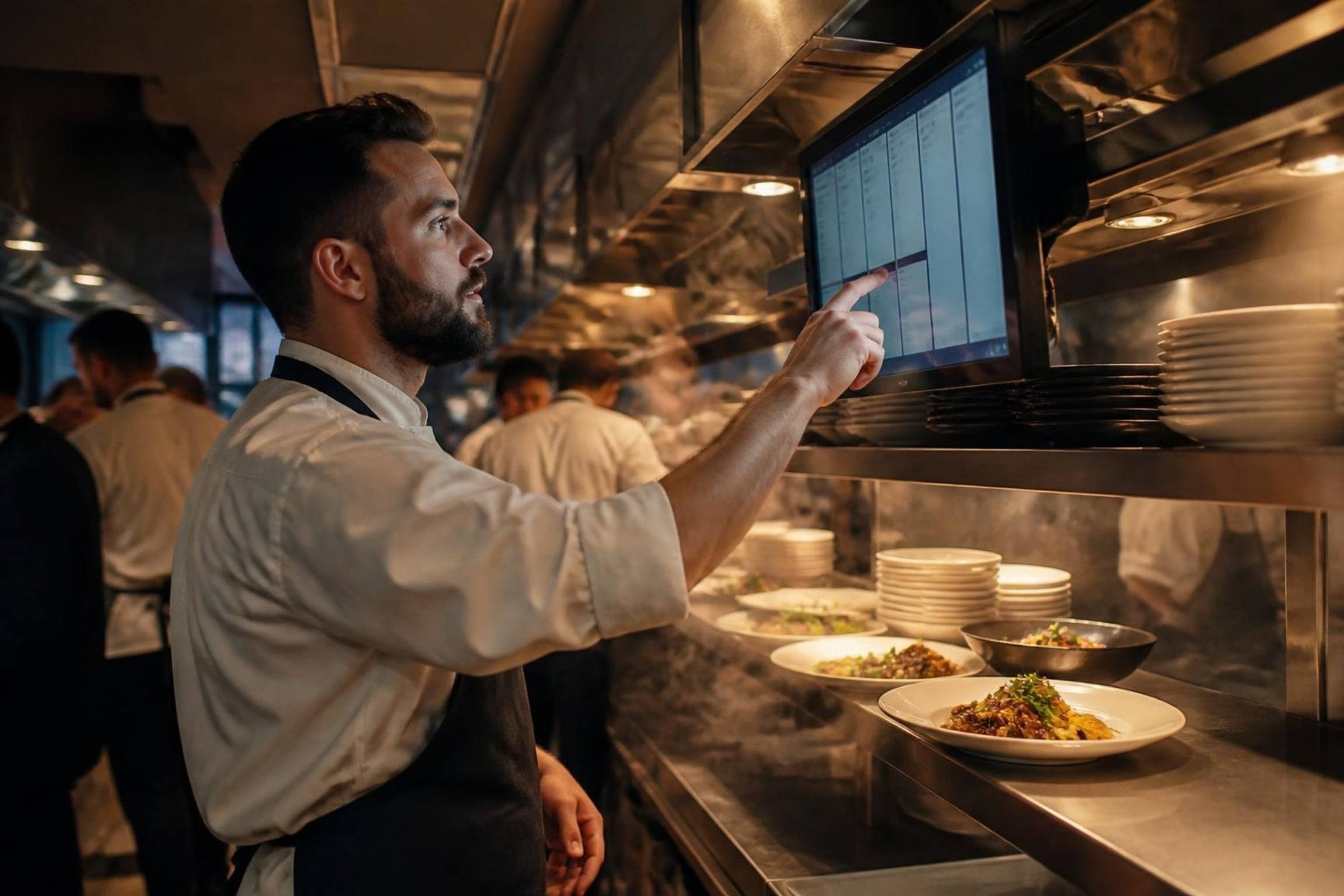
Kitchen display
A screen per station instead of a paper rail.
-
Station screens
Each station sees only its own items, fed by the routing set in the back office.
-
Expo screen
The whole order at the pass.
-
Tiles, list and all-day counts
Views for the line and the pass, with running item totals.
-
Bump, recall and undo
At item level or ticket level.
-
Colour-coded timers
Target prep times and rush flags, with a label next to every colour.
-
Modifier highlighting
Special instructions and order source badges.
-
Bump bar, keyboard and touch
With sound alerts for new tickets.
-
Printer fallback
POS prints KOTs automatically when a screen is offline.
-
Course pacing and allergen alerts
Fire courses together; allergens flagged.
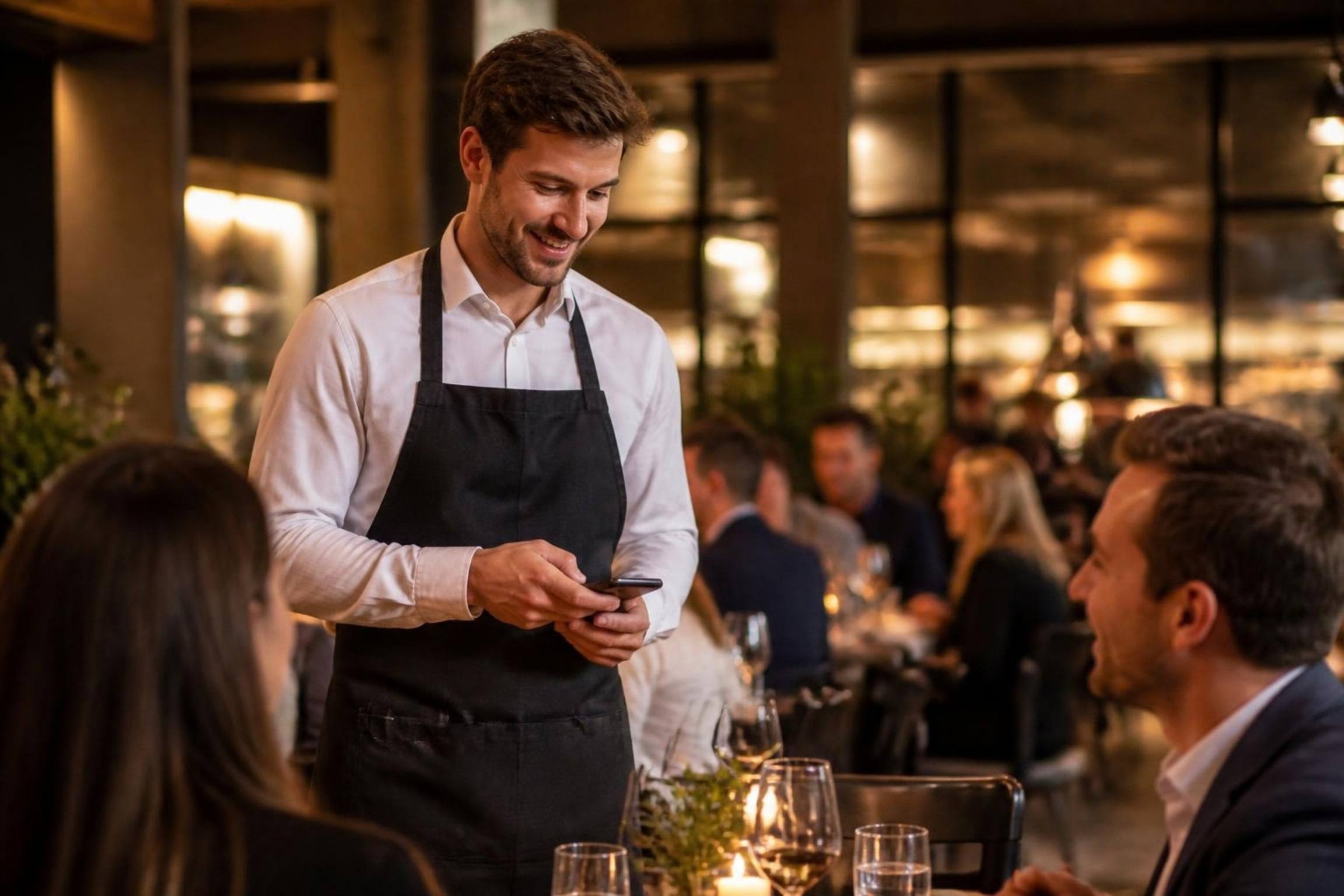
Waiter app
Table-side ordering on iOS and Android.
-
Sections and table map
Assigned sections and live table status.
-
Full ordering
Modifiers, deals and notes, the same as the POS.
-
Send to kitchen
Same station routing as the POS.
-
Offline queue
Orders held on the device and sent on reconnect.
-
Food-ready alerts
Push notifications when the kitchen bumps, plus kitchen messages.
-
Print and split at the table
Bluetooth or LAN bill printing and split bill.
-
Tablet counter mode
A second till for the counter or drive-thru.
-
Pay at tableRolling out
Tap-to-pay on the device.

Ecommerce website
Your own branded online store on your own domain, wired straight to the kitchen.
-
Your domain and brand
Custom domain or a DineBills subdomain, your logo, colours and photos.
-
SEO-friendly pages
Fast pages for every branch, category and dish that search engines can read.
-
Mobile-first, app-like
Sticky categories, slide-up cart and install to the home screen.
-
Photo menu and search
Full menu with photos, modifiers and deals from the back office.
-
Cart, upsells and notes
“Goes well with” suggestions, kitchen notes and cutlery options.
-
Multi-branch store selector
Location detection picks the nearest branch that delivers.
-
Delivery zones, fees and minimums
Polygon or radius zones, each with a fee, free-delivery threshold and minimum order.
-
Pickup and scheduled orders
Order now or for a later slot within store hours.
-
Online payments
Cards, wallets and cash on delivery.
-
Customer accounts
Sign in with an SMS or WhatsApp code; saved addresses, order history and one-tap reorder.
-
Promo codes and deals
Codes, website-only deals and free-delivery offers.
-
Loyalty at checkout
Points earned on every online order and redeemed at checkout.
-
QR table ordering
Each table’s QR opens the menu for that table; or QR menu-only mode.
-
Order tracking
Live status page plus SMS, email or WhatsApp updates.
-
Instant sync with POS, KDS and stock
Accepted on the POS, sent to stations, deducted from stock; sold-out items hidden live.
-
Busy mode and auto-pause
Extend prep times, limit orders per slot, or pause when no POS is online.
-
WhatsApp orderingRolling out
An ordering bot that sends orders to the POS.
-
Live rider mapRolling out
Guests follow their delivery on a map.
-
Branded customer appRolling out
A white-label iOS and Android app with your brand.
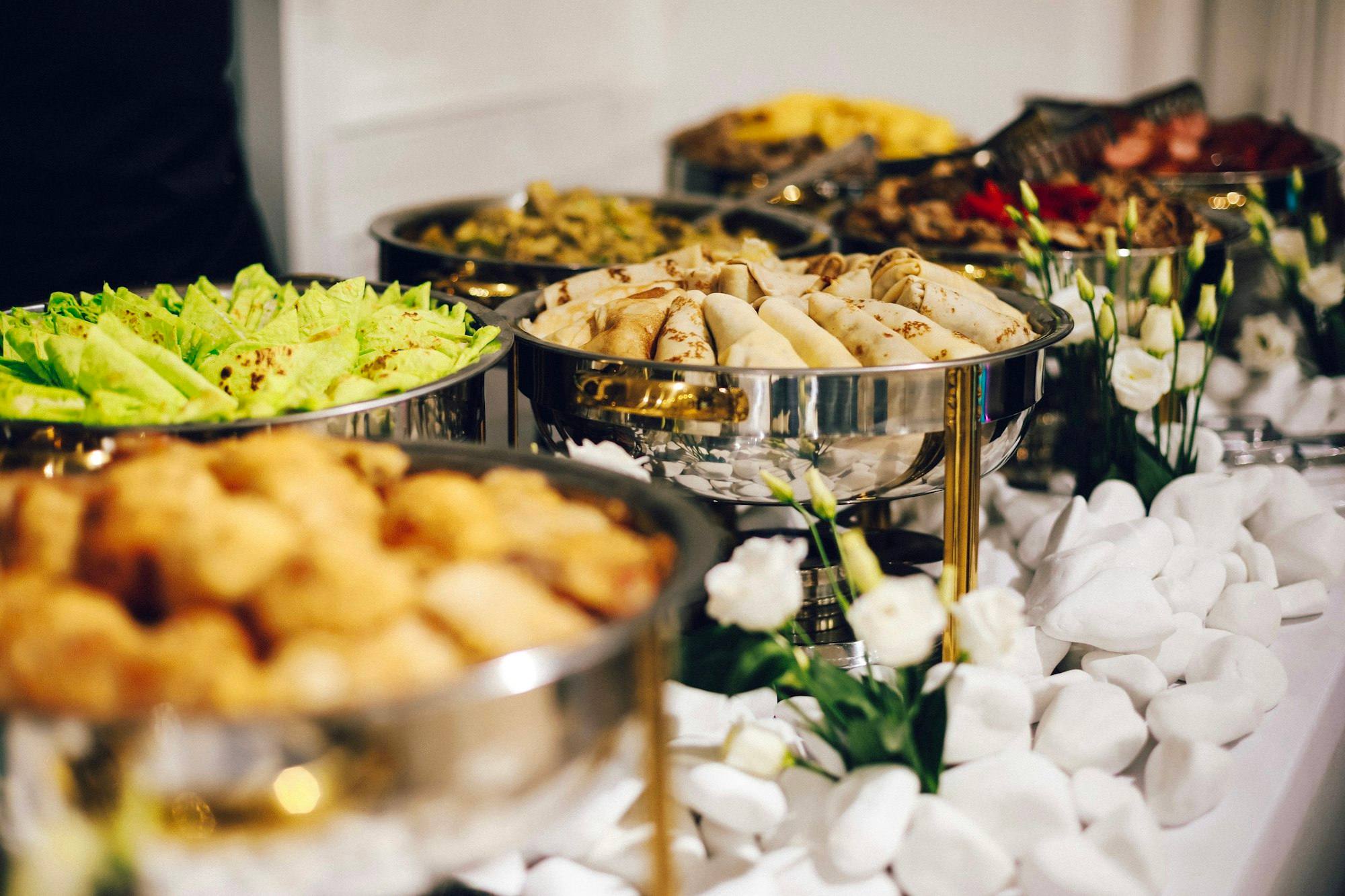
Catering & events
Quotes, events, deposits and production on the same menu and stock as the restaurant.
-
Quotes and proposals
Built from the real menu and converted to an event in one click.
-
Event calendar
Week, month and list views with status colours and labels.
-
Per-head packages
Choice-based menus priced per guest.
-
Event sheet (BEO)
Menu, timeline, venue, setup, staffing and dietary notes on one page.
-
Deposits and balances
Advance, part payments and due dates per event.
-
Advance orders
Any future date and time; kitchen tickets fire on schedule.
-
Production and prep lists
Ingredient totals from recipes and prep timed to dispatch.
-
Delivery and setup scheduling
Dispatch slots, vans, venues and setup times.
-
Staff assignment
Chefs, servers and drivers per event.
-
Invoices and corporate accounts
Tax-correct invoices and monthly on-account statements.

Self-ordering kiosk
Guests order and pay on a touchscreen while your team cooks.
-
Photo menu on a touchscreen
Large tiles, the same modifiers and deals as the POS.
-
Built-in upsells
Make-it-a-meal and add-ons offered at the right step.
-
Pay at the kiosk
Card payment on the kiosk, or pay at the counter.
-
Order number for collection
Printed ticket and an order-ready screen to watch.
-
Straight to the kitchen
Kiosk orders follow the same station routing as the till.
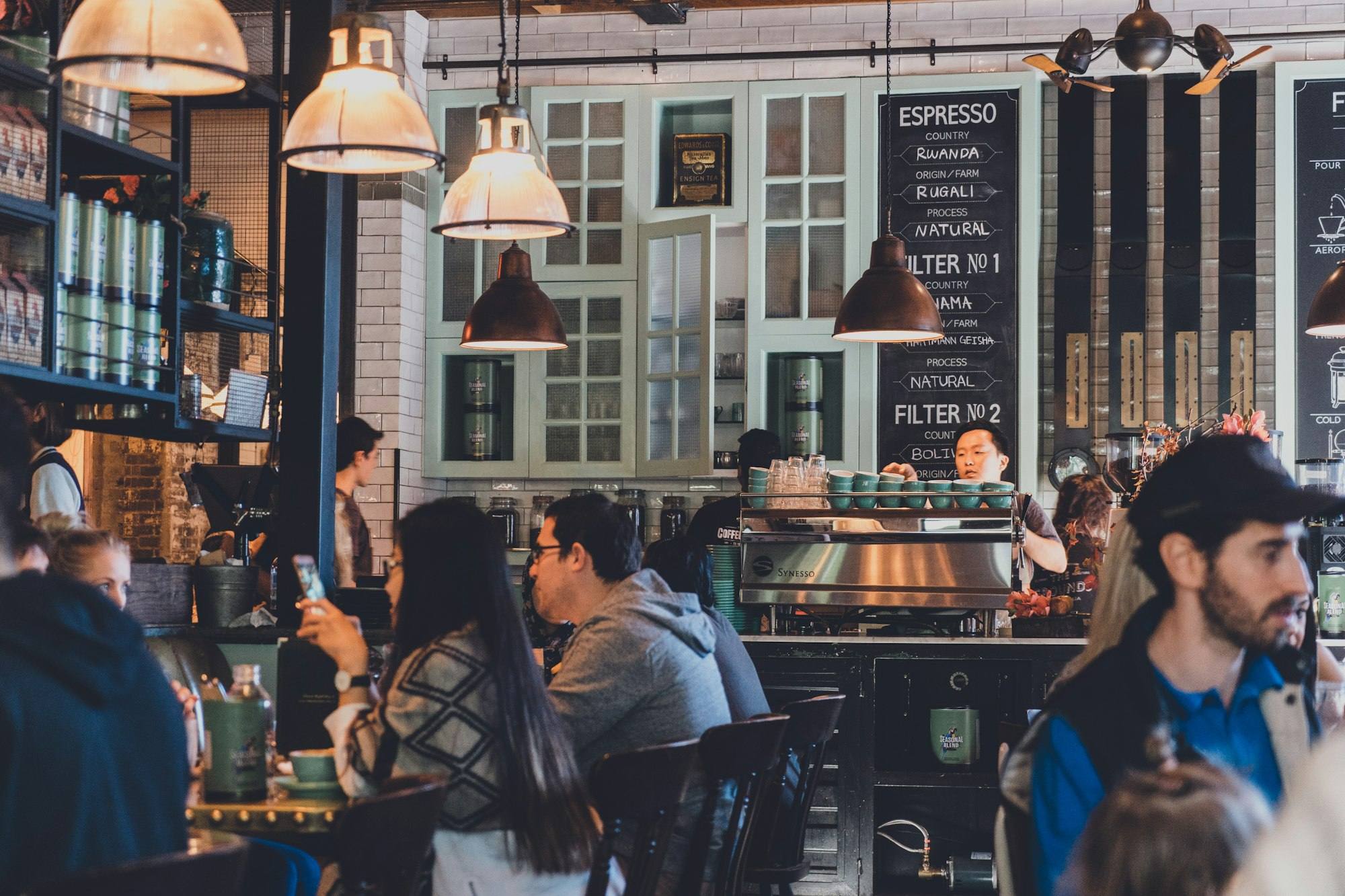
Customer display & menu boards
Screens your guests look at: the order, the menu and when it is ready.
-
Customer-facing display
Items, modifiers and total shown to the guest as the cashier rings them up.
-
Tip on the guest screen
Guests choose a tip themselves before paying.
-
Order-ready board
Order numbers move from preparing to ready.
-
Digital menu boards
Menus on TVs that hide sold-out items on their own.
-
Idle promotions
Your logo and offers when no order is on screen.
Printing
Silent, routed, with a backup for every printer.
-
ESC/POS printers
Epson, Xprinter, Bixolon, Star and generic models.
-
Silent printing
Raw printing with no OS dialog or spooler.
-
LAN, Wi-Fi, USB and Bluetooth
Whichever suits each spot in the restaurant.
-
Backup printer failover
Tickets move to the backup when a printer fails.
-
Bill printer per terminal
Auto-print on pay with copies.
-
Urdu and Arabic printing
Unicode text through raster printing.
-
Print queue and alerts
Retry, paper-out and offline alerts, reprint log, void tickets.
-
Test print and discovery
Find LAN and USB printers and print a test page.
-
QR on receipts
For payment, feedback or the tax invoice.
-
Label and fiscal printersRolling out
Plus Star and Epson network protocols and serial printers.

Reports
Fifteen ready-made reports, filtered by date and branch, exported to Excel.
-
Sales summary
Gross, discounts, net, tax, charges, tips and refunds by day, hour, type, channel and payment.
-
Orders
Every order in the range with totals and drill-down.
-
Item mix
Quantity and revenue per item and variant, by category, with modifiers and deals.
-
Payments
Collected by method and day, with tips and refunds.
-
Taxes
Taxable amount and tax collected per rate and day.
-
Discounts
Order and line discounts with reasons and approvers.
-
Voids and refunds
Voided orders and lines, and refunds, with reasons and users.
-
Shifts
Opening float, expected against counted cash and sales by tender.
-
Staff sales
Orders, sales, average ticket, voids and discounts per user.
-
Consumption
Theoretical usage from sales against wastage and count variances.
-
Stock on hand
Quantity and value per ingredient and location.
-
Stock movements
Purchases, transfers, sales, wastage, counts and adjustments.
-
Wastage
By ingredient and by reason.
-
Low stock
Ingredients below threshold with the shortfall to par.
-
Food cost
Recipe cost against price per item, with margin and theoretical cost.
-
Excel export and print
Every report to an Excel workbook with the filters you applied.
-
Daily summary email
Yesterday’s numbers in the owner’s inbox every night.
-
Kitchen prep timesRolling out
Ticket and prep times by station.
-
Online and delivery zone analysisRolling out
Orders and sales by channel and zone.
-
Period comparison and custom reportsRolling out
Compare periods, schedule weekly or monthly emails, build your own.
CRM & loyalty
Know your regulars and bring them back.
-
Customer profiles
Phone, addresses, tags, notes and order history across every channel.
-
Segments and birthdaysRolling out
Visit and spend history, segments and birthdays.
-
Loyalty programsRolling out
Points, tiers, stamps, cashback and a rewards catalogue.
-
Gift cards and walletRolling out
Physical and digital gift cards, store credit and wallet.
-
Campaigns and automated offersRolling out
SMS, WhatsApp, email and push, including win-back and birthday offers.
-
Feedback and reviewsRolling out
Post-order feedback, NPS and review management.
-
Reservations and waitlistRolling out
Bookings tied to the floor plan, SMS alerts, deposits and no-show tracking.

Staff & labor
Permissions, time and pay, in the same system as sales.
-
Users, roles and permissions
Granular permissions per role and branch access per user.
-
PIN login
A personal PIN for the POS and apps; switch users in a second.
-
Clock in and out
On the POS, linked to the user’s sales.
-
Shift schedulingRolling out
Plan shifts and breaks; mobile clock-in with geofencing.
-
Labor costRolling out
Labor-cost % and overtime alerts.
-
Tip pooling and payroll exportRolling out
Pool and distribute tips; hours and tips ready for payroll.
Multi-location
From a second branch to a franchise network.
-
Branch overrides
One central menu; price and availability overridden per branch.
-
Copy settings
Open a branch with the menu, taxes and printers of an existing one.
-
Branch switcher
Every screen and report for one branch or the whole company.
-
Multiple brands
Several brands under one company login.
-
Call-centre ordering
Take phone orders centrally and route them to any branch.
-
Franchise toolsRolling out
Franchise portal and royalty reports.
Security
Your data protected and your access under control.
-
No card data stored
Card payments stay on certified terminals and gateways.
-
Encryption
In transit and at rest.
-
Tenant isolation
Every row carries your company ID, enforced in the database itself.
-
Device tokens and remote logout
Each paired device has its own token you can revoke.
-
Two-factor sign-inRolling out
2FA for portal users; SSO for enterprise.
-
Backups and recovery
Automated backups with point-in-time recovery.
-
Your data, exportable
Export your data any time; retention policies.
Integrations, tax & API
Tax authorities, accounting, delivery apps and an open API.
-
Pakistan tax authorities
FBR, PRA, SRB and KPRA invoice reporting.
-
Saudi e-invoicing
ZATCA e-invoicing.
-
UAE VAT
FTA VAT invoicing.
-
Accounting
QuickBooks, Xero, Zoho Books and Tally.
-
Delivery apps
Foodpanda, Talabat, Careem, Uber Eats, Deliveroo and DoorDash orders in the POS queue.
-
Messaging
SMS, WhatsApp and email providers for notifications.
-
Payment gateways
Online card and wallet payments through gateway adapters.
-
Open API and webhooks
Versioned REST API, webhooks and OAuth apps.

Platform
The modern foundations under every DineBills app.
-
Local-first sync
Each device keeps its own database and syncs with the cloud in the background.
-
No duplicate orders
Orders get their ID on the device and are uploaded exactly once, even after retries.
-
Real-time updates
Menu, price and 86 changes reach every online device in about a second.
-
Any device
Windows, Mac, iOS, Android and the web.
-
Urdu and Arabic (RTL)
Right-to-left layouts and translated item names.
-
Multi-currency
Currency, time zone and number formats per branch.
-
Large-font and dark modes
For bright counters and dark bars.
-
Rider appRolling out
Dispatch, live GPS, proof of delivery and cash collection.
DineBills AI
Rolling out: forecasts, smart upsells and answers from your own numbers.
-
Sales forecasting
Expected covers and sales per hour for prep and staffing.
-
Smart upsells
Suggestions on the POS, kiosk and website based on what sells together.
-
Ask your numbers
Plain-language questions answered from your reports.
-
Purchase suggestions
What to order, based on forecasts and par levels.
Wondering why it feels instant, keeps selling offline and runs on the devices you already own?
Frequently asked questions
Still curious? Talk to our team.
Are all these features available today?
Most are. Features still on the roadmap carry a Rolling out label in this index. Ask our team which features are included in your plan and when the rest arrive.
Do I pay for features I do not use?
No. Plans are built from modules such as POS, KDS, online ordering, inventory and loyalty, and add-ons can be added when you need them. See the pricing page for details.
Does DineBills work for my type of restaurant?
DineBills is built for quick service, full service, cafés and bakeries, cloud kitchens, catering, call centres, food courts and multi-location groups. Every menu type, from weighed items to build-your-own bowls, is supported.
Can I move my data from another POS?
Yes. Menus import from Excel and our team can help bring across items, modifiers and customers. Your own data can be exported at any time.
Which countries and languages are supported?
DineBills supports per-branch currency, time zone and taxes, and right-to-left Urdu and Arabic. Tax authority integrations for Pakistan, Saudi Arabia and the UAE are listed on the integrations page.

See every feature on your own menu.
Start a free trial, or book a demo and we will walk through the features that matter for your restaurant.
No credit card required · Setup help included · Cancel anytime